Nomadisches Büro: Der Dual-Monitor erfindet die Arbeit neu
Das Büro ohne Grenzen: Leben und Arbeiten mit einem mobilen...


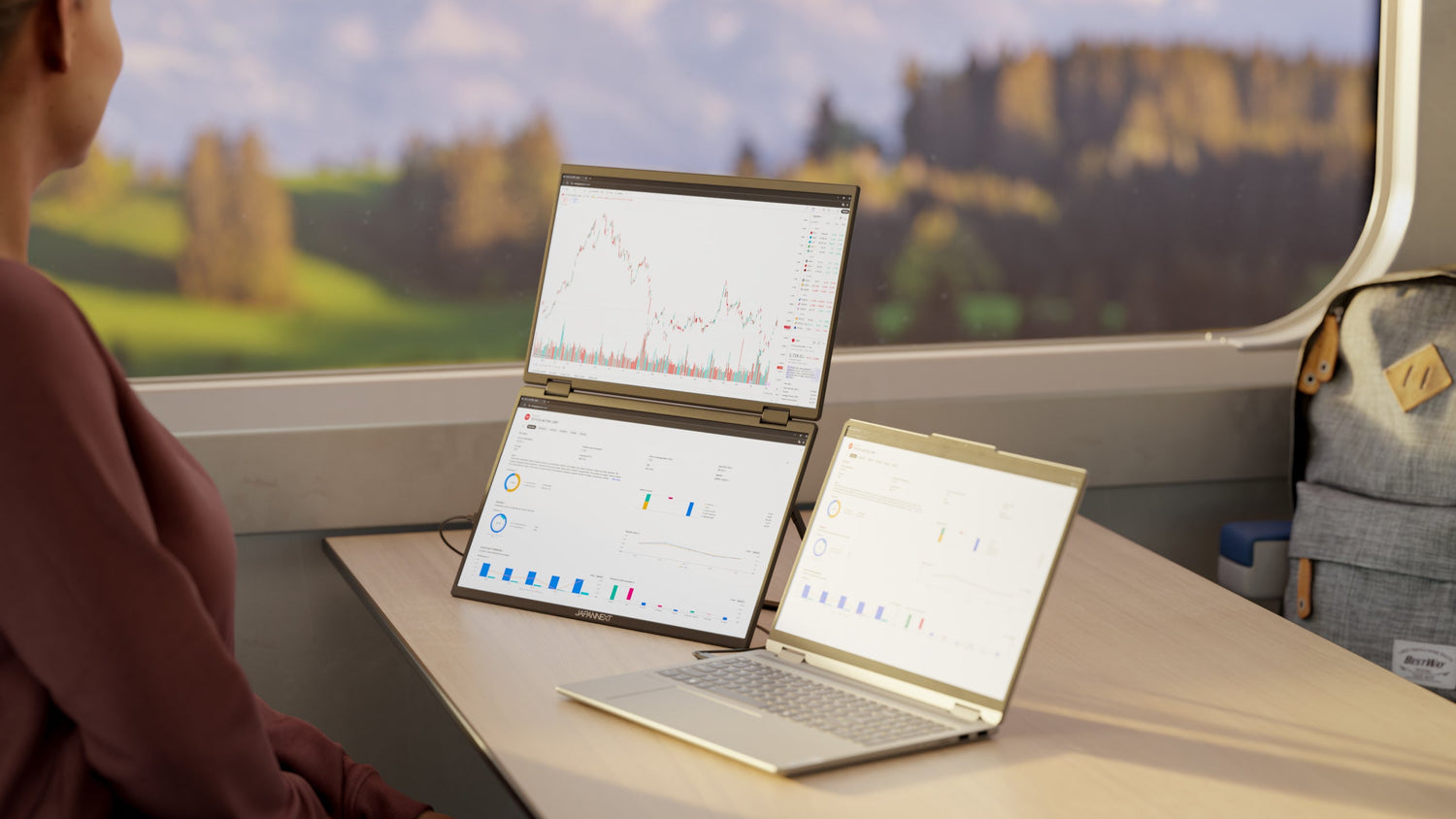
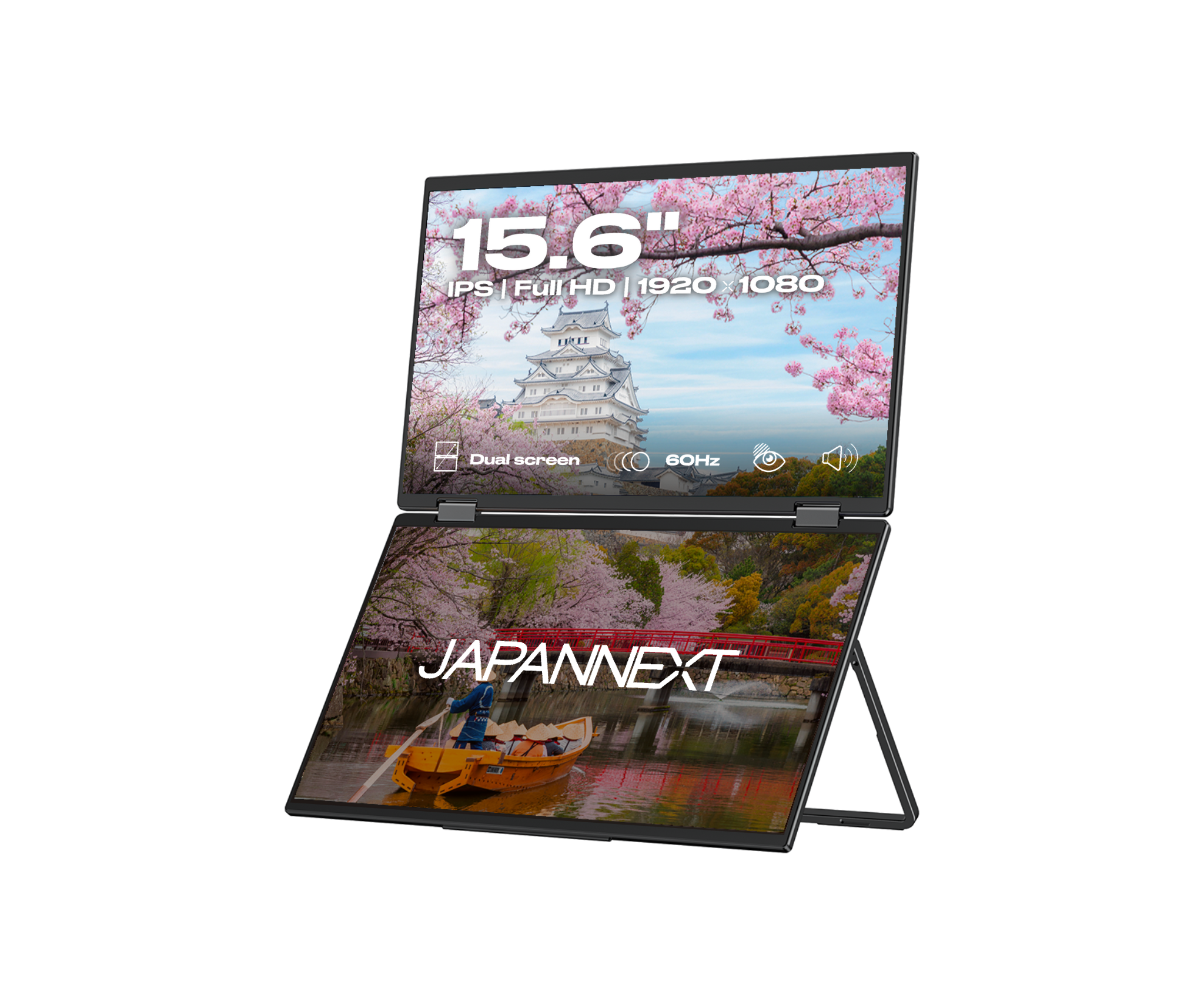
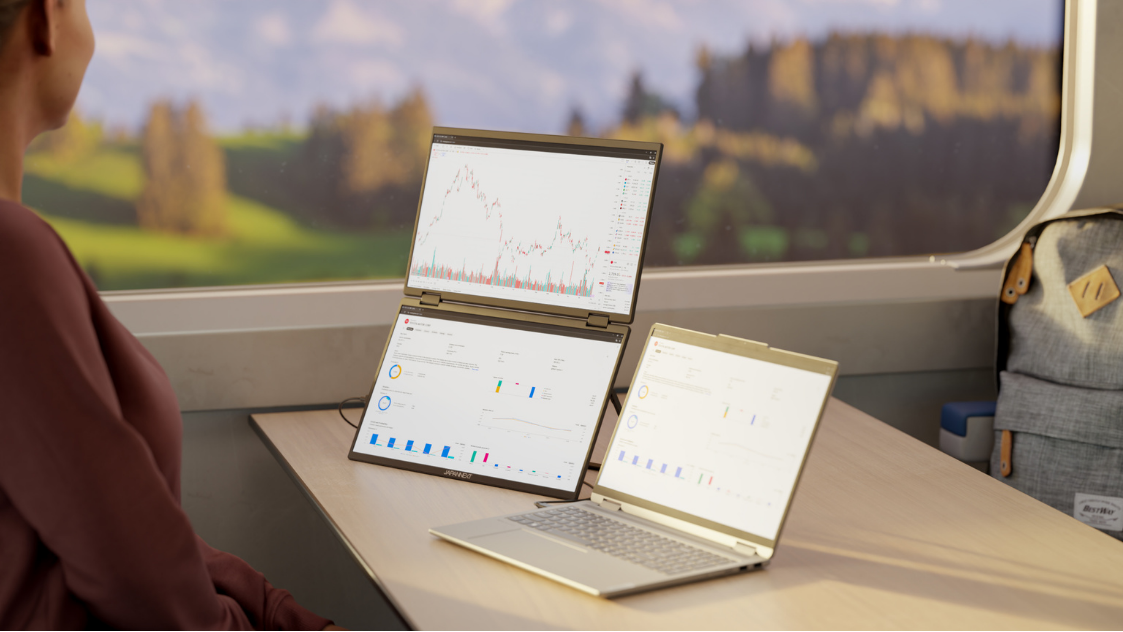
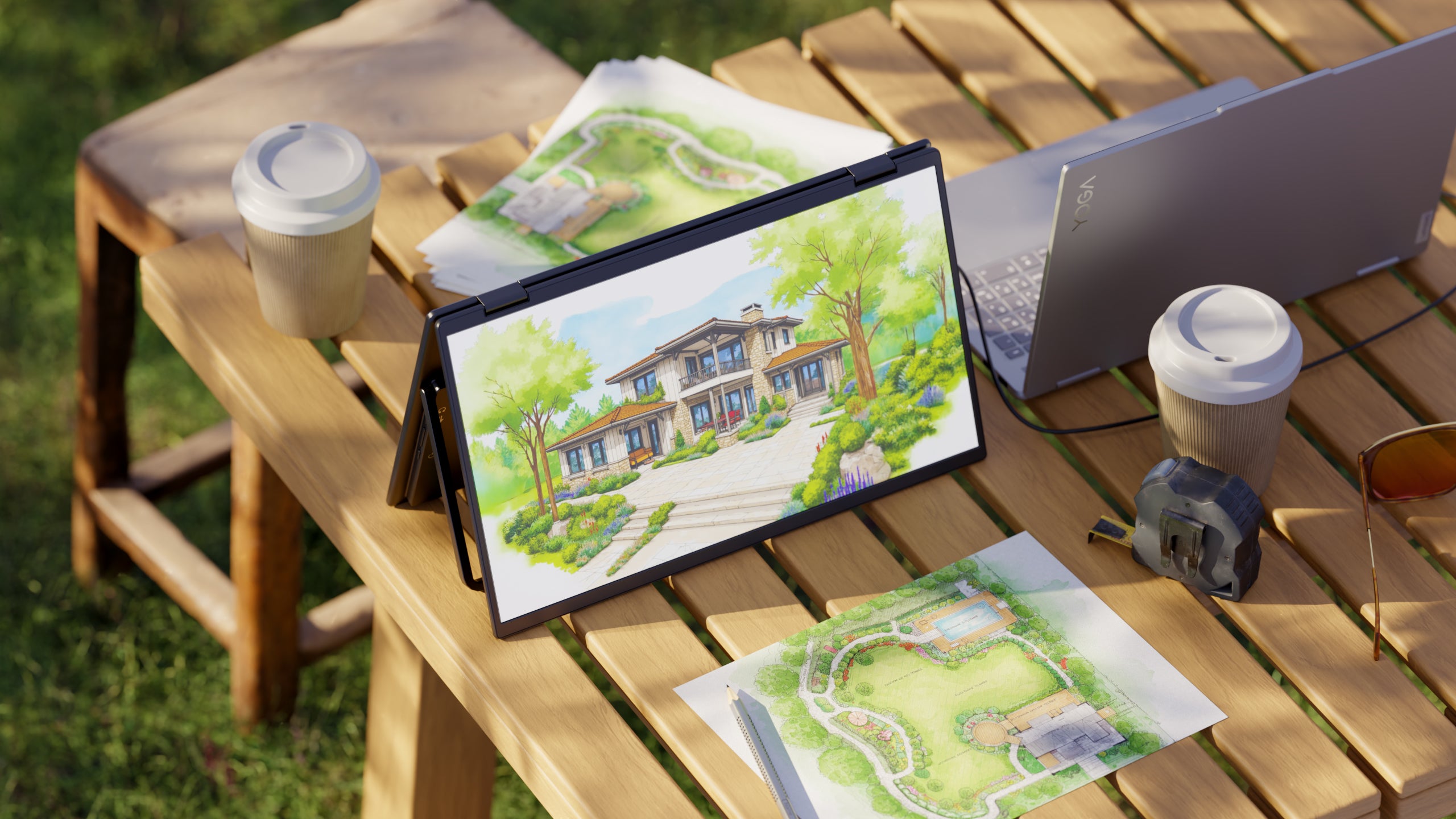
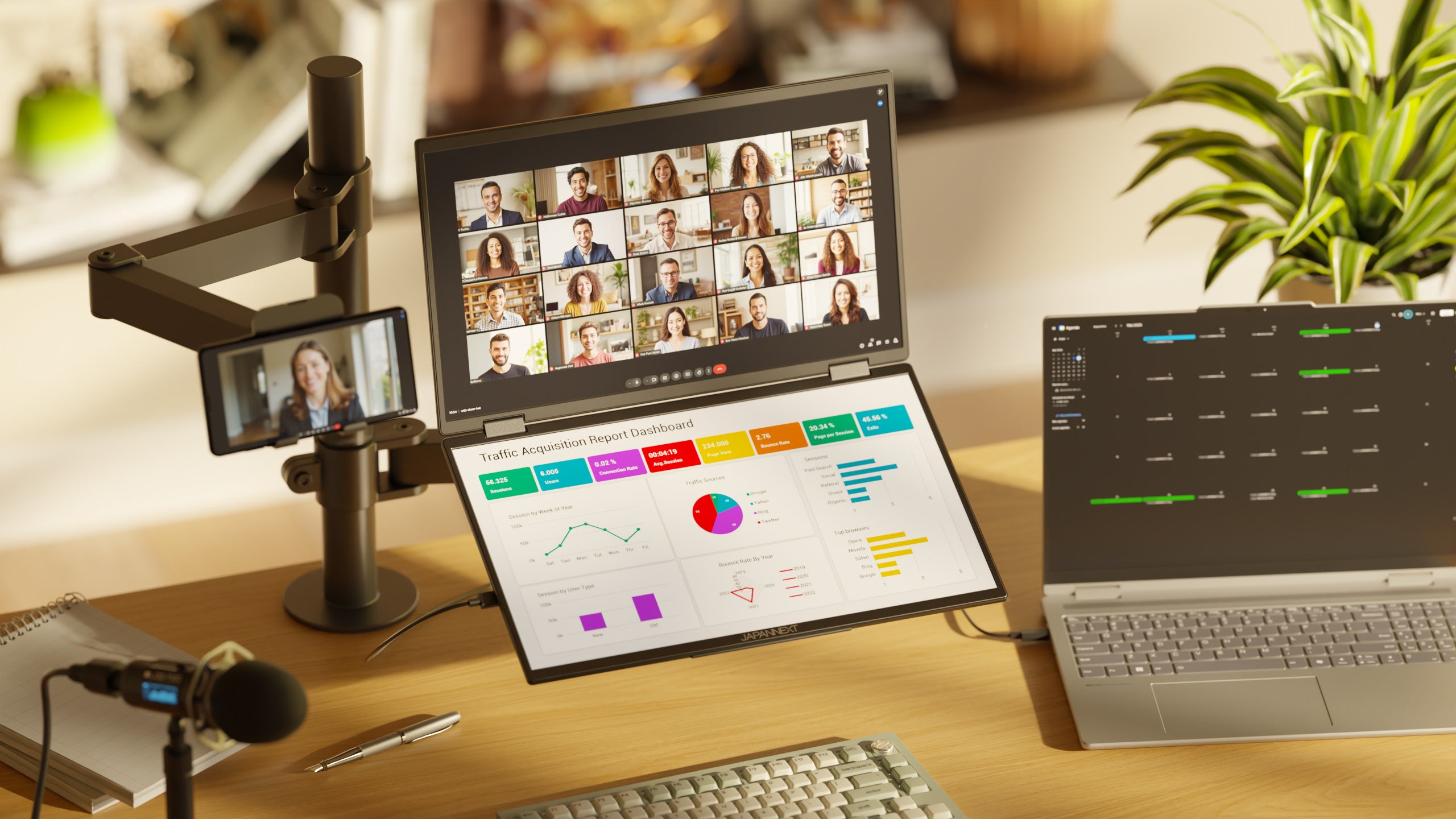
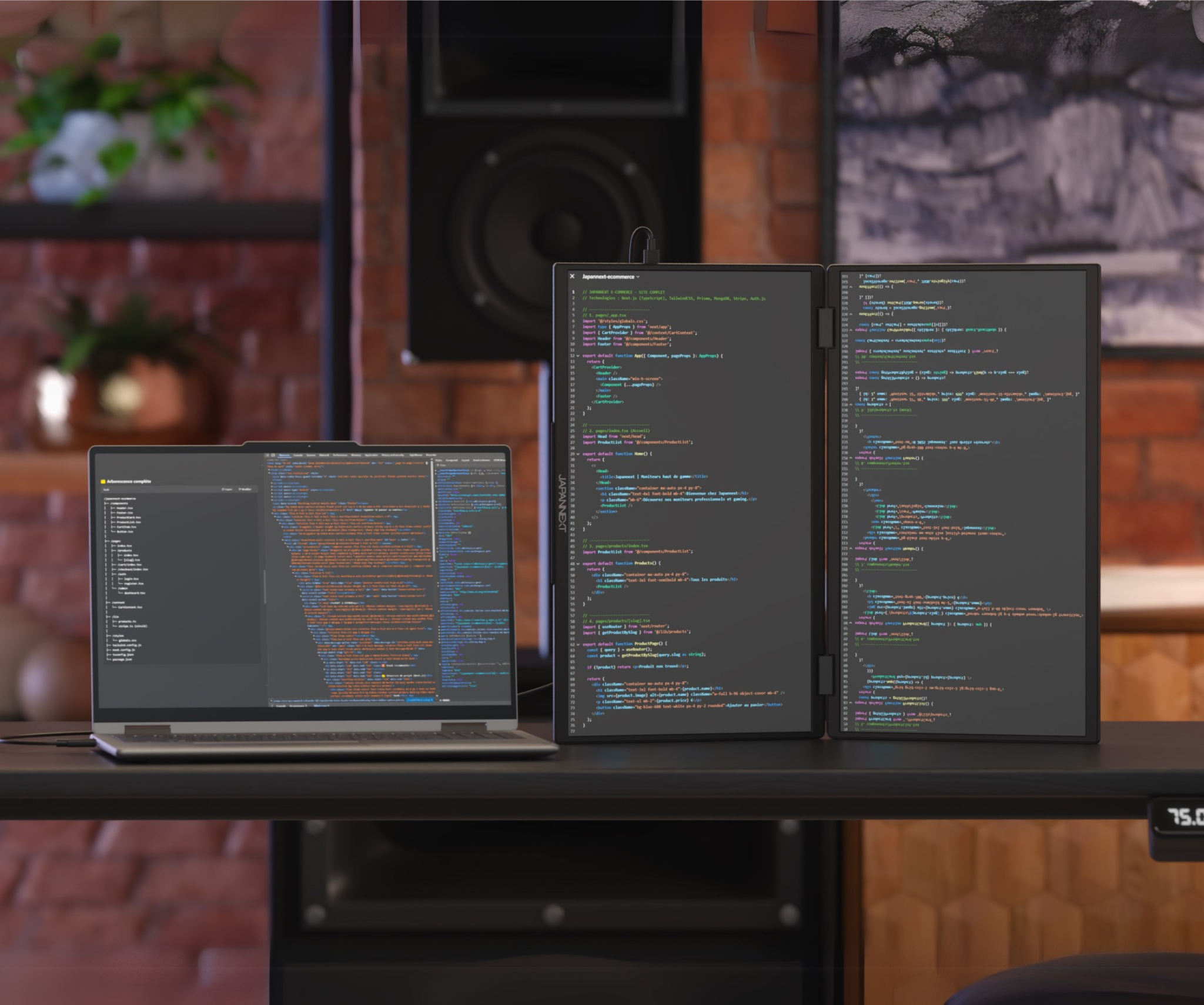
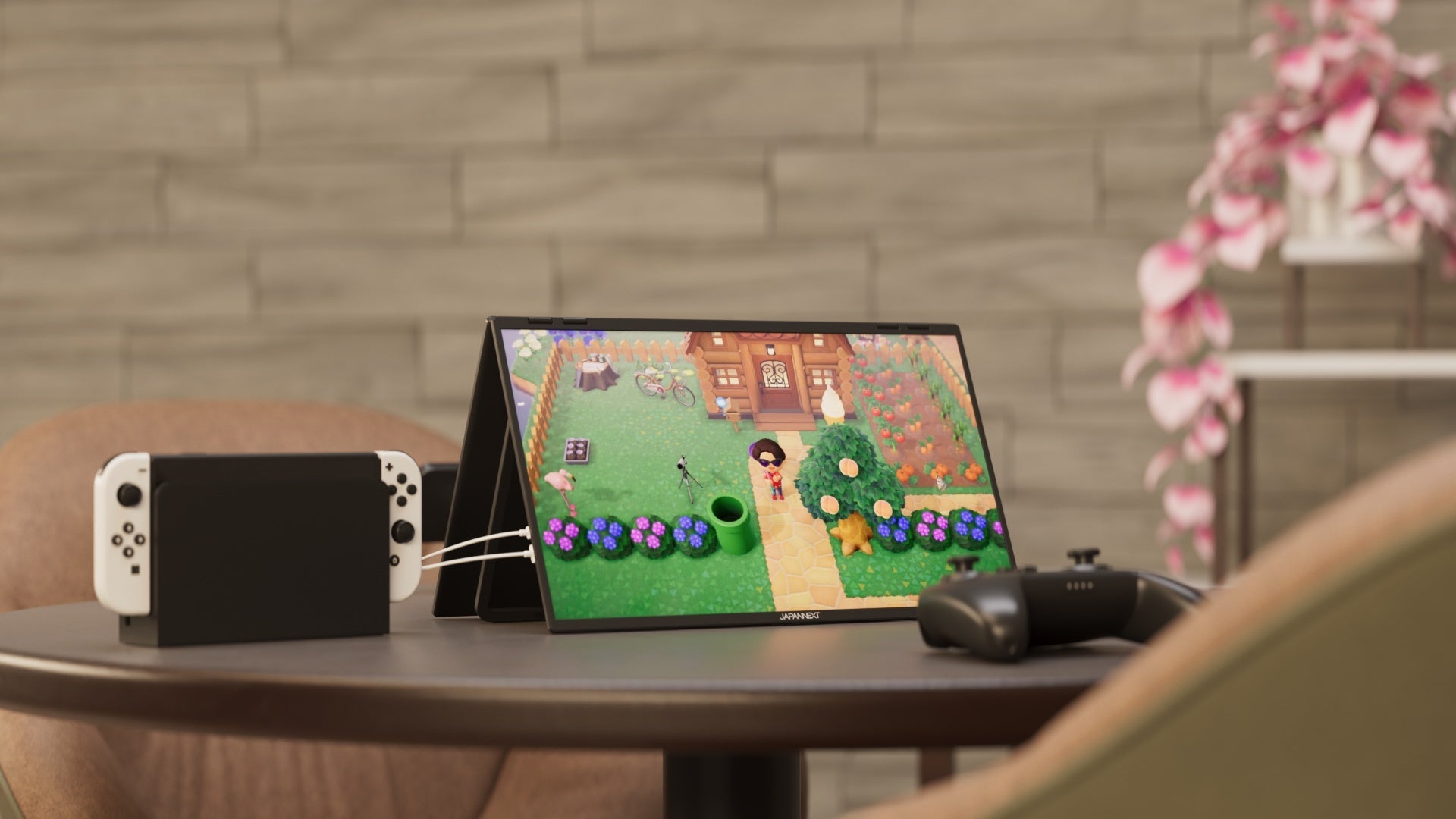
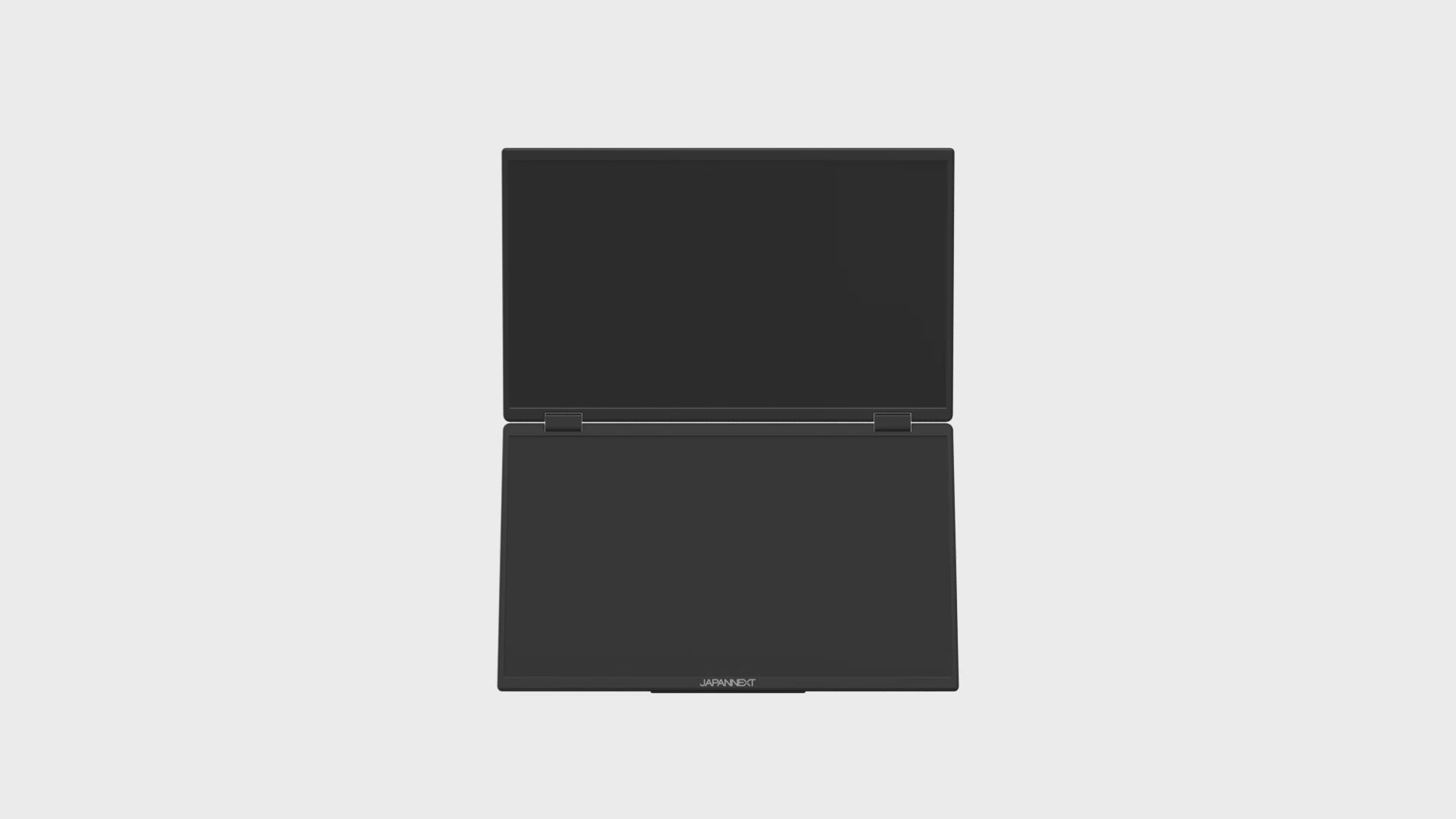
Der 15,6-Zoll-Full-HD-Dual-Monitor JN-DMD-IPS156F ist ideal für alle, die auch unterwegs professionell arbeiten möchten. Er ist leicht und um 360° neigbar und lässt sich mit nur einem Kabel an den PC anschließen – schon sind beide Bildschirme einsatzbereit.
IPS-Panel: für eine hochwertige Bildqualität
Auflösung: 1920 × 1080 Full HD
Power Delivery: Laden Ihrer Geräte über USB-C
HDR-Technologie: für stärkere Kontraste und sattere Farben
Auch als 23,8-Zoll-Version erhältlich.


Abholverfügbarkeit konnte nicht geladen werden


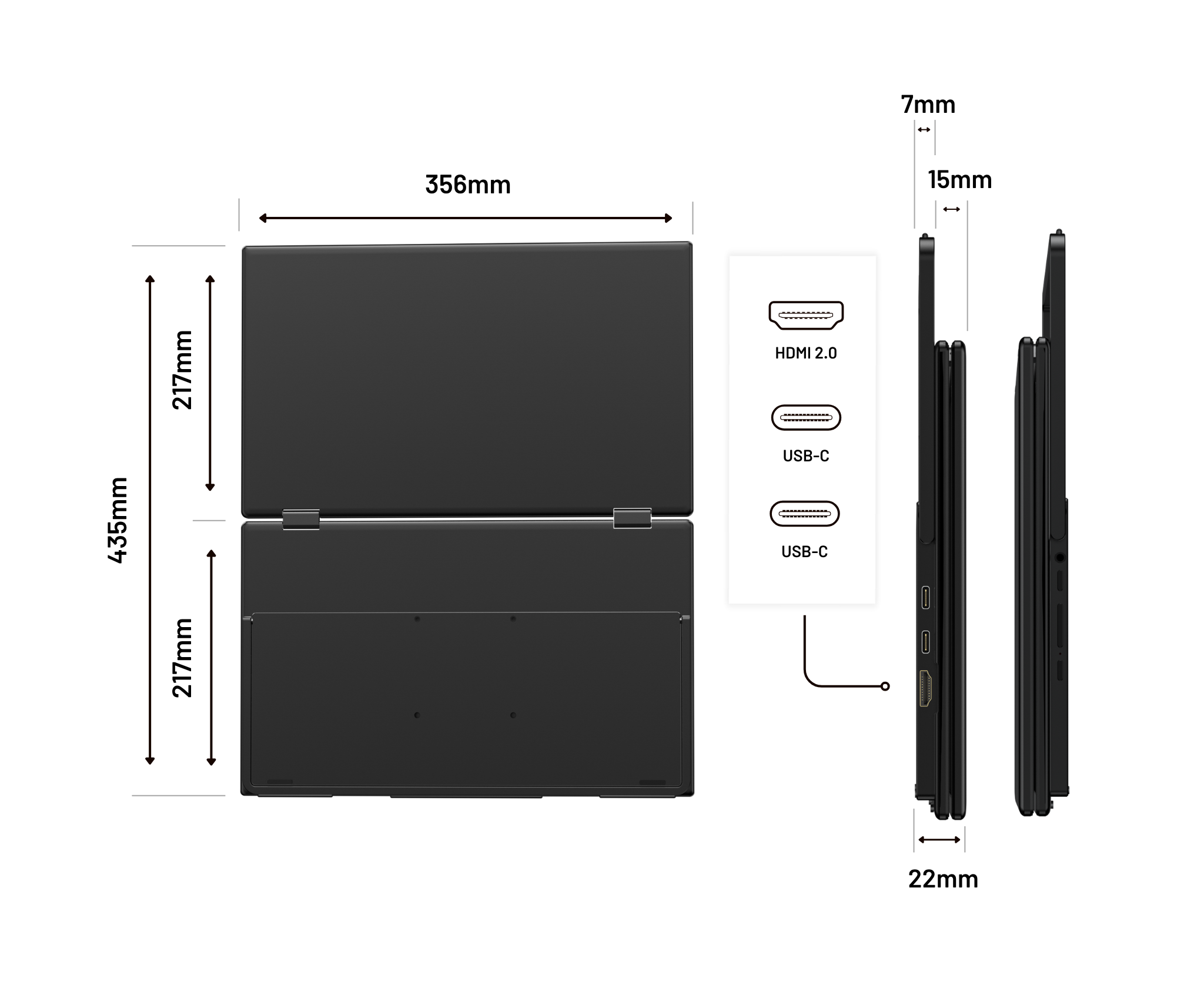
 2 x USB-C
 HDMI

Vergleich der Fliesentypen
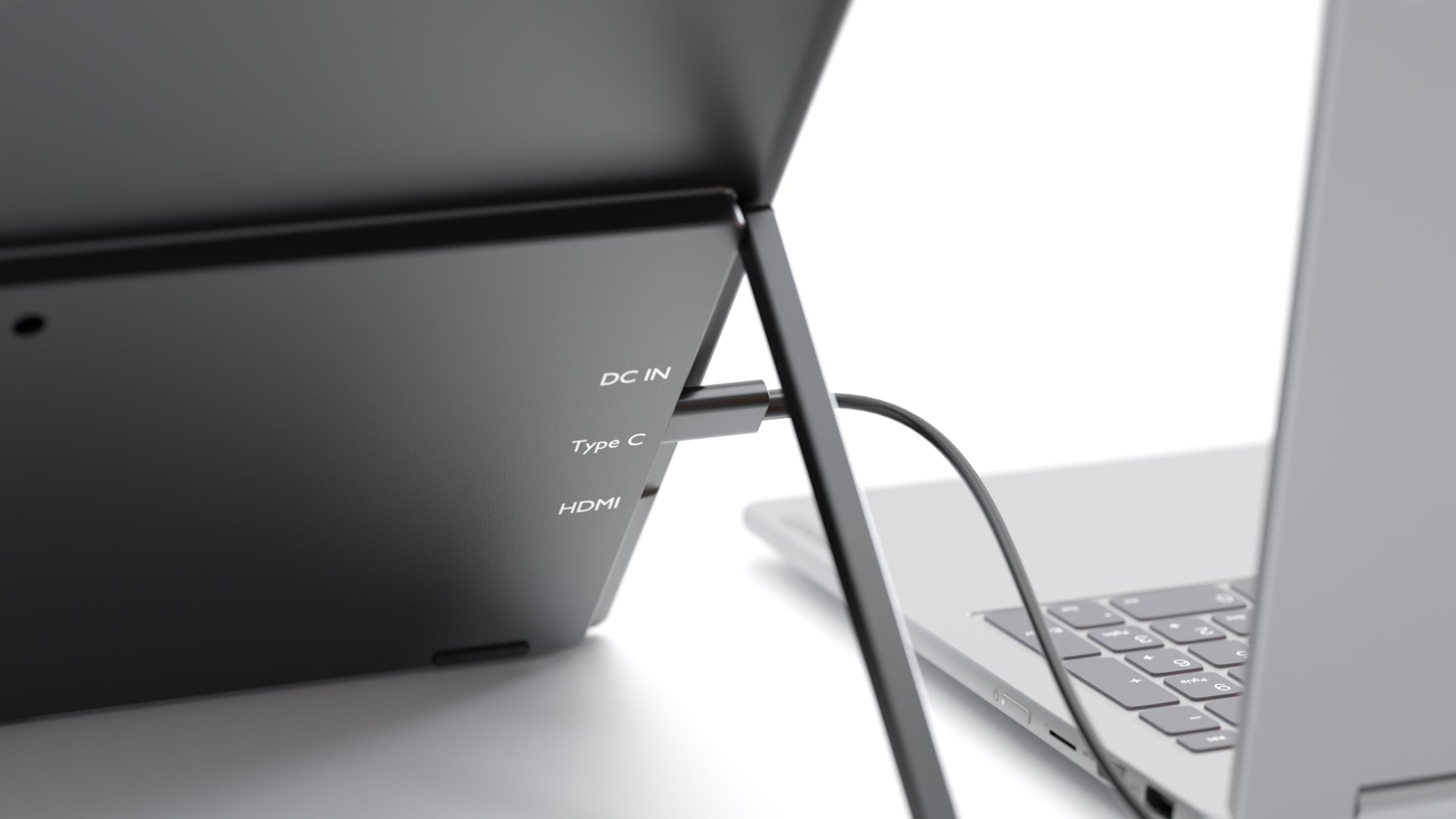
Laden über USB-C

Full HD-Auflösung
Für eine maßgeschneiderte Einrichtung


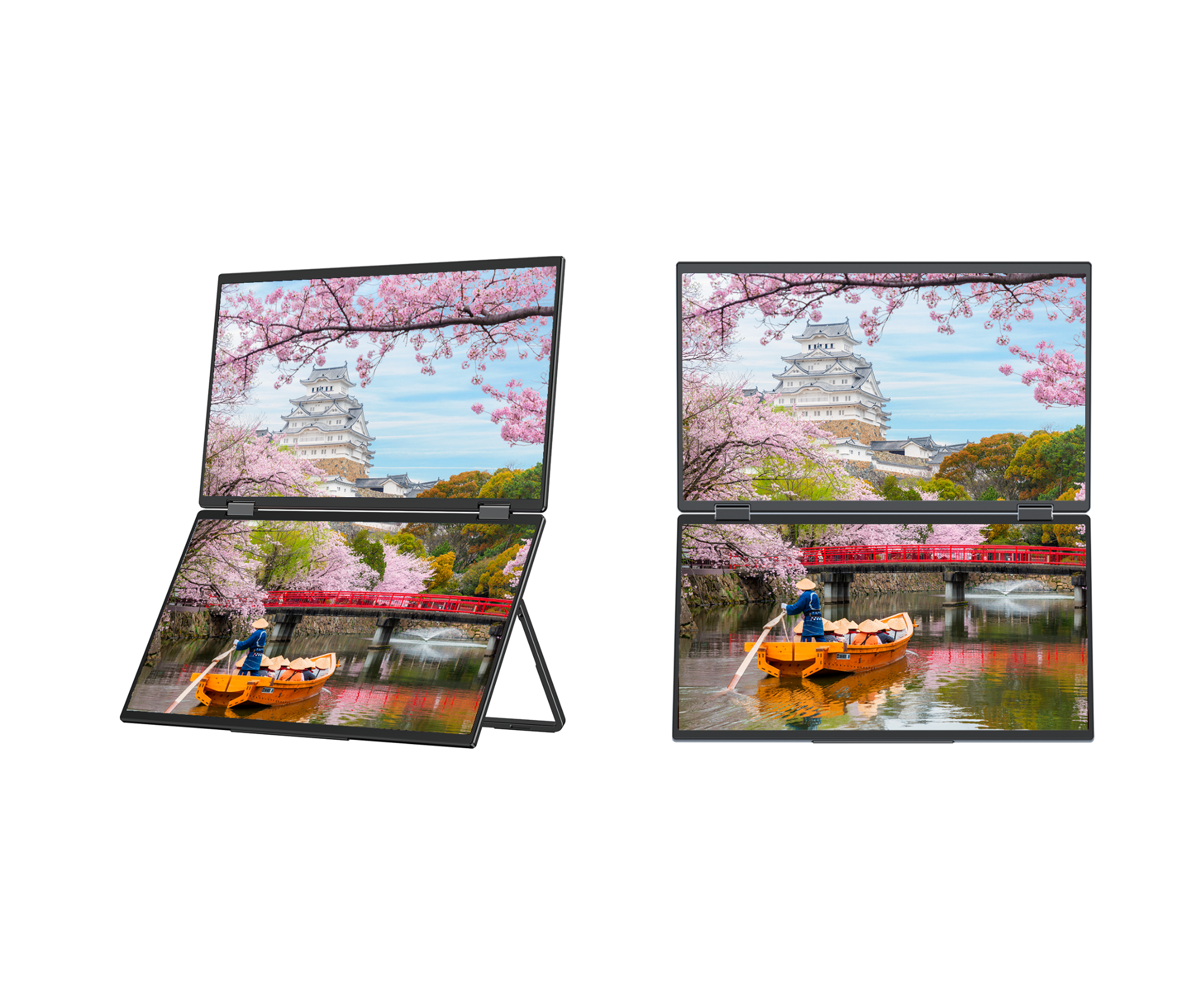
Doppelbildschirm

Zweifarbig

Doppelter Klappfuß

Kleines Format
Die Kraft der Stromversorgung


Schnellstartanleitung

HDMI-Kabel

Netzkabel

USB-C Kabel
Das Büro ohne Grenzen: Leben und Arbeiten mit einem mobilen...

Zwei Laptops mit Full-HD-Auflösung zeigen Text nicht mit derselben...

Drei Anschlüsse teilen sich heute die Rückseite eines Desktop-Monitors. HDMI,...

Hast du eine Frage ?
Eine Antwort erhalten
Finden Sie Ihre Bedienungsanleitung
Herunterladen
Kostenlose Expresslieferung
Warten Sie nicht, bis Sie Ihren Bildschirm genießen können, JAPANNEXT bietet Ihnen eine Expresszustellung innerhalb von 48 Stunden.

Dedizierter Kundenservice
Seien Sie versichert, unsere Teams stehen Ihnen mit Rat und Tat zur Seite und unterstützen Sie bei Ihrem Kauf.

Zahlung in 3 Raten ohne Gebühren
Bezahlen Sie Ihren Bildschirm dank unseres Partners Klarna in 3 Monatsraten und das alles kostenlos.