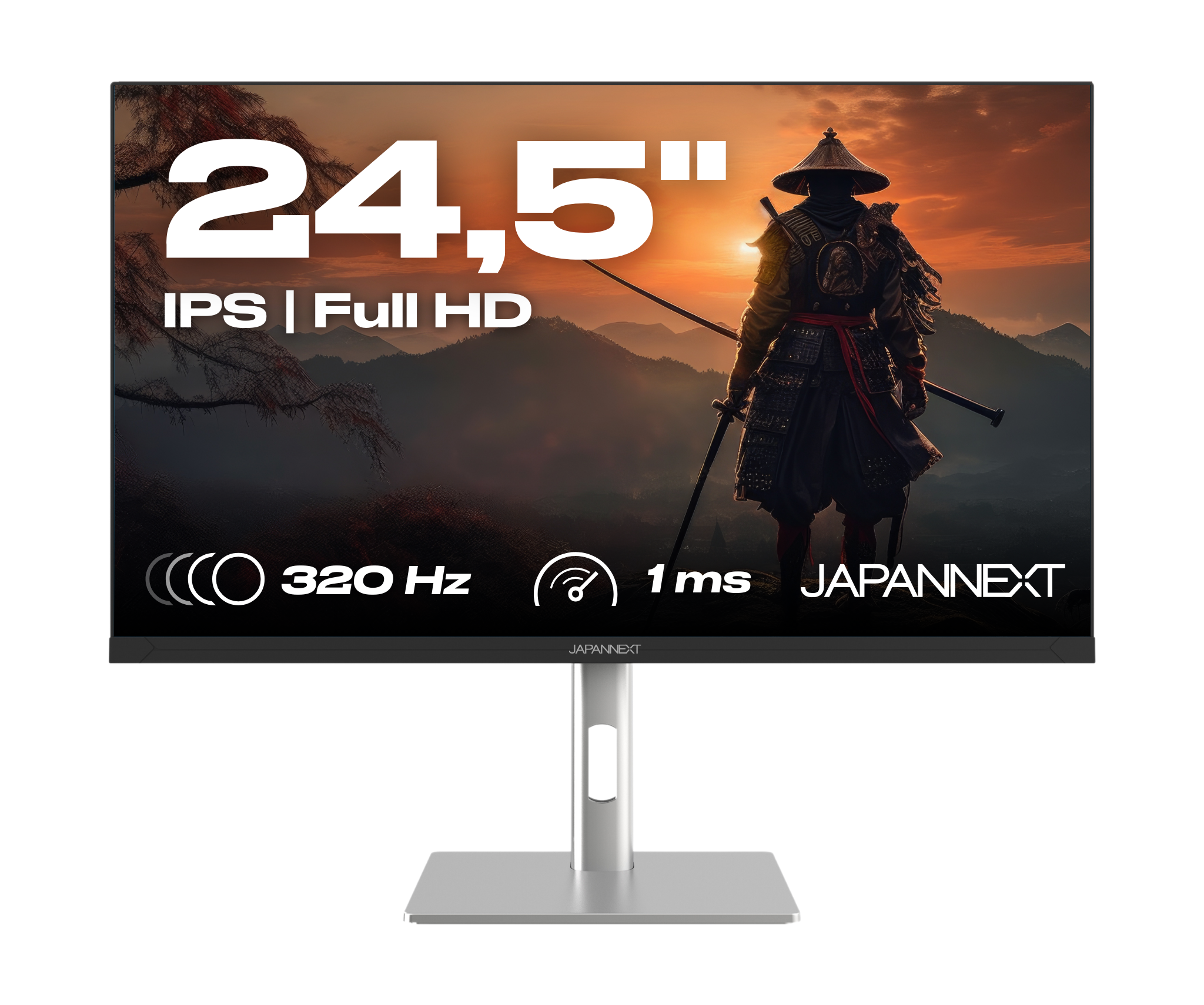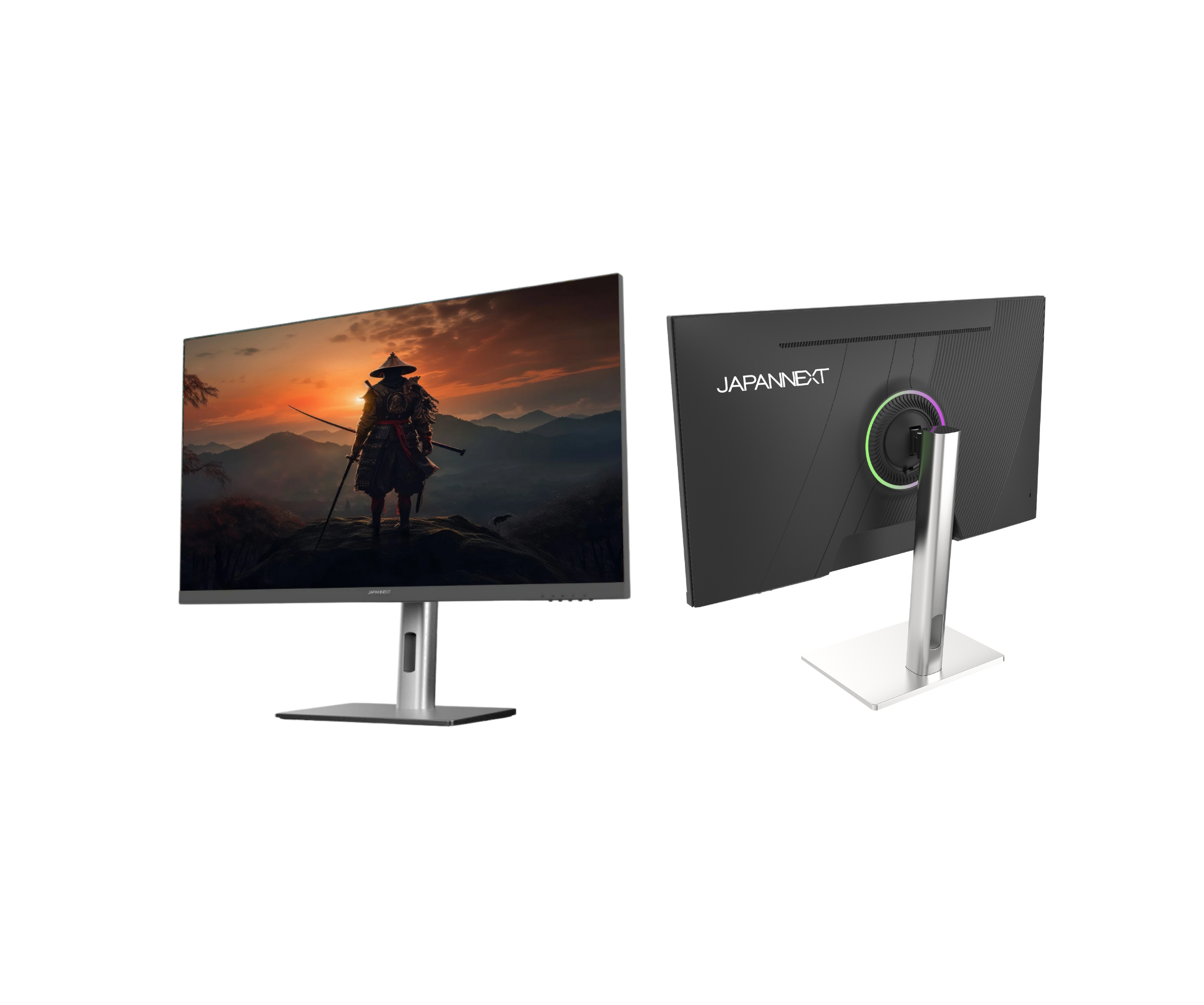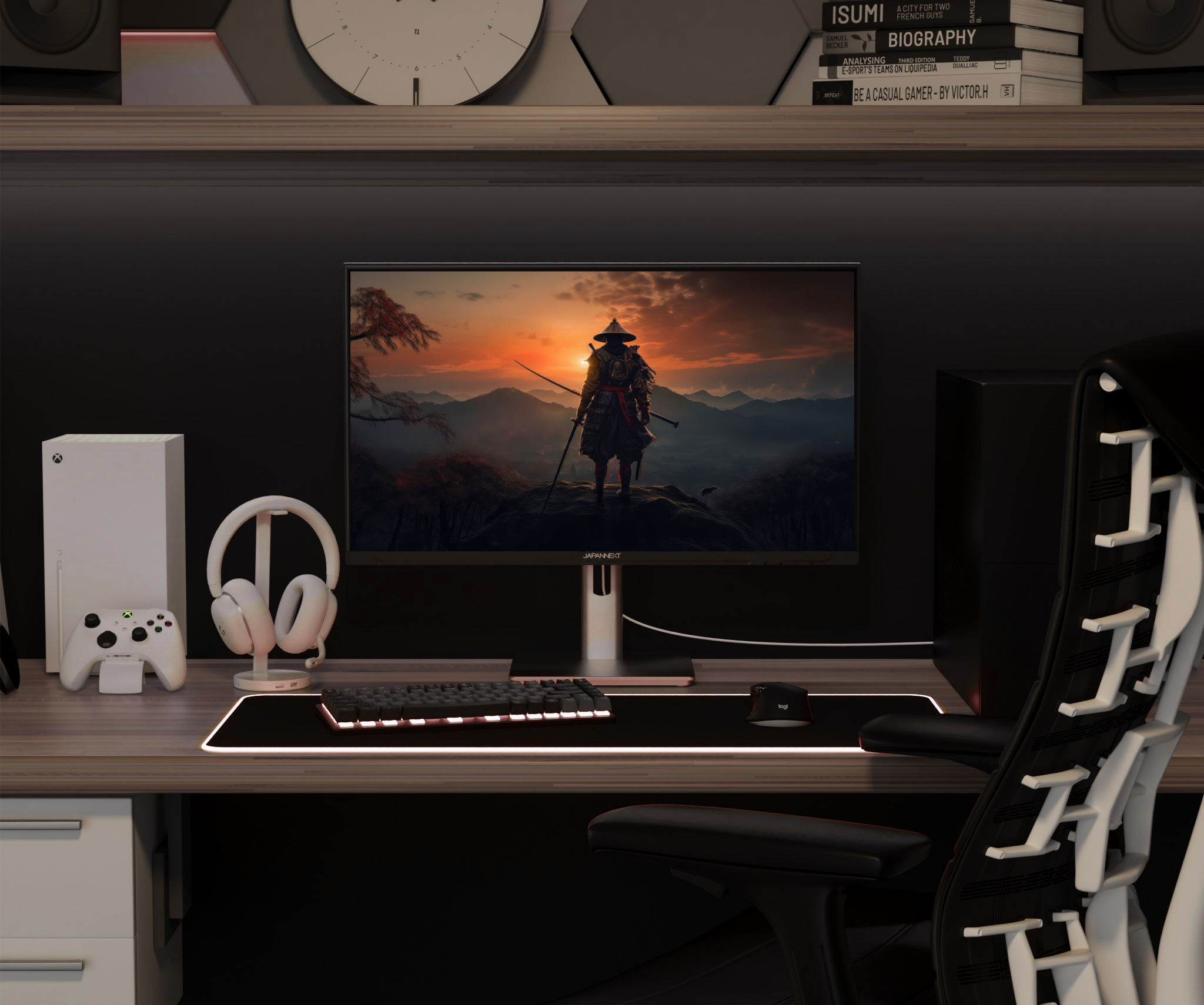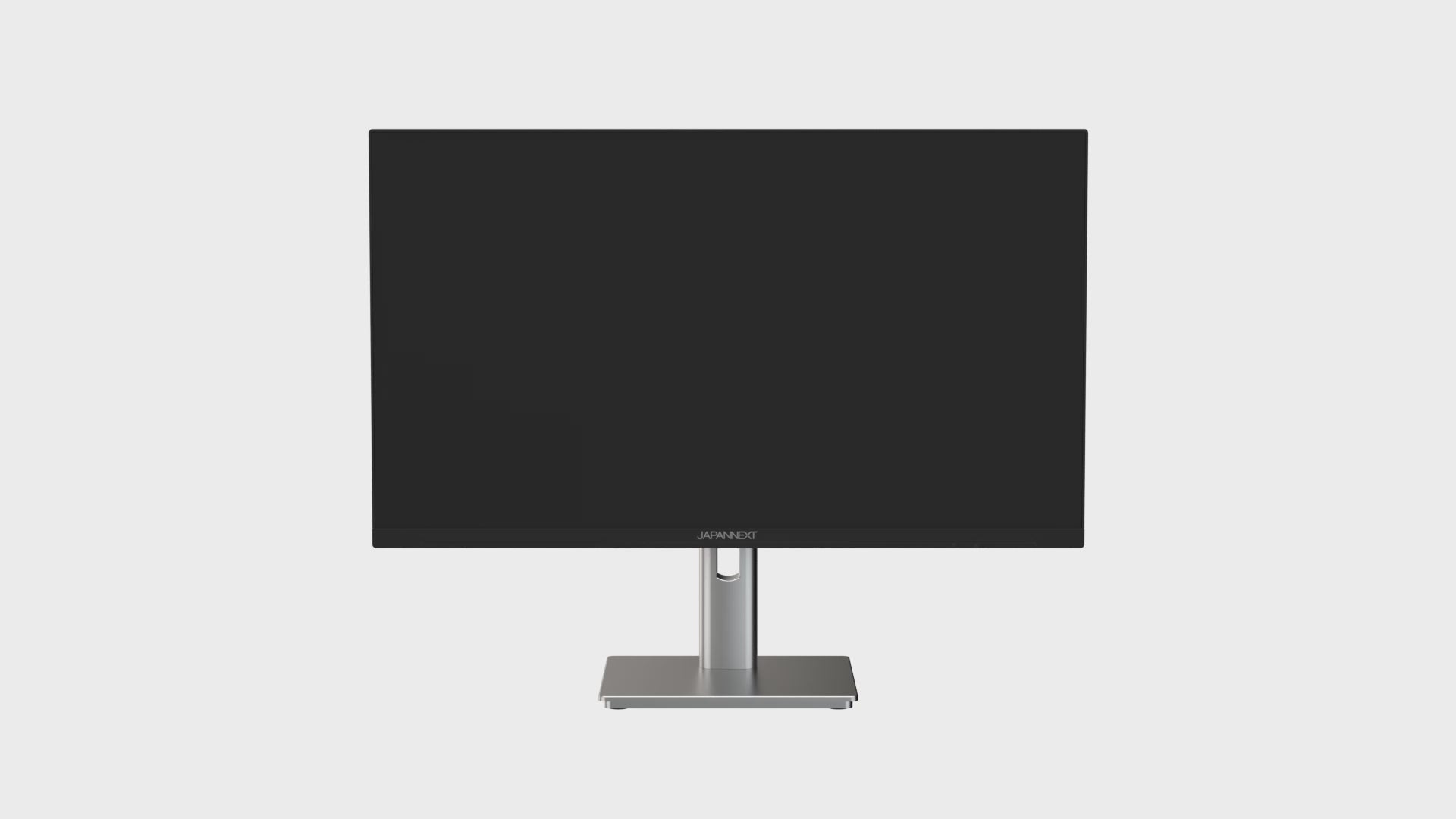
Gaming Monitor | 24.5" | IPS | Full HD | 320Hz | Ergonomic stand

JN-IPS245G320F-HSP
Skip to product information
1 of 9
  • Play video
  • Play video
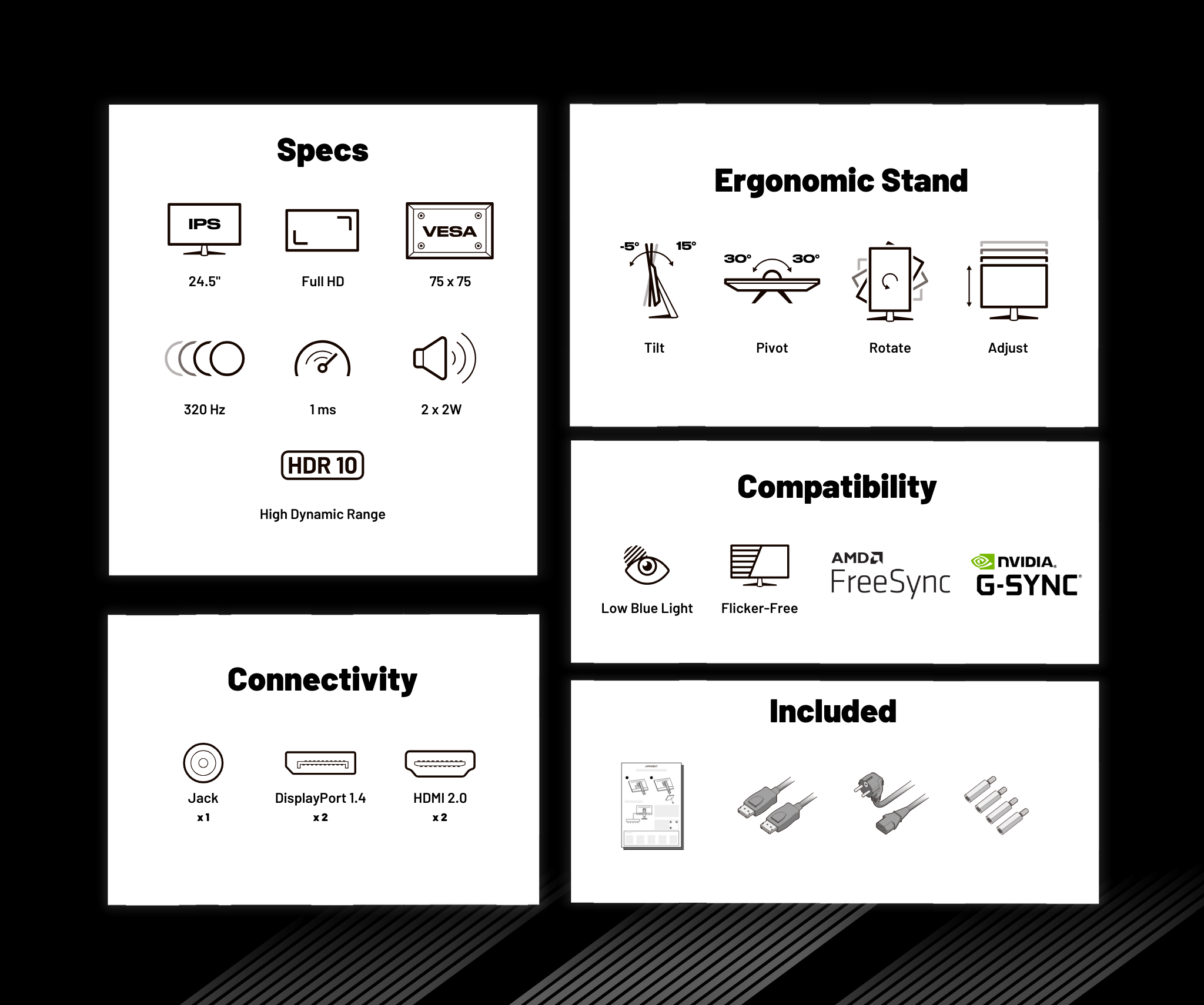
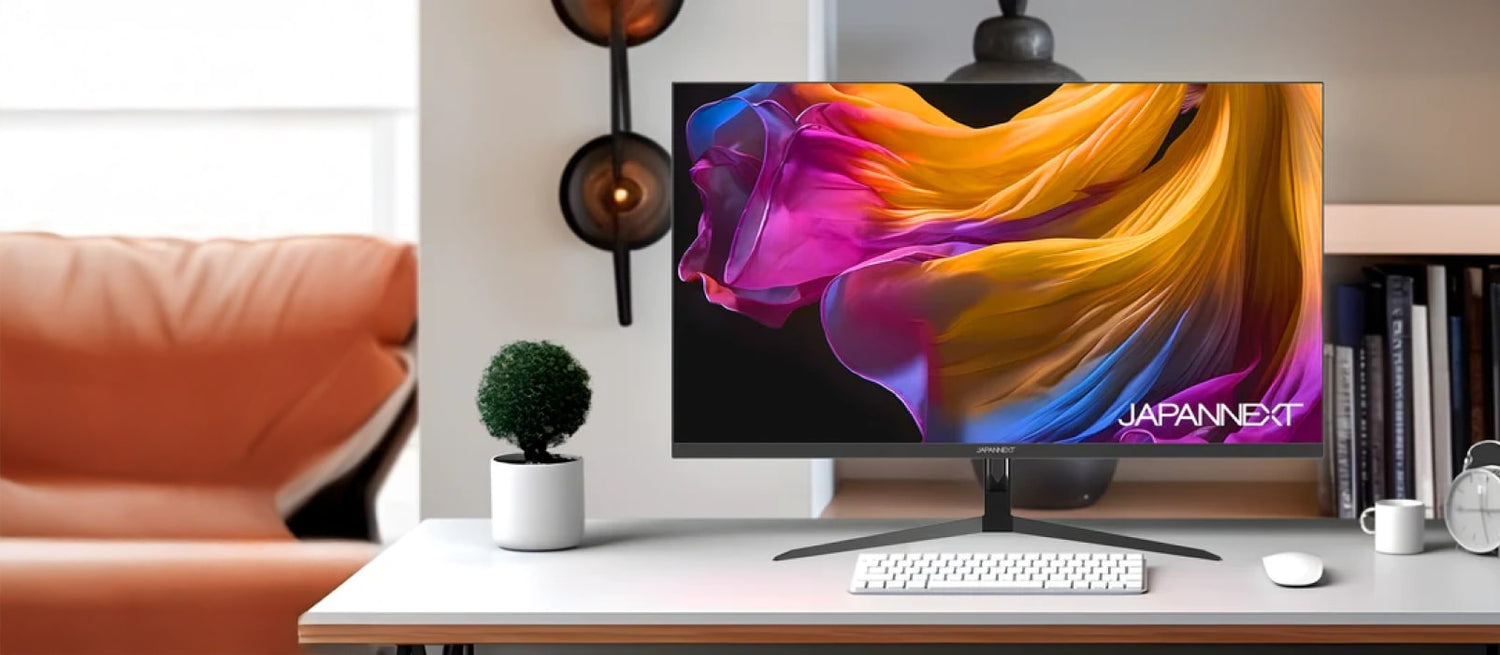
The JN-IPS245G320F-HSP 24.5-inch, 320Hz monitor, is designed to help you gain an edge over your opponents on increasingly competitive games !
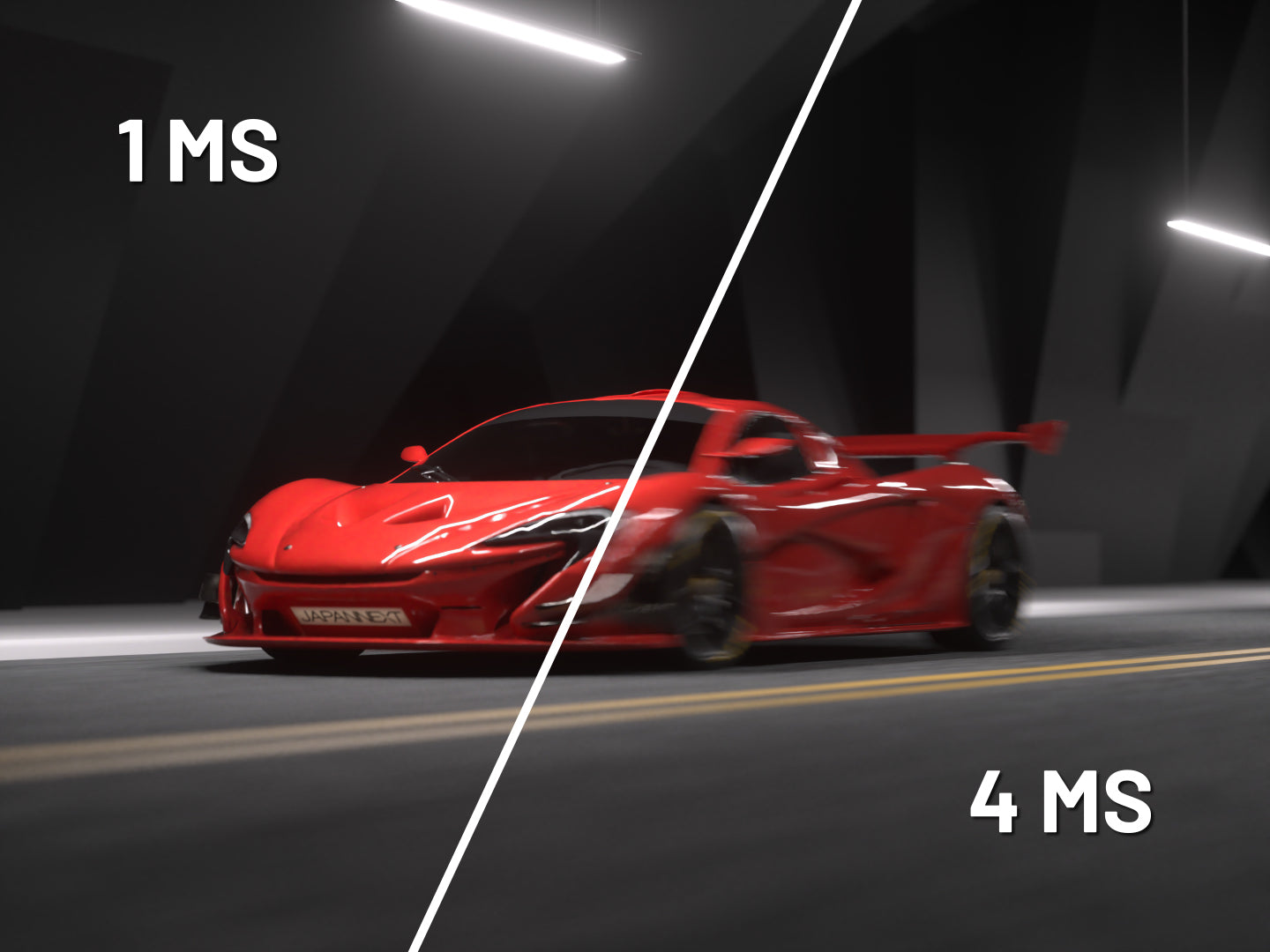
  • Response time: 1 ms
  • Panel: IPS for exceptional image quality
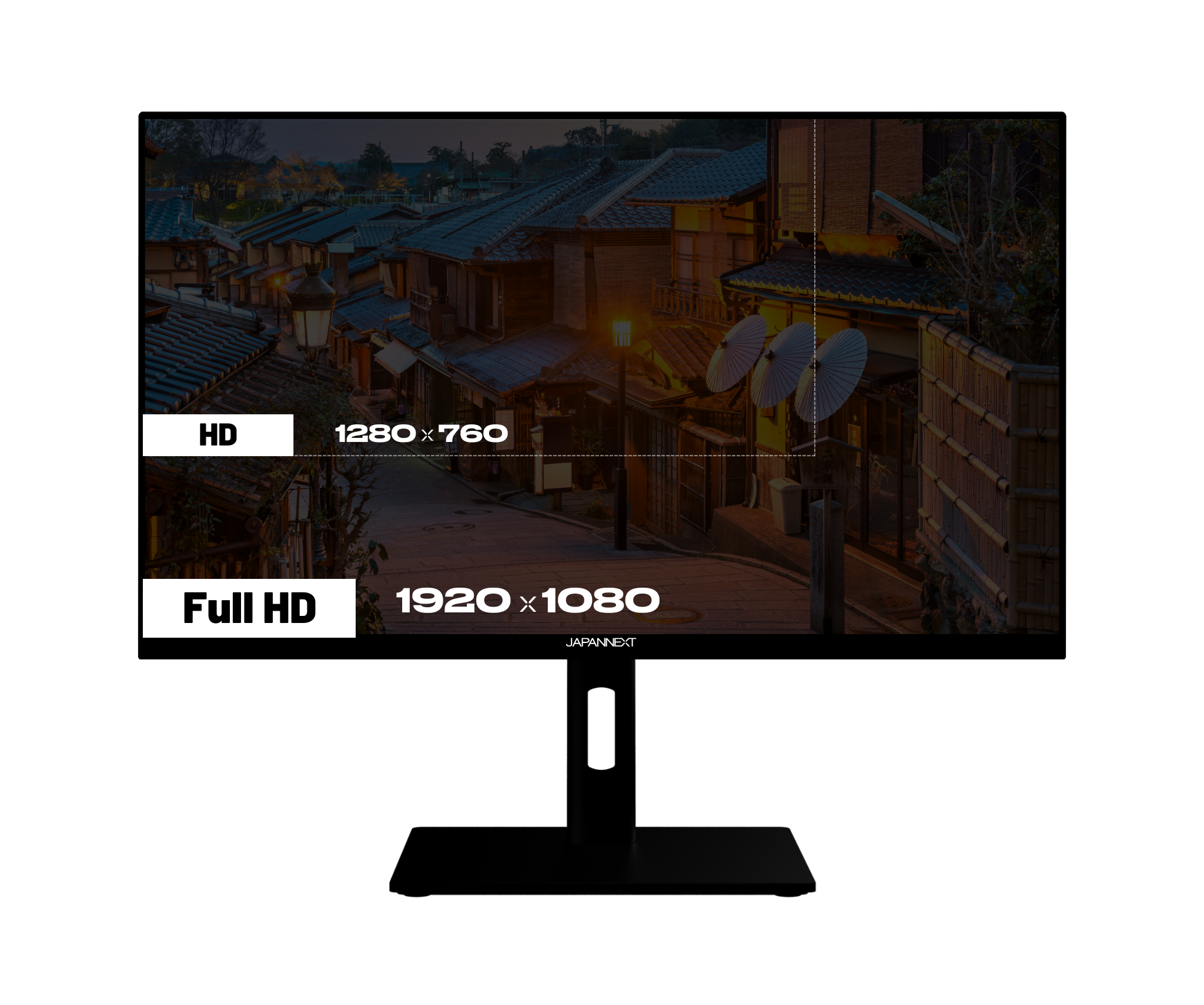
  • Resolution: 1920x1080 FHD
  • Frameless design: an ultimate gaming experience
  • Monitor compatible with all latest generation consoles
  • sRGB 97%
Regular price
249 €
Regular price
Sale price
249 €
In stock, ready to ship Delivery within 48 hours
3x Pay in 3 instalments of 83,0 Voir les conditions
Gaming Monitor | 24.5" | IPS | FHD | 320Hz
249 €
Monitor | Dual Mode FHD/320Hz - 4K/160Hz
309 €
Monitor | 23.8" | IPS | FHD | 200Hz | Camo
149 €
Gaming Monitor | 27" | IPS | FHD | 200Hz
189 €
Gaming Monitor | 23.8" | IPS | FHD | 200Hz
129 €
Gaming Monitor | 27" | IPS | WQHD | 300Hz
329 €
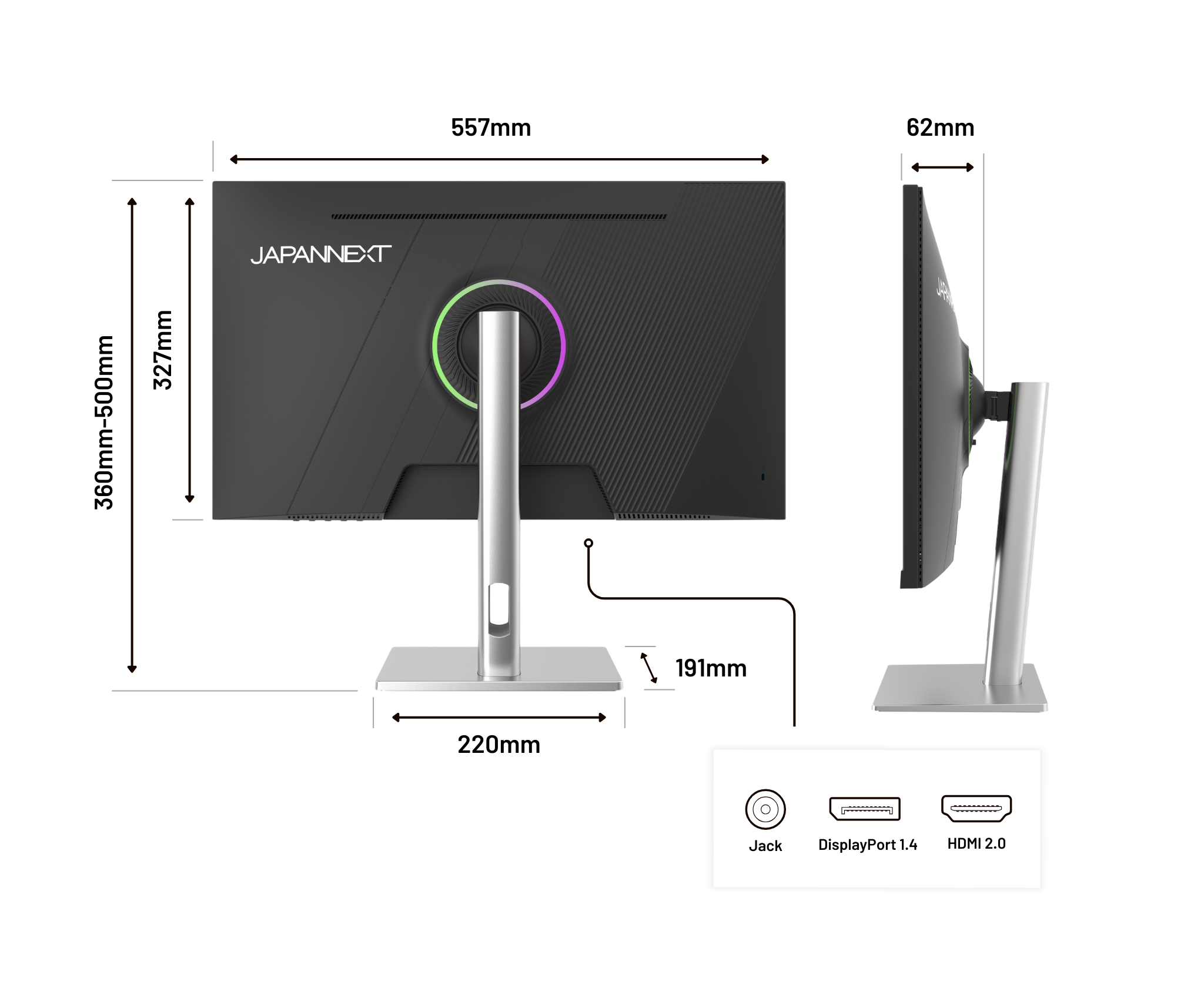
Connectivities
Energy llass F HDMI x2
Energy llass F DisplayPort x2
Energy llass F Jack plug
Écran PC gaming Japannext 24,5 pouces Full HD IPS 320 Hz, sur pied argenté
Gaming Monitor | 24.5" | IPS | Full HD | 320Hz | Ergonomic stand

Features

Suitable for all levels!

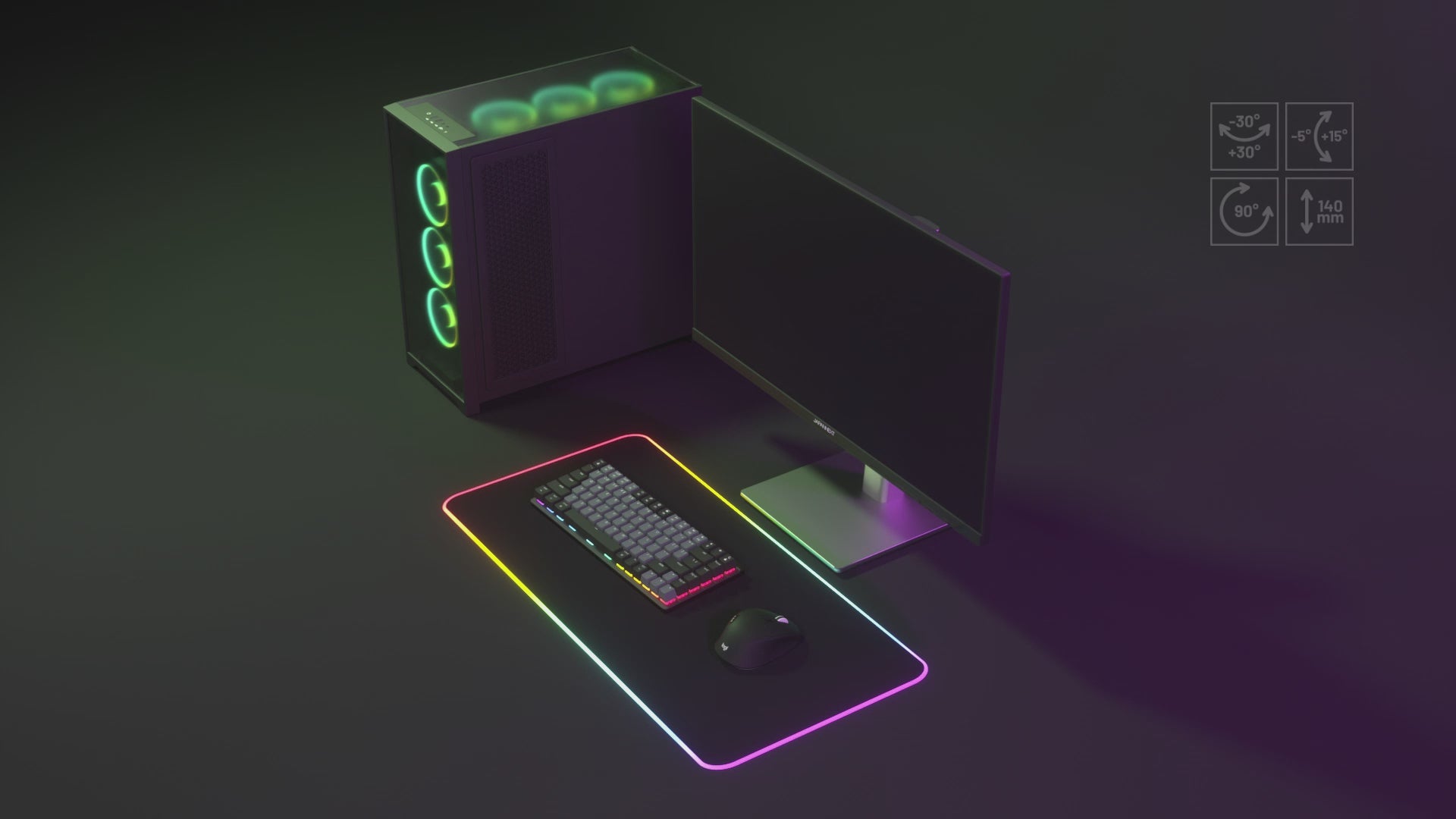
  • Drehpunkt

    Rotate the monitor horizontally to easily direct it toward a colleague, customer, or second workstation.

  • Adjust

    Adjust the screen height to suit your sitting or standing position to reduce neck strain and improve ergonomics.

  • Rotation

    Switch between landscape and portrait mode in one move, ideal for reading long documents or coding more efficiently.

  • Tilt

    Adjust the vertical angle forward or backward to ensure a clear and comfortable view, regardless of your posture.

Your ideal, next level

HDR: Realistic colors and contrasts

HDR (High Dynamic Range) improves display quality by expanding the range of brightness and colors. It makes blacks deeper, whites brighter, and colors richer.

Benefits:

  • Exceptional image quality: details are visible in both dark and bright areas.
  • More accurate colors: reproduction of a wider and more vivid color gamut.
  • Enhanced immersion: ideal for watching movies, TV shows, and playing games in high quality.
Comparaison de l’affichage HDR et SDR mettant en évidence les différences de contraste, de luminosité et de couleurs.

Low Blue Light: improved visual comfort

LowBlueLight technology reduces blue light emissions, which can disturb sleep and cause eye strain. It works by filtering or adjusting the light spectrum without altering color quality.

Benefits:

  • Sleep preservation: Reducing blue light helps maintain the natural circadian rhythm.
  • Less eye strain: Improves comfort during prolonged use, especially in the evening.
  • Family comfort: Recommended for children or teenagers who spend a lot of time in front of a screen.
Écran Low Blue Light : réduction de la lumière bleue activée ou désactivée

Flicker-Free: a clear display without flickering

FlickerFree technology removes or significantly reduces screen flicker, which is usually caused by brightness control. FlickerFree ensures stable brightness and increased visual comfort.

Benefits:

  • Reduced eye strain: limits discomfort during prolonged use, especially for office work or web browsing.
  • Increased comfort: allows you to look at the screen for hours without feeling discomfort or eye strain.
  • Suitable for professionals and students: essential for those who spend a lot of time in front of a screen (graphic designers, developers, etc.).
Écran Flicker Free sans scintillement : activé contre désactivé

AMD FreeSync: Smooth, stutter-free gameplay

AMD FreeSync is an adaptive synchronization technology that dynamically adjusts the monitor's refresh rate to match the refresh rate generated by the graphics card. This synchronization eliminates image tearing and stuttering.

Benefits:

  • Optimal fluidity: movements are more natural, with no visual interruptions or delays.
  • Enhanced gaming experience: greater immersion thanks to smooth and responsive rendering, especially in fast-paced games (FPS, racing, action).
  • Reduced latency: improved responsiveness between the graphics card and the monitor.
Comparaison de l’affichage avec et sans AMD FreeSync pour illustrer la réduction des déchirures d’image et des saccades.
Comparaison de l’affichage HDR et SDR mettant en évidence les différences de contraste, de luminosité et de couleurs.
Écran Low Blue Light : réduction de la lumière bleue activée ou désactivée
Écran Flicker Free sans scintillement : activé contre désactivé
Comparaison de l’affichage avec et sans AMD FreeSync pour illustrer la réduction des déchirures d’image et des saccades.

Technical assets

Panel
Features
Connectivity
Audio
Settings
Consumption
Condition of use
Dimensions & weight
Other
Type IPS(FFS)
Size 24.5'' (62.23 cm)
Resolution FHD (1920x1080)
Refresh Rate 320 Hz
Response Time 1.0 ms
Backlighting E-LED
Brightness 350
Contrast ratio 1000:1
Dynamic Contrast Ratio Ja
Aspect Ratio 16:9
Pixel Pitch 0.283
Angle Viewing (HxV) 178° x 178°
Colour Support 16.77 million
DCI-P3 85 %
Coating matt
Curved Nein
Touchscreen Nein
Delivered with
  • Quick Start Guide

  • DisplayPort cable

  • Adapter

  • Power cable

  • VESA spacer

Reviews
  • 5 stars: 6 (55%)
  • 4 stars: 5 (45%)
  • 3 stars: 0 (0%)
  • 2 stars: 0 (0%)
  • 1 star: 0 (0%)
f
floviio
300Hz

parfait

b
bien
surpris par la marque

je recommande

d
dann9
ecran japan

bluffé par la résolution

T
Tony
Je voulais un réglage automatique de la luminosité.

Avec une résolution WQHD et une dalle IPS à ce prix, je trouve que le rapport qualité-prix est excellent. Il fonctionne sans problème avec la PS5 et la connexion avec le PC se fait automatiquement, ce qui permet de changer de source sans stress.

B
Bruno Ronua
PS5 et pc

joueur fps, plaisir de jouer

l
lisandriZEE
Cheap and easy way to 4k 160fps

I have to compare this to my previous monitor, the benQ EX2710R.First the negatives, which I noticed first.- OSD and buttons are primitive and difficult to navigate. 5 buttons. The monitor by default is set to FHD (1080p 320hz) and it took about 20 minutes to get used to the buttons and navigating this menu to set up the monitor. BenQ had a light for the power button, which was easy to find and convenient.- no USB. This was used for powering my monitor lamp. It would be handy to have 1 or 2 USB ports.- Speakers. These are very limited, and fine for watching youtube. But playing games, you wont be able to hear footsteps or dynamic range. I played call of duty to test, and after switching to an external speaker, I realized I was missing out on a very important element of the game. Speakers aren't loud, but fine for a quiet room, so gaming at night when everyone is asleep is convenient. Good focus on voice. I'll buy and use external speakers, but I am glad for the limited range and quiet speakers that are available.- 2 modes, 4k and 1080p, are changeable via the monitor setting. There's little need to change from one to the other, unless you change genres of games. I am yet to test it out.- Monitor mounts for the monitor arm were not so tight and easy. I had some space left, meaning the screw into the monitor was not so deep for the bottom VESA screws. I couldnt find other screws that came with the monitor mount, if there were any. Everything is secure, but the bottom screws didnt tighten as much.- Rear colour wheel light is kinda useless, but that's ok. It just lets me know that the monitor is on.Positives+ Weight of the monitor is 4.1kg compared to 7.1kg of the previous monitor. I don't care for curved screens going back to flat panel. This is great for the monitor arm.+ Screen is beautiful, IPS is dominant over the VA panel compared. Gaming in 4k is sensational. With a 6800XT I can get max 160fps in call of duty at 4k. Brightness and clarity is fine.+ It wasnt advertised, but there is blue light reduction in the monitor settings. I dont feel the need to use the monitor lamp as much as I did with the VA screen, because of the colour reproduction and brightness.+ I paid 44000yen during the release week, which is half of what KTC is asking for their monitor which has the same specs.There wont be any support from the manufacturer, such as color profiles or drivers. It's a very cheap way to get 4K and 160fps. I'm over 40 now, and can't see or notice high FPS. I'll use Dynamic Resolution and lossless scaling to achieve excellent visual quality, but also aim to keep my PC cool and power bill down.If the monitor had 2 USB slots, and the buttons for screen navigation were more modern, I would give it 5 stars.

t
tibitecks
Really good value

It's a really nice 4K 27" 120hz+ panel. The connections work and everything is straightforward. Accurate color gamut and calibration. The stand is sturdy and doesn't wobble. No problems with EDID compatibility.I have another 4K 27" display from a different (more famous) manufacturer, which cost twice as much two years ago, and this JapanNext one is better.

ユ
ユーザー
PS5Pro・モンスターハンターワイルズ用に。

以下、私の主観であることを念頭に、参考程度に留めて貰いたい。新品時点では本モニターが原因で不自由することは全くない。敢えて言うならば、音が多少チープではある。しかし、結局の所テレビではなくモニターであるが故、自前の音響設備は用意していると思われる為、試行用に音さえ出れば良いと考えれば、実質的に問題点はないと言える。日本企業の製品でもあり、取り敢えず買ってみても問題ないと思われる。購入したばかりの為、耐久性は未だ不明であるが、そもそも精密機器は壊れやすいものである。

小
小南和也
MADEIN JAPAN

ça se ressent dans la qualité, aucun regret

ア
アキ
映像はキレイ!スピーカーが…

PS5用のモニターを目的に購入したので良いのですが、内蔵スピーカーの音質があまり良く無い印象です。若干遠いと言うか、くぐもった感じに聞こえました。また、付属のリモコンの応答性も余りよくなく、何度も押しても反応しにくい事が多いです。プレイ時にはPS5本体とBluetoothヘッドホンを直接繋いでるので個人的には大きな問題にはなりませんでしたが、スピーカーから音を出したい方は気になるかもしれません。モニターとしては十分色が鮮明に表現されますし、4K程では無いですがフレームレートも高い様に思えます。

I
Isidro martin
Xbox X

Acheté pour le dernier Halo. ras

Helpdesk
The monitor specialist
  • FREE Express Delivery

    No need to wait to enjoy your screen, JAPANNEXT offers express delivery within 48 hours .

  • Dedicated customer service

    Rest assured, our team is available to advice you and support you in your purchase.

  • Payment in 3x without fees

    With our partner Klarna, pay for your screen in 3 monthly installments and all free of charge.