Curved Desktop Monitors: Are they right for work?
With the constant evolution of display technologies, curved monitors have...


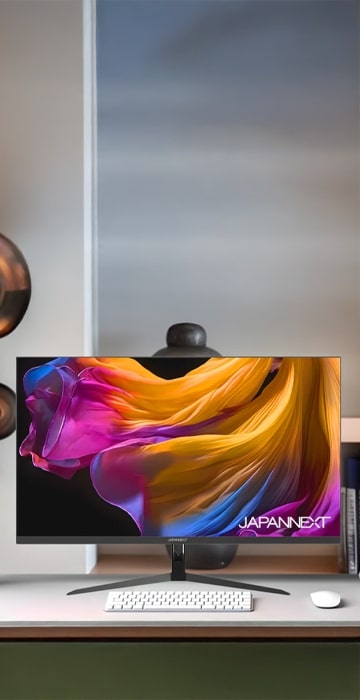
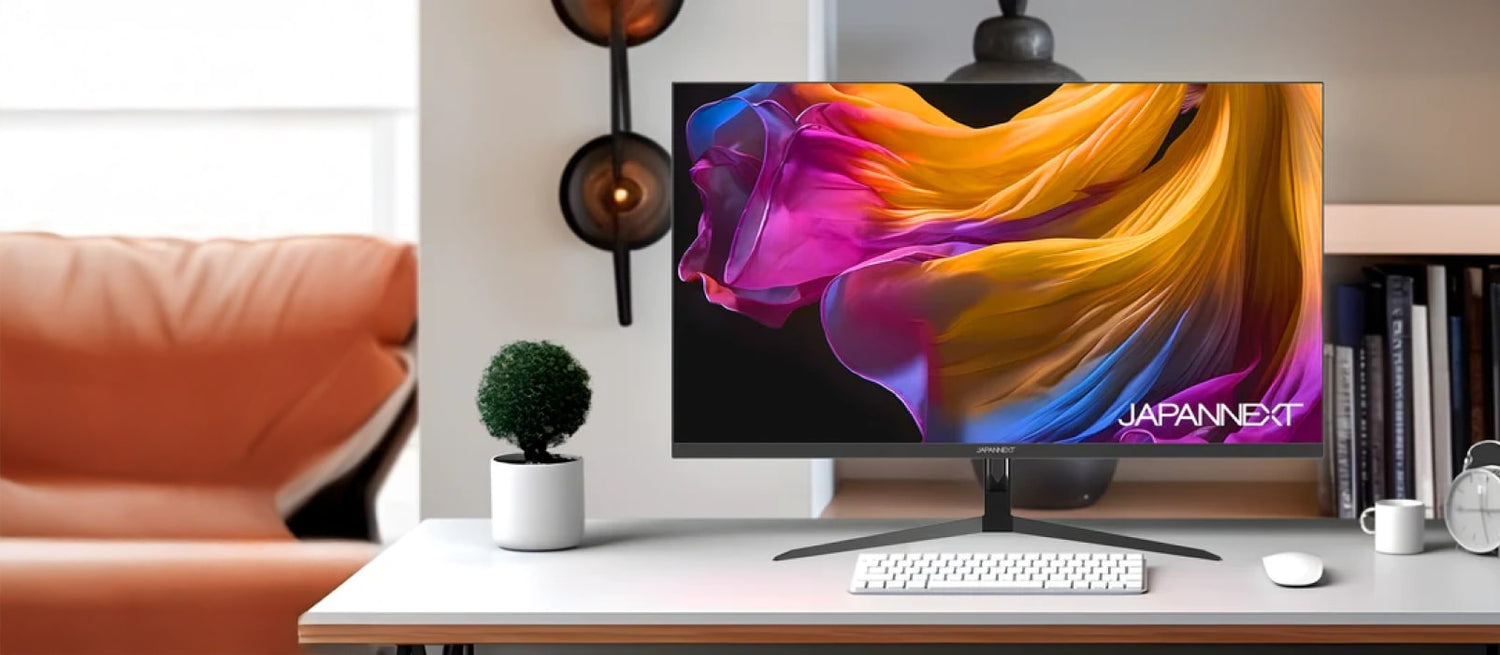
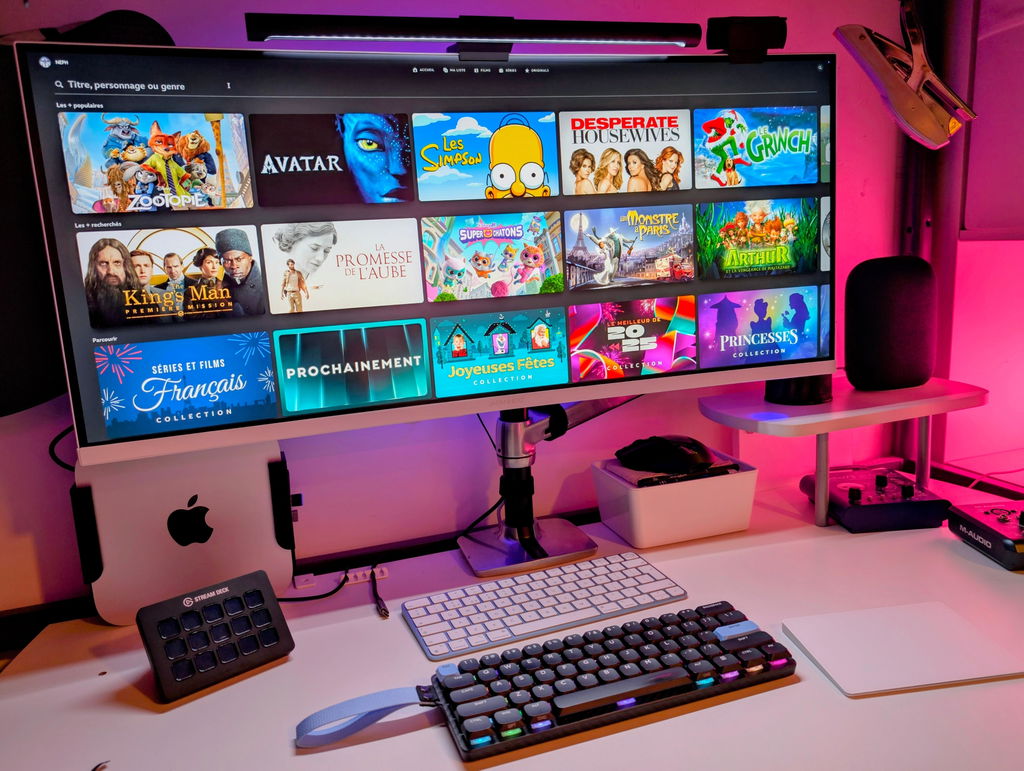
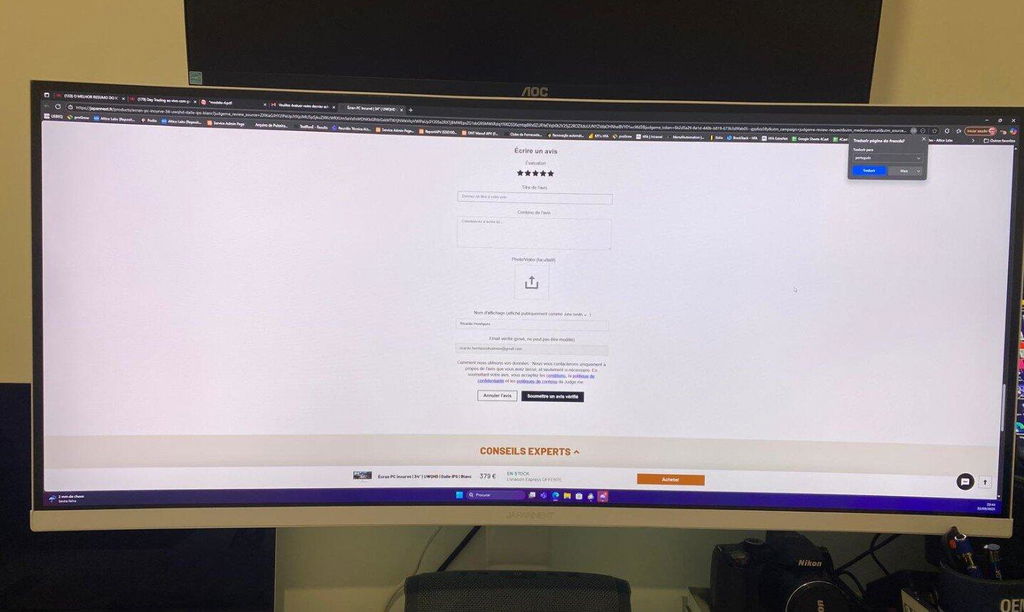
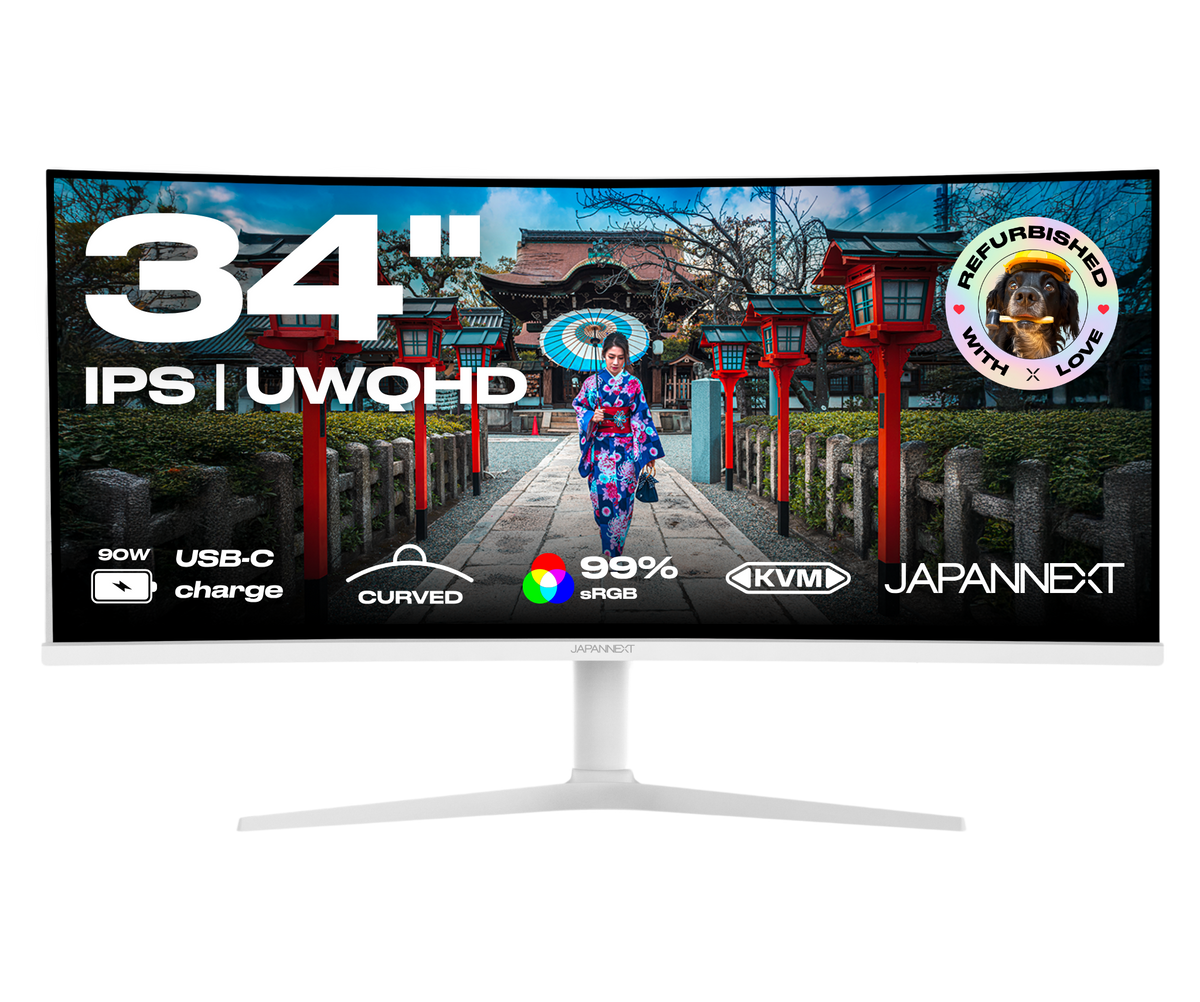
Designed for demanding professionals, this 34” curved monitor with a sleek white design offers an immersive working experience with its UWQHD resolution (3440x1440) and its IPS panel. Enjoy a panoramic display ideal for multitasking, all with optimal visual comfort and comprehensive connectivity, using a USB-C with 65W charging.
UWQHD resolution (3440x1440): more space to work efficiently
Curved IPS panel: faithful colors, wide angles and visual immersion
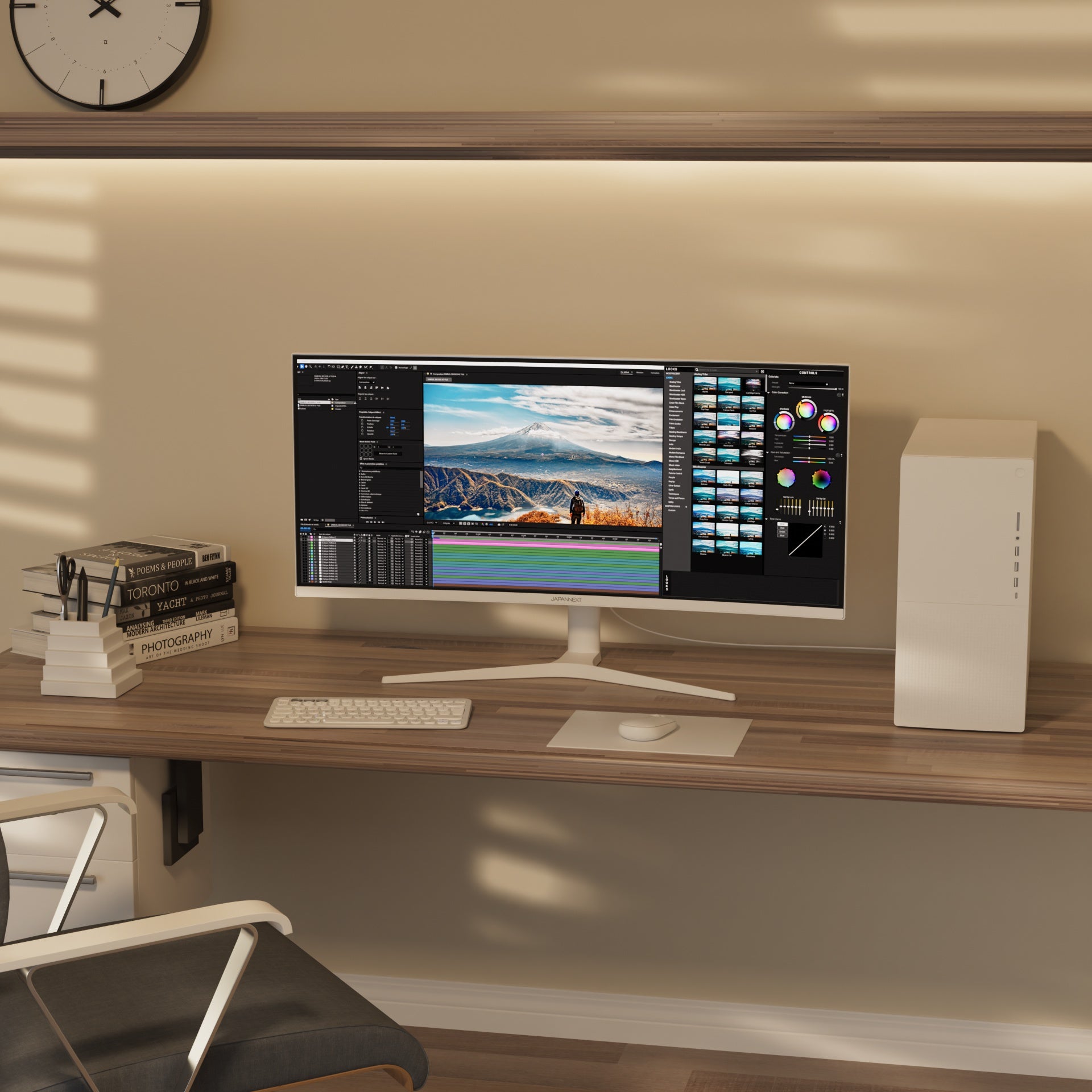
Sleek white design: fits perfectly into a modern office
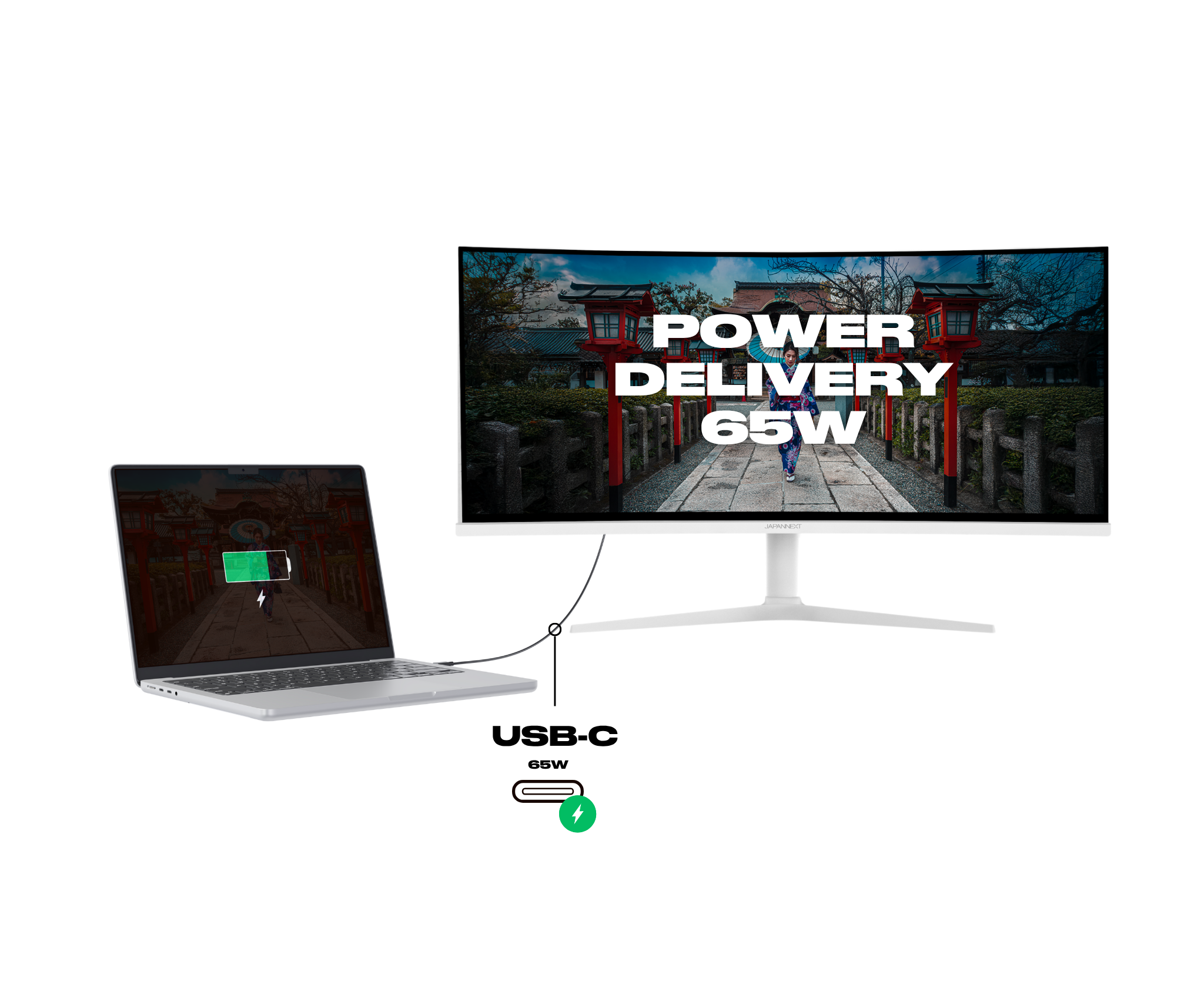
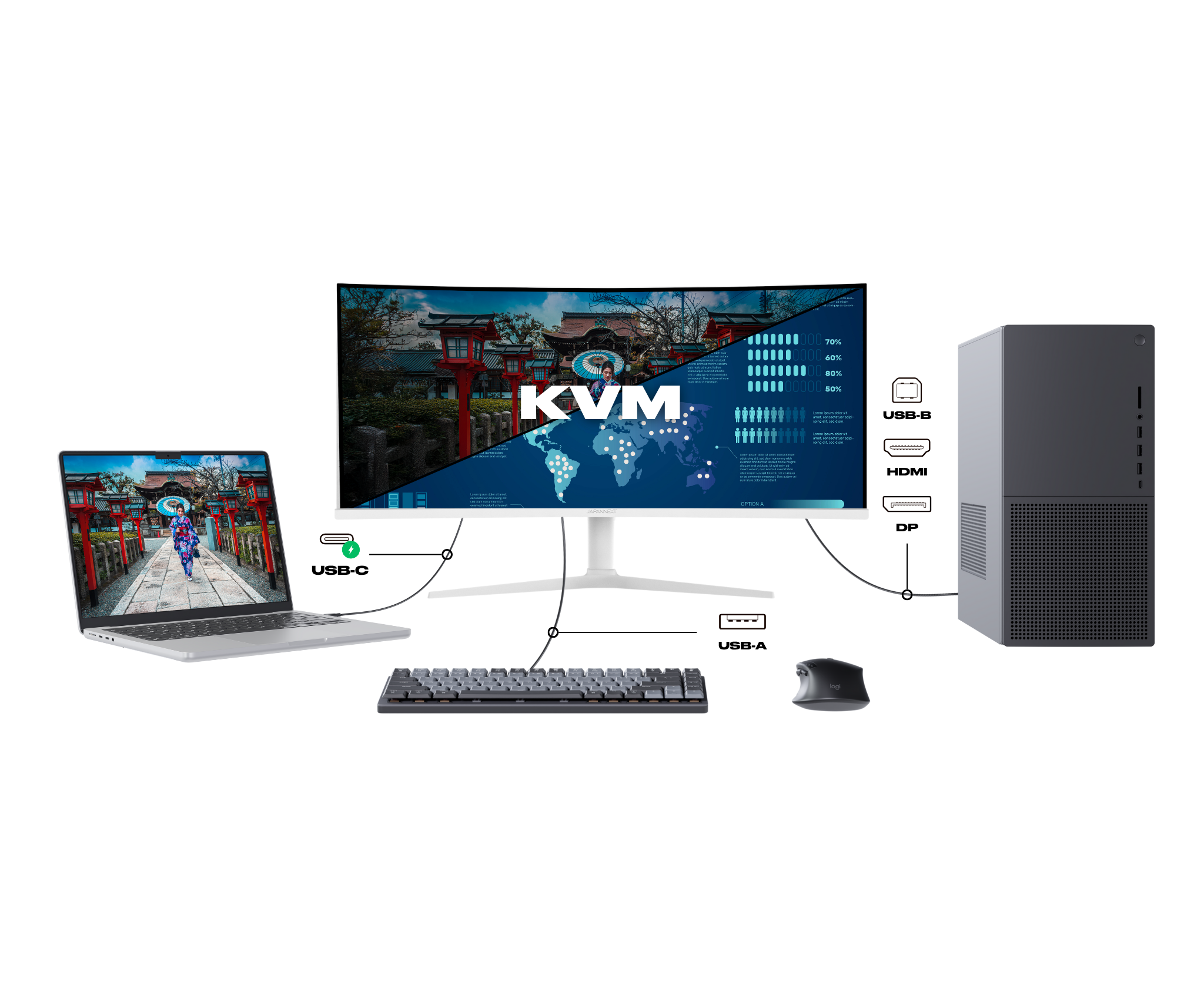
USB-C with 65W Power Delivery: a single cable for image, audio, data and charging
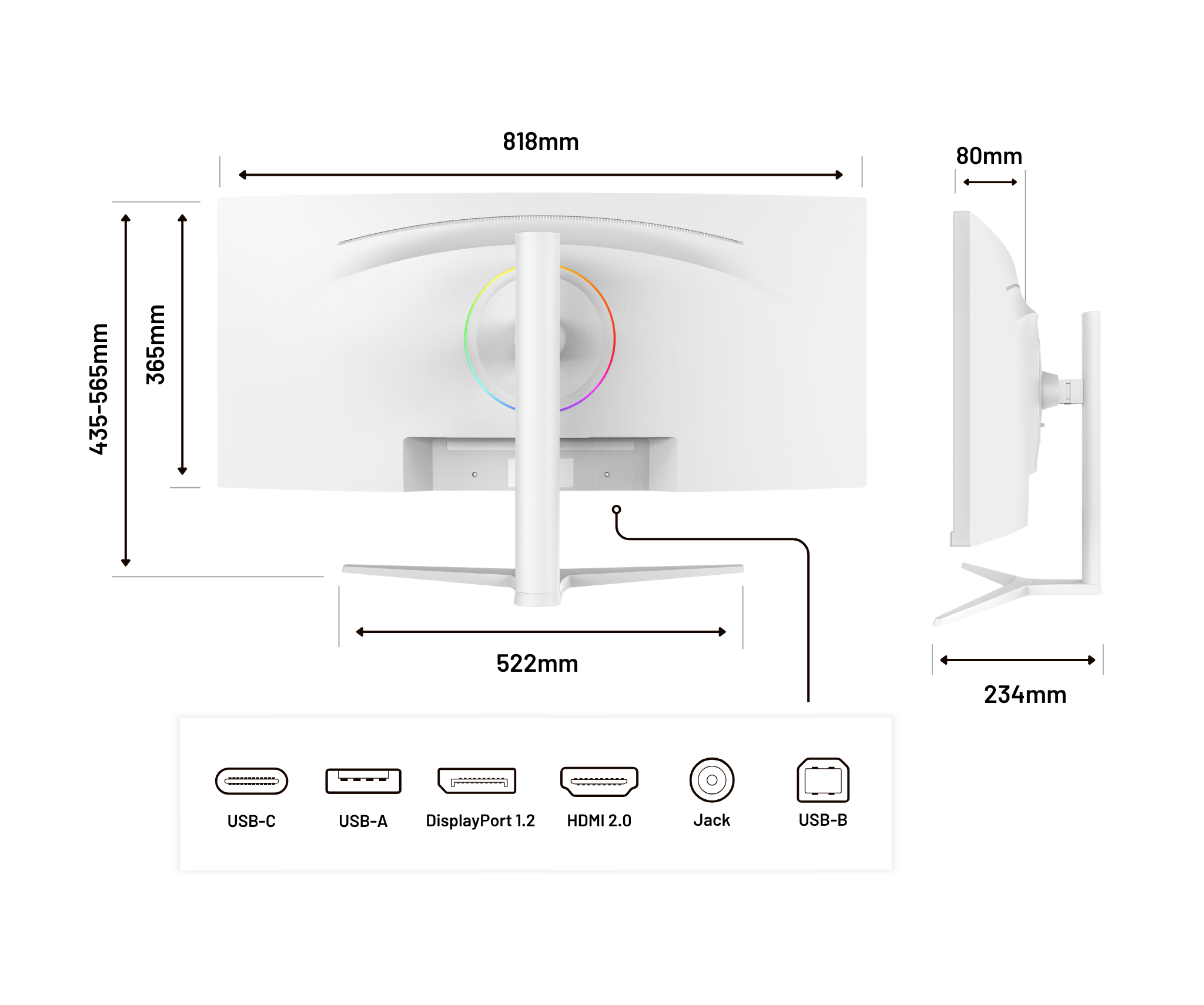
Versatile connectivity: HDMI 2.0 | DisplayPort 1.2 | USB-C | USB hub | audio output
Height adjustable: ergonomic stand for tailored comfort
1.07 billion colors: high precision for image professionals
Advanced features: HDR, low blue light mode, PIP/PBP multi-window, KVM, FreeSync
A large, comprehensive and understatedly powerful monitor to boost your daily productivity.

Couldn't load pickup availability


 HDMI
HDMI
 DisplayPort
 USB-C
USB-C
 USB-B
USB-B
 USB-A x2
 Jack plug







FlickerFree
Laden über USB-C
UWQHD: Panoramic immersion
Designed for total immersion

Panel type comparison

PBP: Bild für Bild

PIP: Bild-in-Bild
KVM: Simplify your workspace

Drehpunkt

Adjust

Tilt

VESA

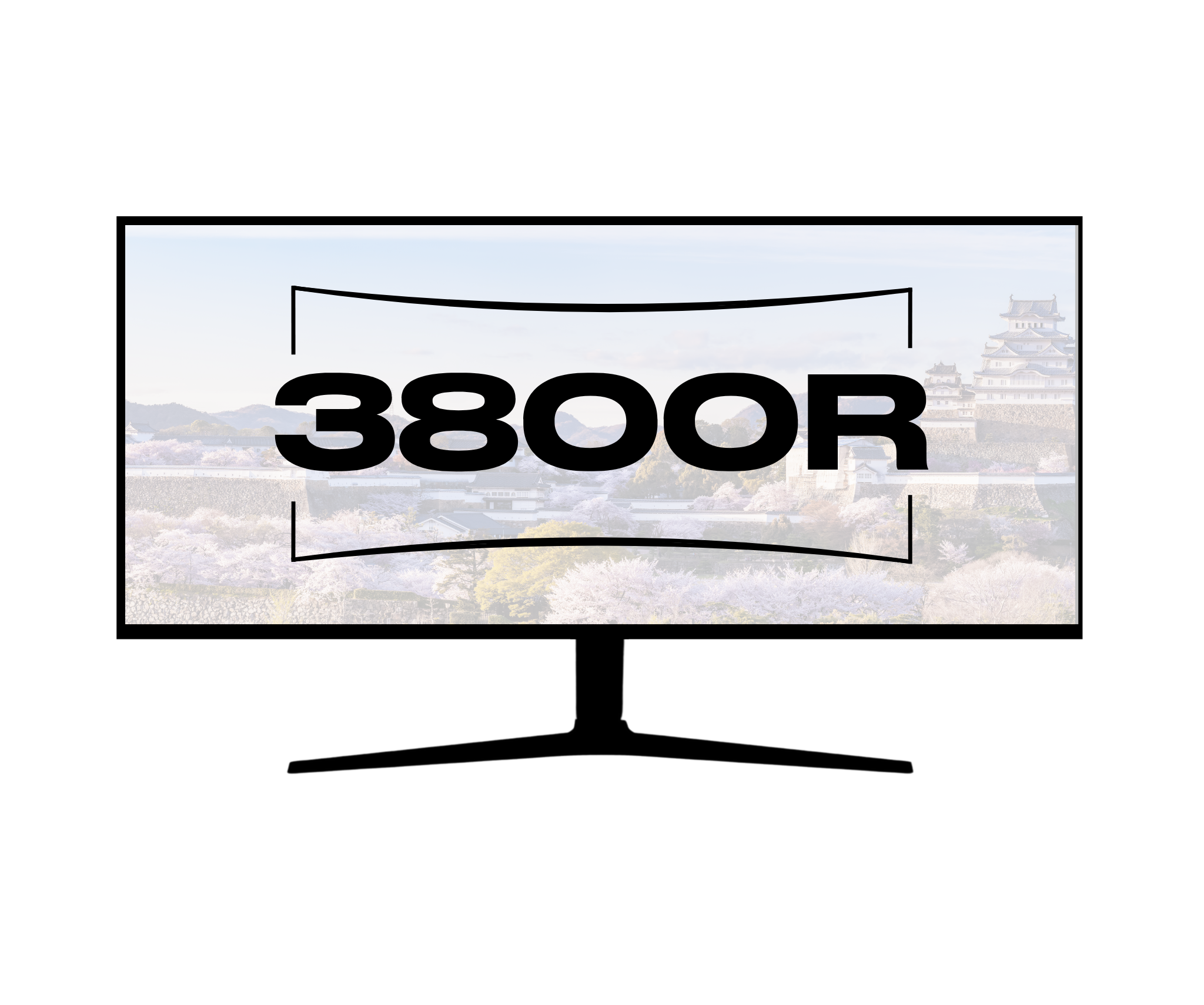
Curved monitor: The monitor that surrounds you

The performance of Power Delivery

HDR: Realistic colors and contrasts

KVM : Keyboard Video Mouse

Low Blue Light: improved visual comfort

Picture in Picture: Video in Multitasking Mode

Picture by Picture: The story told image by image


Quick Start Guide

Adapter

Power cable

HDMI cable

USB-C cable

USB-A to USB-B cable
With the constant evolution of display technologies, curved monitors have...

A monitor product page that states “USB-C 65 W”...

An IPS panel retains its colors when the monitor is...
Recu en remplacement de mon LG 29" ultrawide, je voulais rester sur un format 21:9 en gardant la courbure de 3800r. Cet écran est un excellent rapport/qualité prix, il est très agréable et facile à installer. Le plus est la prise usb pour connecter un macbook ou un telephone android desktop.
La qualité des matériaux et le rendu de la dalle juste parfait.
Jai du ajouter des ecrous sur la base vesa mais si vous utilisez les visses fournis c'est ok.
il ya du son qui depanne, les boutons du menus sont horrible mais ca fait le boulot.
Petite mise a jour logiciel / firmware bienvenue pour l'option de fixer la lumiere arriere sur une couleur sera bien. pour le moment soit elle est off, soit c'est le mode progressif arc en ciel.
Hi. I'm from Portugal.
My opinion? It's a Great Monitor. Good Quality vs Price.
I totally recommend.
Très bien. Vrai confort d'utilisation.Enfin un format plus haut pour ces écrans wides, et un rayon de courbure pas trop marqué.Déballage et mise en service facile.Juste l'histoire des hauts-parleurs qui sont effectivement quelques crans en-dessous du reste.[Edit] Après quelques jours d'utilisation, je remonte de 4 à 5 étoiles. En effet le son n'est pas primordial ici, et si on veut du bon son, au delà de la fonctionnalité de base, on peut brancher des enceintes.
2025年1月12日に届く。使用日数16日目。このメーカーのモニターはこれが初購入。昨年9月に湾曲ディスプレイを購入したのだが、VAパネルで発色がちょっと気に入らなかったのでこちらを購入。湾曲34インチから平面40インチだが、そんなに大きいとは思わなかった。梱包の箱はデカかった。設置は、モニターアーム使用。モニターアームの角度があまりつけられなくてそこが不満。2枚目の写真がこのモニター3枚目が34インチ湾曲モニターモニター設定は、スピーカーオフのみ。1枚目の写真はゲーム「FF14ノート高品質設定」最高画質設定だと、PCがというよりグラボが限界超えてしまって落ちるので上記設定。配信するならもっと落とさないときつそう。動かなくてグラボのメモリ使用率が70%。走ると、99%。ダンジョンは行ってないが、負荷で多分落ちると思う。RX7800XTだと、ここが限界。4070だともう少し上の設定が出来そうだが、価格が9万から10万でメモリが減るんだよね。それだったら、RX7900XTの12万が良さげ。IPSパネルなので特に文句無し。DP接続。高さ145cmの位置にモニターの下部。ベッドに横になっての使用なので、特に文句無し。視聴距離160cm。拡大率125%。老眼なので、150%でも良いやも、、、。YouTubeが大画面で見れるから良い。
Utilizo un Mac Mini M4 y estoy encantado con su rendimiento. Probé varios monitores antes de decidirme, incluyendo un BenQ de 700€, un Samsung S6 y un LG IPS. Finalmente opté por uno que, a pesar de su precio más ajustado, ofrece una calidad más que suficiente para tareas de diseño y trabajo de oficina. Destaca por su panel IPS y colores de gran calidad, y su curvatura de 3800 es ideal para trabajar. En comparación, los modelos con curvaturas de 1000/1500 pueden resultar incómodos, ya que deforman las ventanas y dificultan la adaptación.Lo único que no me convenció es la base en forma de "V", que resulta algo incómoda en la mesa (prefiero las bases planas). Además, no es posible controlar el sonido desde el teclado del Mac, aunque eso me ocurrió con todos los modelos que probé.Por el precio, este monitor cumple con creces. Lo conseguí por 249€, así que recomiendo estar atentos a las ofertas flash.
購入して2カ月の感想。JAPANNEXTという聞いたことのなかったメーカーだが、ドット抜けや不具合はなく非常に満足している。ノートパソコンの画面1枚とこのモニター1枚を2画面に分割して使用しているが作業が捗る。湾曲しているので中央と端の距離感が同じくらいに感じられるので違和感がない。高解像度・高リフレッシュレートなので複数の作業を同時に行うと動作が重くなりPCのマシンパワーが要求される。質問で:144hz対応するコードは付属しますか?に対し: JAPANNEXT オンラインストアです。お問い合わせをいただきましてありがとうございます。本製品はHDMIケーブルと、DPケーブル(144Hz対応)が付属しています。と回答していたが、HDMIケーブルは付属しない。説明書にもHDMIケーブル付属の明記はない。
Sehr guter großer Bildschirm. Qualität und Farbe sehr gut - reicht fürs Homeoffice aus
Avevo un monitor 1440 da 27" che mi ha lasciato prematuramente e, dovendolo sostituire velocemente (lavoro da casa), mi sono messo alla ricerca di una valida alternativa, con l'intenzione di rimanere sulla stessa risoluzione ma aumentando i pollici. Purtroppo per limiti di spazio in altezza, ho dovuto lasciare il rapporto 16:10 e passare al 21:9.Ho scoperto che tutti i monitor, nella fascia di prezzo che mi sono dato, sono con tecnologia VA. Per trovare un IPS di marchi affermati, la cifra saliva di molto. Sono quindi finito su questo Japannext, per me totalmente sconosciuto ed ho approfondito un po' la storia della società, giusto per essere sicuro non fosse una fregatura. Sembrava tutto lecito e legittimo quindi ho incrociato le dita ed ordinato questo monitor, dalle caratteristiche perfette per le mie esigenze.Schermo IPS, risoluzione 1440p, 3 connessioni video (HDMI, DP e USB/C), funzioni PiP e PbP. In più anche dei piccoli altoparlanti (non necessari ma meglio averli che non!).La qualità dell'immagine è buona, gli angoli di visione sono quelli degli IPS, in determinate schermate si nota un po' di backlight ma nulla di fastidioso durante l'utilizzo quotidiano.Grazie all'ampia dimensione dello schermo wide, riesco a lavorare su due PC in contemporanea, oppure su di un solo computer, ma con generosa distribuzione delle finestre a schermo. Ogni tanto dedico del tempo anche al gaming, ma solo single player e nulla di frenetico. Scrivo questo perché forse, proprio per il mondo del gaming, questo schermo potrebbe avere il suo più grande tallone di Achille, vista la sua frequenza di refresh ferma ai soli 60htz (ergo max 60fps). Per me questo non è un problema visto che l'uso prevalente è quello lavorativo, e che quando lo uso per giocare i 60fps mi bastano, ma per chi cerca prestazioni superiori occchio!Lo stand è abbastanza stabile e non traballa troppo quando si urta contro il tavolo. Infine, lo schermo ha anche una funzione KVM che consente di collegare un mouse e una tastiera, e poterli switchare sui 2 pc.L'unico vero difetto, che limita il mio giudizio finale, è la scelta insensata che è stata fatta, a livello progettuale, di posizionare i tasti di controllo sotto la cornice anziché frontalmente. In aggiunta poi, frontalmente non sono stati inseriti neppure i simboli in corrispondenza dei tasti.Avendo io necessità di passare da una uscita video all'altra, o di scambiare la connessione con mouse e tastiera, ogni volta devo andare alla cieca, sperando di cogliere il tasto giusto. Tra l'altro, con la pressione di questi tasti, è l'unico momento in cui lo schermo traballa un poco.Un vero peccato perché facendo una scelta differente avrebbero potuto rendere molto più semplice l'utilizzo delle differenti funzioni del monitor.Nel complesso comunque, ritengo sia la scelta migliore se si vuole entrare nel mondo dei 21:9, evitando i noti problemi di ghosting degli schermi VA. Resta solo il giudizio del tempo, per sapere se possa essere un prodotto affidabile anche sul lungo periodo.
Ich bin begeistert. Aufgrund dessen, dass mir der Hersteller (bisher) unbekannt war und dem großen Preisunterschied zu den renommierten Herstellern mit vergleichbaren Produkten, war ich skeptisch. Aber ich muss sagen, der Monitor ist absolut Top. Die Bildqualität ist der Hammer. Ich habe gleich einen zweiten für meinen anderen Arbeitsplatz bestellt, leider kam dieser in einer total kaputten und eingedrückten Verpackung an, selbst das Styropor, das den Monitor schützen soll, war gebrochen, sodass ich dieses Exemplar gleich wieder zurückgeschickt und ein drittes bestellt habe. Hoffentlich kommt der wieder in einer unbeschädigten Verpackung an. Trotz der zweiten unglücklichen Lieferung vergebe ich hier 5 Sterne, weil das Gerät an sich im Preis/Leistungsverhältnis überragend ist.
FF14で特に使ってます。画像の綺麗さ、滑らかさはいいとと思います。他のウルトラワイドは使ったことないですが、以前使ってた27インチの普通のディスプレイより、綺麗でFF14やる時のギミック、映される範囲が広がり、高難易度のときはこの画面でしかやりたくないと思うほどには満足してます!
J’en suis resté là lèvre pendanteÉvidemment faut voir dans le tempsÉvidemment y’a encore mieuxMais le prix je me régale
Articolo Top
Super Bild und Auflösung
Der Bildschirm ist sowohl für HO als auch für Gaming mit einem sehr gute Auflösung, modernGeeignet. Super 👍 Er ist genau wie es mir vorgestellt habe. USP-C, HDMI… mit einer Hoch bzw. Tief, Recht und Links Einstellmöglichkeit.Der Preis ist ebenfalls zu dieser Qualität sehr gut.
Sehr klare Farben und Text gut lesbar.
Der Monitor ist wirklich top. Auspacken zusammen bauen anstecken einschalten und konfigurieren. Menü leider nur in Englisch aber kein Problem.Für den Preis ein wirklich guter Monitor.
在宅でツインモニターを使っていましたが解像度がばらばらでずっとストレスでした。(片側4Kで文字が小さく映ってしまう)このため思い切ってこちらを購入。湾曲タイプなので心配でしたが画像のゆがみもなく発色も問題ありません。パソコンとの相性なのかtypeCでの映像出力ができなかったのですが、その他の機能は無事に動きました。(入力切替が自動でできるのは地味に便利)重量も大きさの割に軽いのでAmazonベーシックのモニターアーム1本で設置できます。あと、タイトルにも書きましたがBenQのスクリーンバーを載せることができました。(Haloじゃない古いタイプのやつです)スピーカーも付いていますが音質はお察しですので、スピーカーなしで値段を下げてもらったほうが良かった気がします。良い買い物でした。
Il dispose de toutes les fonctionnalités requises pour cette catégorie et est globalement recommandé. (Du point de vue d'une personne qui l'a acheté pour le télétravail.) ・Grâce à la technologie IPS, il offre un angle de vision large et est facile à utiliser jusqu'aux bords pour le travail de bureau normal.
Perfetto per lavorare
Acheté il y a 1 semaine, utilisé depuis, il est vraiment super !Pratique pour travailler : la largeur permet d'ouvrir sans souci 3 fenêtres côte à côte.Et pour la lecture de vidéos FHD, c'est top : l'image occupe toute la hauteur et toute la largeur de l'écran, plus de bandes noires en haut et en bas !Le seul point noir de l'écran pour l'instant : la fonction "RGB Light" (éclairage d'ambiance arrière). Les LED étant placées à l'endroit où se fixe le support VESA pour fixer l'écran au mur (c'est mon cas), elles n'éclairent que très peu, c'est dommage. D'autre part, il n'est pas possible de choisir une couleur fixe dans le menu, soit elle change en permanence, soit les LED sont éteintes.La fonction KVM me serait bien utile, mais j'avoue que je ne comprends pas comment elle fonctionne, et ce n'est pas expliqué dans la documentation. Comment bascule-t-on entre les 2 PC ?
very good monitor,lots of connections and better screen quality than my previous 29
思っていたより大きくない。丁度良いサイズで画面も綺麗で良かった。
Deuxième écran que j'achète de cette marque, toujours nickel et conforme aux descriptions. Par contre c'est mon premier écran incurvé et niveau immertion c'est quand même incroyable. En plus du coup j'ai aussi moins de reflets dans l'écran quand je travaille. J'avais quelques inquiétudes concernant les couleurs car je bosse comme developpeur front mais RAS c'est de la bonne qualité. je recommande

A question?
We are here to help
Find your user manual
Download
FREE Express Delivery
No need to wait to enjoy your screen, JAPANNEXT offers express delivery within 48 hours .

Dedicated customer service
Rest assured, our team is available to advice you and support you in your purchase.

Payment in 3x without fees
With our partner Klarna, pay for your screen in 3 monthly installments and all free of charge.