Japannext-Bildschirme für GTA V: optimale Leistung
Zusammenfassung Japannext-Bildschirme für Grand Theft Auto V Optimierung der Anzeigeeinstellungen...


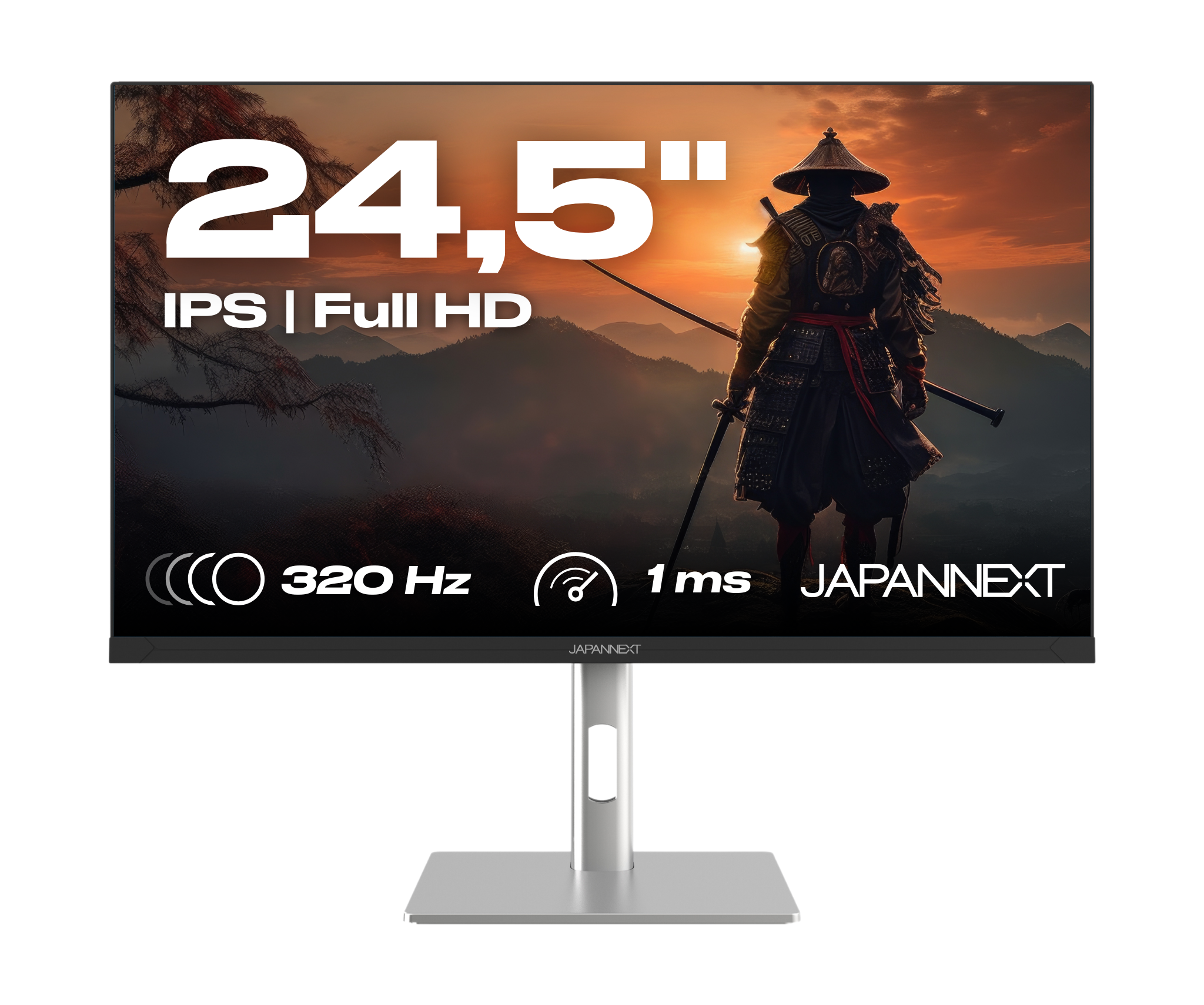
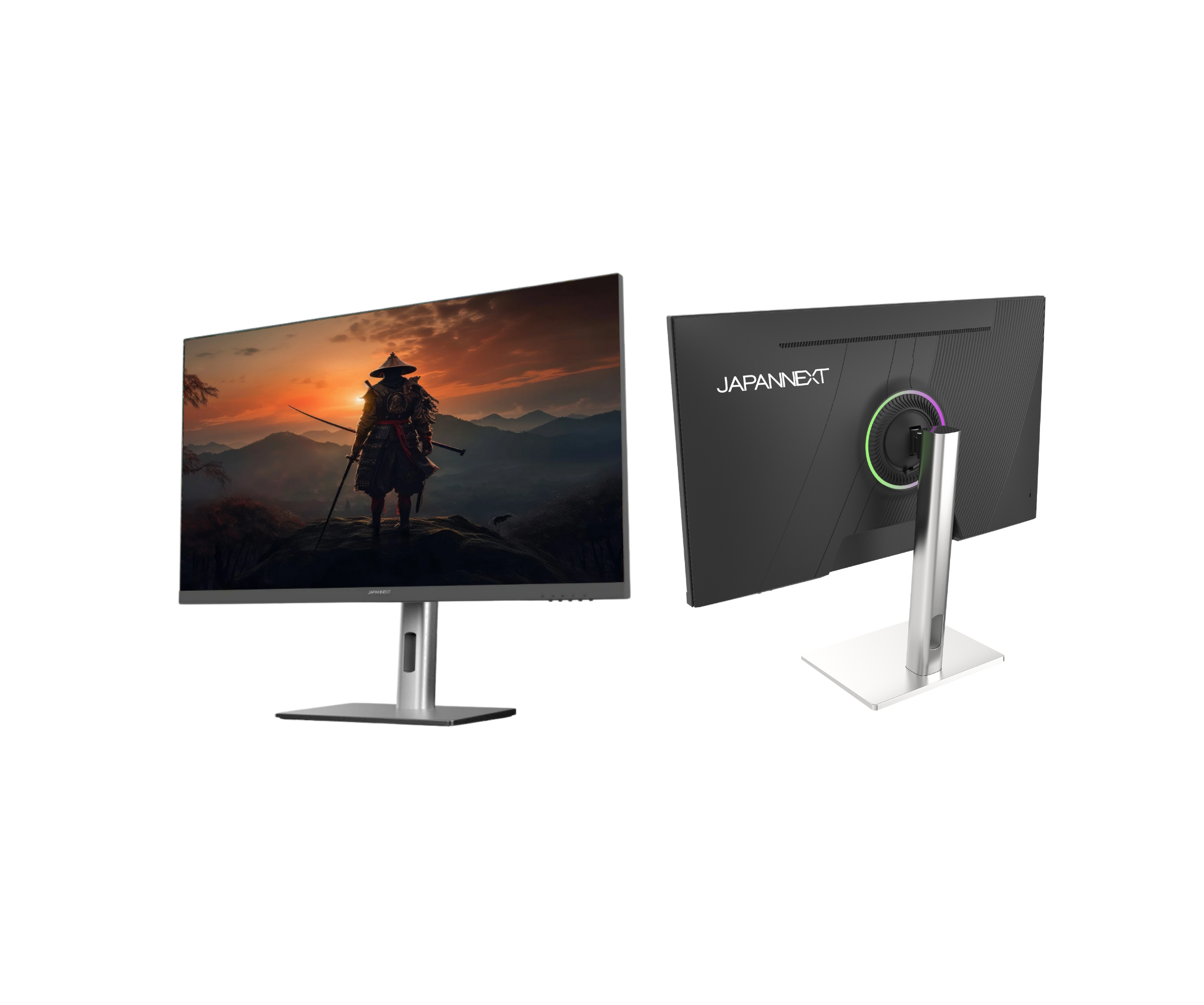
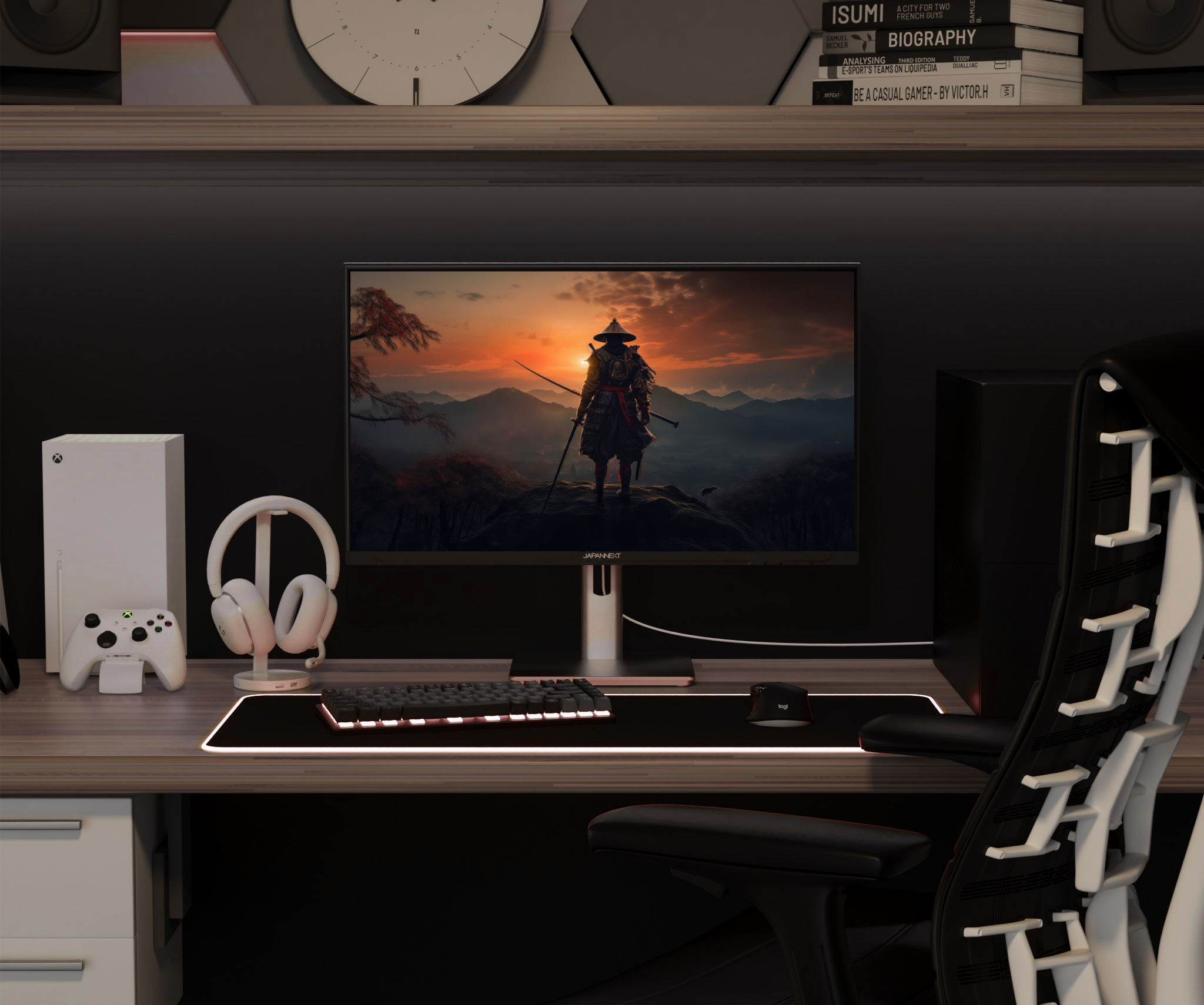
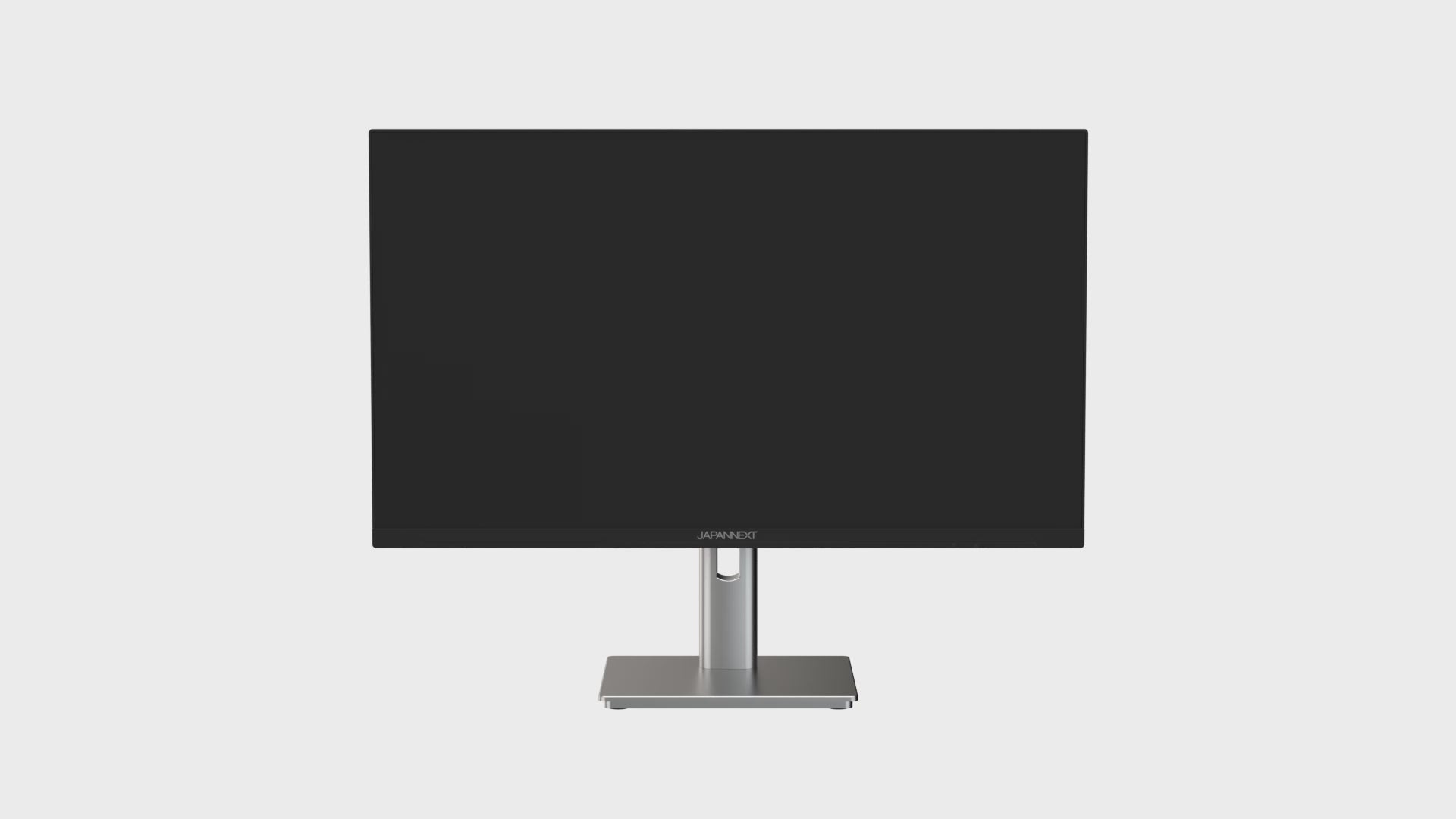
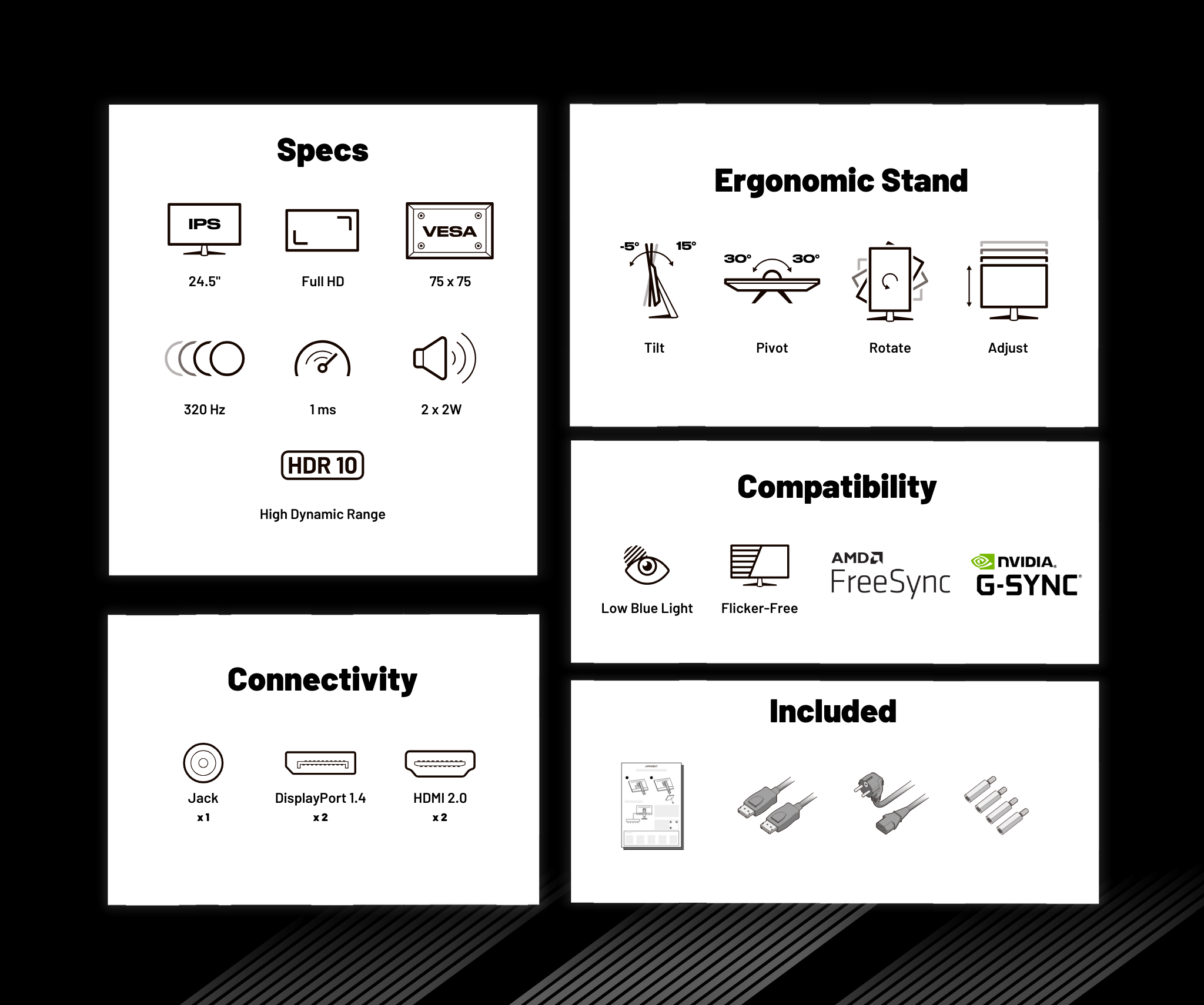
Der 24,5-Zoll-Monitor JN-IPS245G320F-HSP mit 320 Hz wurde entwickelt, damit du dir in immer kompetitiveren Spielen einen entscheidenden Vorteil gegenüber deinen Gegnern verschaffen kannst!
Bildwiederholfrequenz: 320 Hz
Reaktionszeit: 1 ms
Panel: IPS für eine außergewöhnliche Bildqualität
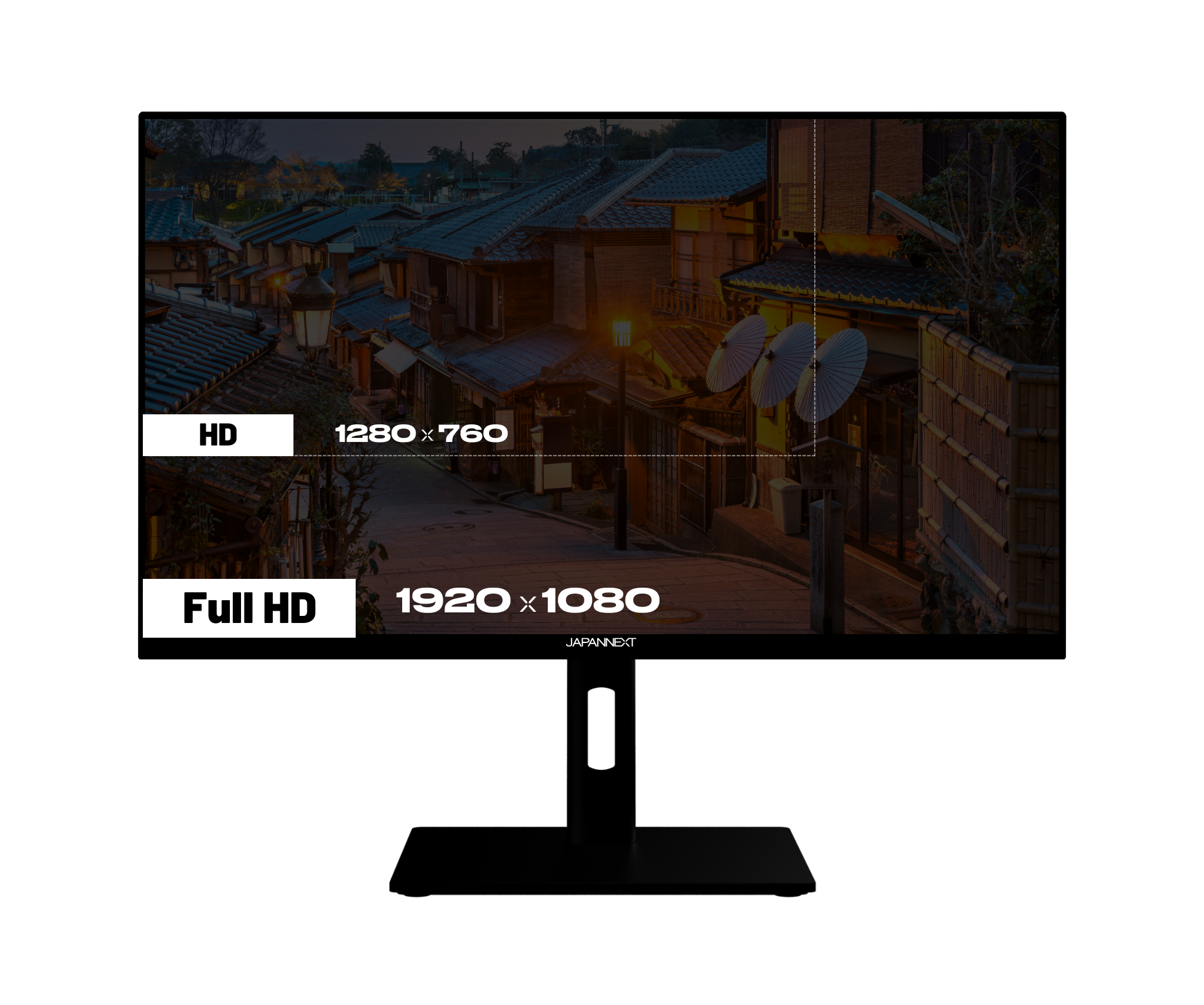
Auflösung: 1920 × 1080 FHD
Rahmenloses Design: das ultimative Gaming-Erlebnis
Kompatibel mit allen Konsolen der neuesten Generation
85 % sRGB


Abholverfügbarkeit konnte nicht geladen werden

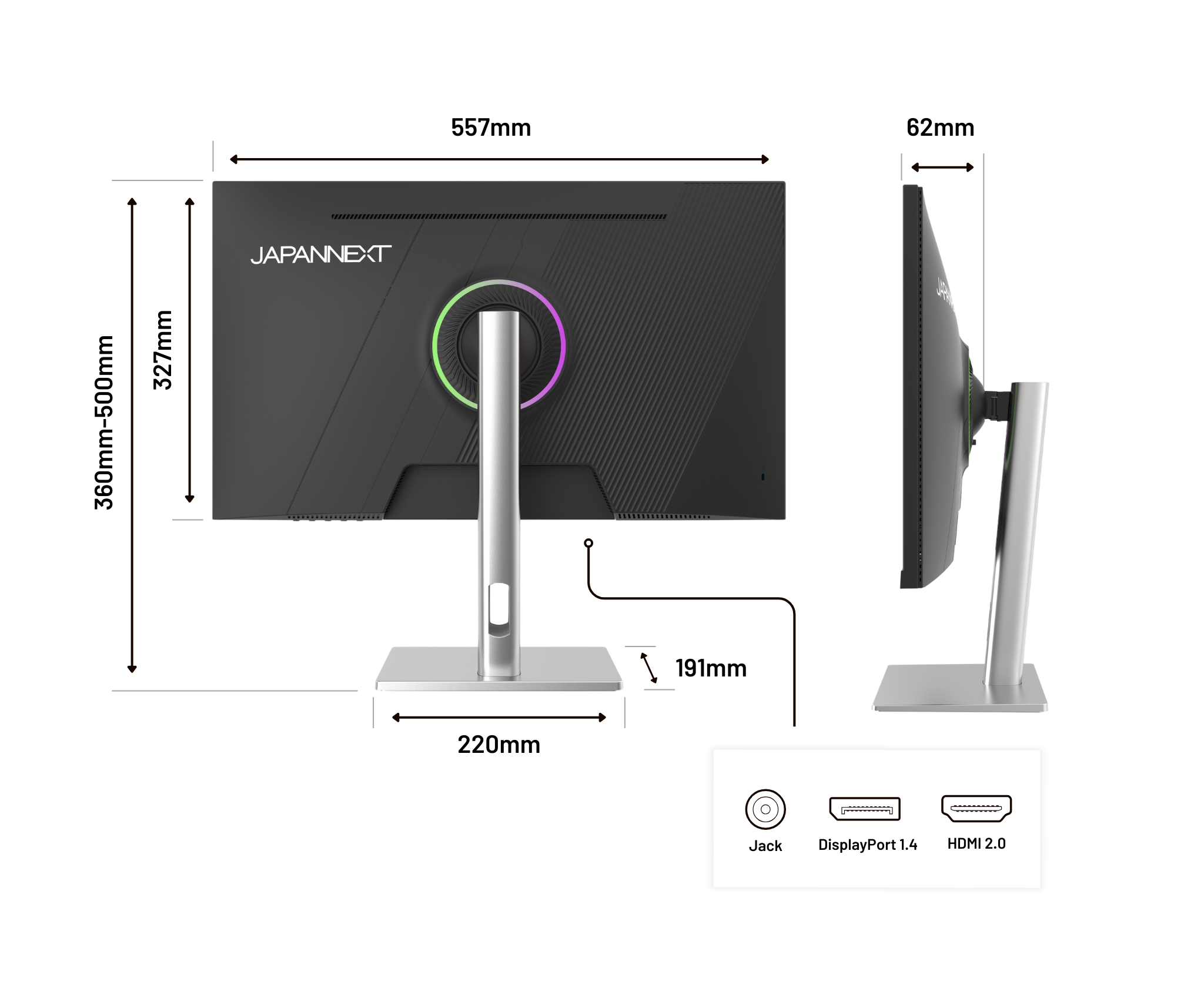
 2 x HDMI
 2 x DisplayPort
 Jackanschluss

FlickerFree

AMD FreeSync

Full HD-Auflösung

Die beispiellose Erfahrung
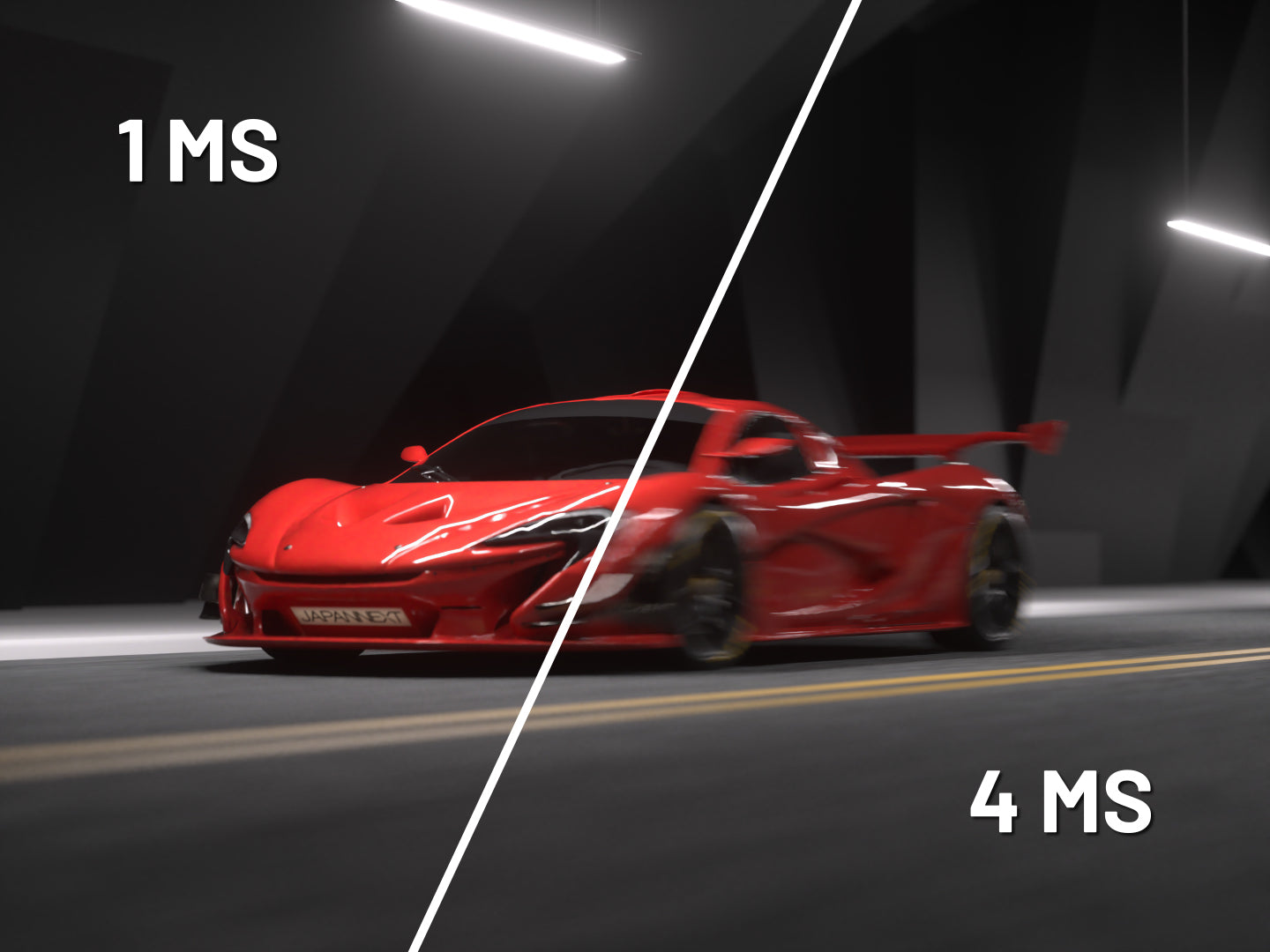
Reaktionszeit

Unglaubliches Spielerlebnis


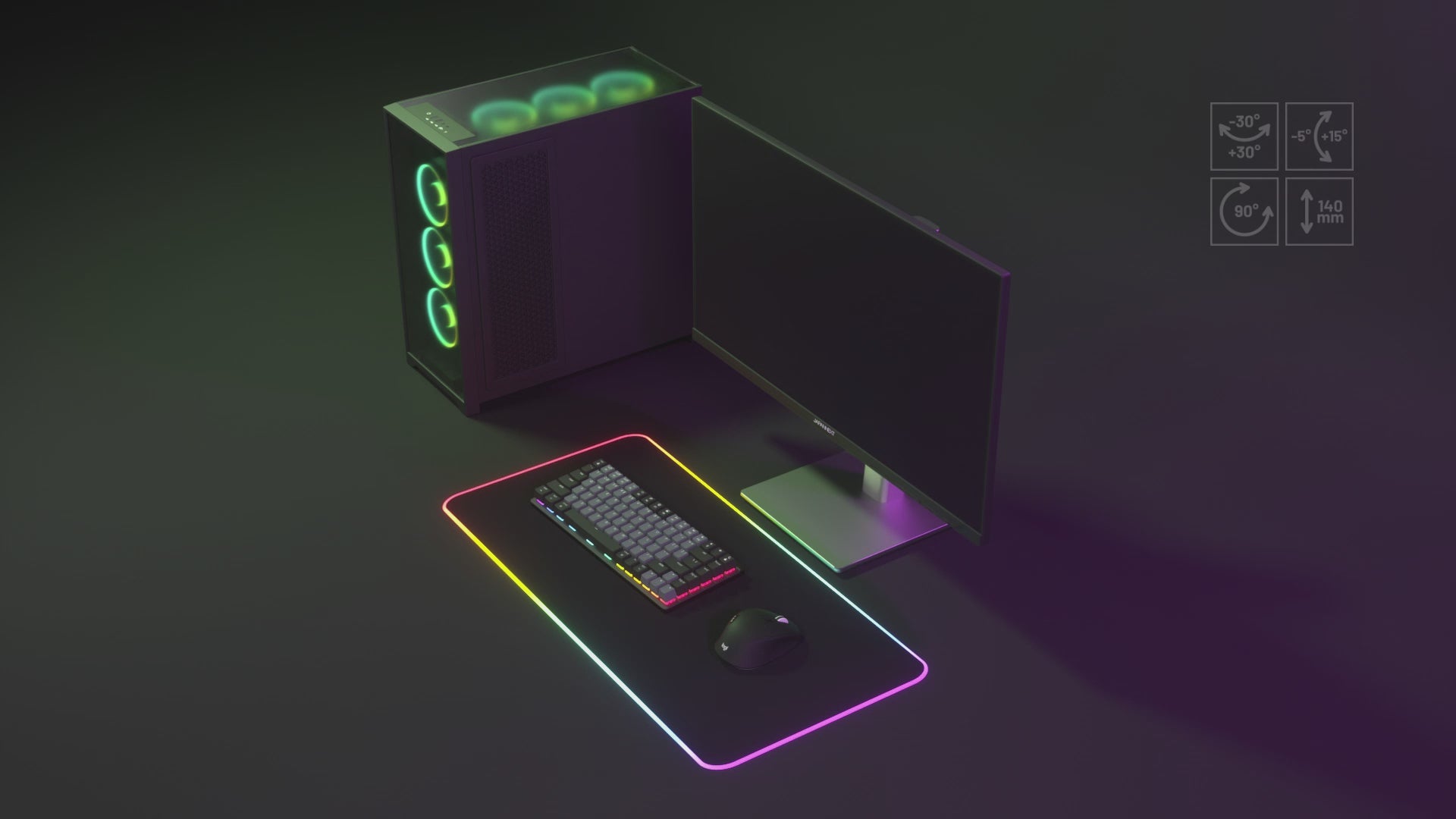
Drehpunkt

Anpassen

Rotation

Neigung

HDR: realistische Farben und Kontraste

Low Blue Light: verbesserter Sehkomfort

FlickerFree: flimmerfreies Display

AMD FreeSync: flüssige Bildwiedergabe ohne Ruckeln


Schnellstartanleitung

DisplayPort-Kabel

Adapter

Netzkabel

VESA-Abstandshalter
Zusammenfassung Japannext-Bildschirme für Grand Theft Auto V Optimierung der Anzeigeeinstellungen...

Die Wahl eines High-End-Gaming-Monitors ist für jeden Gamer, der von...
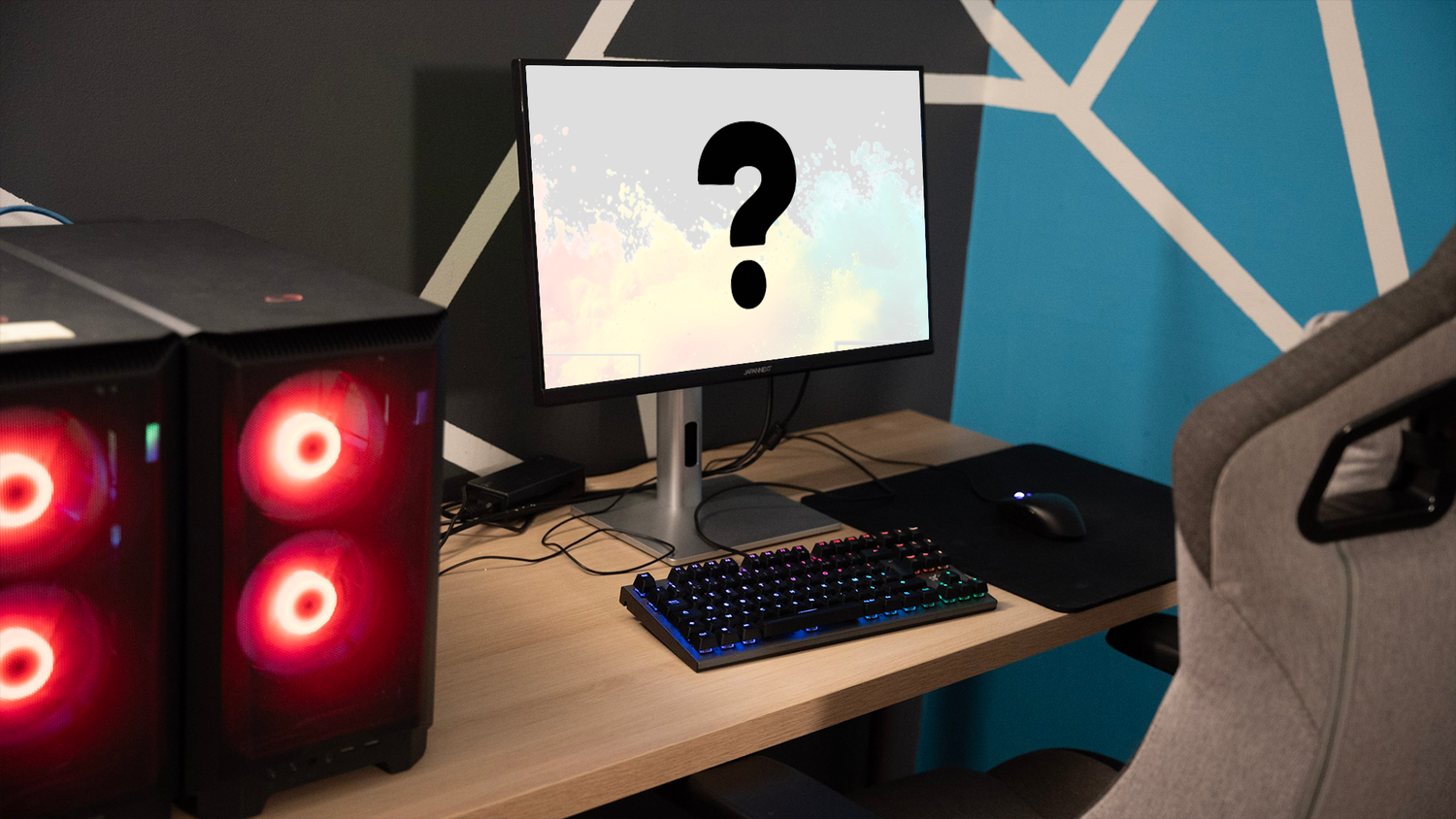
Die Welt der Videospiele entwickelt sich ständig weiter und...
parfait
je recommande
bluffé par la résolution
Avec une résolution WQHD et une dalle IPS à ce prix, je trouve que le rapport qualité-prix est excellent. Il fonctionne sans problème avec la PS5 et la connexion avec le PC se fait automatiquement, ce qui permet de changer de source sans stress.
joueur fps, plaisir de jouer
I have to compare this to my previous monitor, the benQ EX2710R.First the negatives, which I noticed first.- OSD and buttons are primitive and difficult to navigate. 5 buttons. The monitor by default is set to FHD (1080p 320hz) and it took about 20 minutes to get used to the buttons and navigating this menu to set up the monitor. BenQ had a light for the power button, which was easy to find and convenient.- no USB. This was used for powering my monitor lamp. It would be handy to have 1 or 2 USB ports.- Speakers. These are very limited, and fine for watching youtube. But playing games, you wont be able to hear footsteps or dynamic range. I played call of duty to test, and after switching to an external speaker, I realized I was missing out on a very important element of the game. Speakers aren't loud, but fine for a quiet room, so gaming at night when everyone is asleep is convenient. Good focus on voice. I'll buy and use external speakers, but I am glad for the limited range and quiet speakers that are available.- 2 modes, 4k and 1080p, are changeable via the monitor setting. There's little need to change from one to the other, unless you change genres of games. I am yet to test it out.- Monitor mounts for the monitor arm were not so tight and easy. I had some space left, meaning the screw into the monitor was not so deep for the bottom VESA screws. I couldnt find other screws that came with the monitor mount, if there were any. Everything is secure, but the bottom screws didnt tighten as much.- Rear colour wheel light is kinda useless, but that's ok. It just lets me know that the monitor is on.Positives+ Weight of the monitor is 4.1kg compared to 7.1kg of the previous monitor. I don't care for curved screens going back to flat panel. This is great for the monitor arm.+ Screen is beautiful, IPS is dominant over the VA panel compared. Gaming in 4k is sensational. With a 6800XT I can get max 160fps in call of duty at 4k. Brightness and clarity is fine.+ It wasnt advertised, but there is blue light reduction in the monitor settings. I dont feel the need to use the monitor lamp as much as I did with the VA screen, because of the colour reproduction and brightness.+ I paid 44000yen during the release week, which is half of what KTC is asking for their monitor which has the same specs.There wont be any support from the manufacturer, such as color profiles or drivers. It's a very cheap way to get 4K and 160fps. I'm over 40 now, and can't see or notice high FPS. I'll use Dynamic Resolution and lossless scaling to achieve excellent visual quality, but also aim to keep my PC cool and power bill down.If the monitor had 2 USB slots, and the buttons for screen navigation were more modern, I would give it 5 stars.
It's a really nice 4K 27" 120hz+ panel. The connections work and everything is straightforward. Accurate color gamut and calibration. The stand is sturdy and doesn't wobble. No problems with EDID compatibility.I have another 4K 27" display from a different (more famous) manufacturer, which cost twice as much two years ago, and this JapanNext one is better.
以下、私の主観であることを念頭に、参考程度に留めて貰いたい。新品時点では本モニターが原因で不自由することは全くない。敢えて言うならば、音が多少チープではある。しかし、結局の所テレビではなくモニターであるが故、自前の音響設備は用意していると思われる為、試行用に音さえ出れば良いと考えれば、実質的に問題点はないと言える。日本企業の製品でもあり、取り敢えず買ってみても問題ないと思われる。購入したばかりの為、耐久性は未だ不明であるが、そもそも精密機器は壊れやすいものである。
ça se ressent dans la qualité, aucun regret
PS5用のモニターを目的に購入したので良いのですが、内蔵スピーカーの音質があまり良く無い印象です。若干遠いと言うか、くぐもった感じに聞こえました。また、付属のリモコンの応答性も余りよくなく、何度も押しても反応しにくい事が多いです。プレイ時にはPS5本体とBluetoothヘッドホンを直接繋いでるので個人的には大きな問題にはなりませんでしたが、スピーカーから音を出したい方は気になるかもしれません。モニターとしては十分色が鮮明に表現されますし、4K程では無いですがフレームレートも高い様に思えます。
Acheté pour le dernier Halo. ras

Hast du eine Frage ?
Eine Antwort erhalten
Finden Sie Ihre Bedienungsanleitung
Herunterladen
Kostenlose Expresslieferung
Warten Sie nicht, bis Sie Ihren Bildschirm genießen können, JAPANNEXT bietet Ihnen eine Expresszustellung innerhalb von 48 Stunden.

Dedizierter Kundenservice
Seien Sie versichert, unsere Teams stehen Ihnen mit Rat und Tat zur Seite und unterstützen Sie bei Ihrem Kauf.

Zahlung in 3 Raten ohne Gebühren
Bezahlen Sie Ihren Bildschirm dank unseres Partners Klarna in 3 Monatsraten und das alles kostenlos.