Desktop Monitor | 23.8" | WQHD | USB-C | White


23.8” WQHD Desktop Monitor – White Elegance, Modern Connectivity, and High-Precision Display
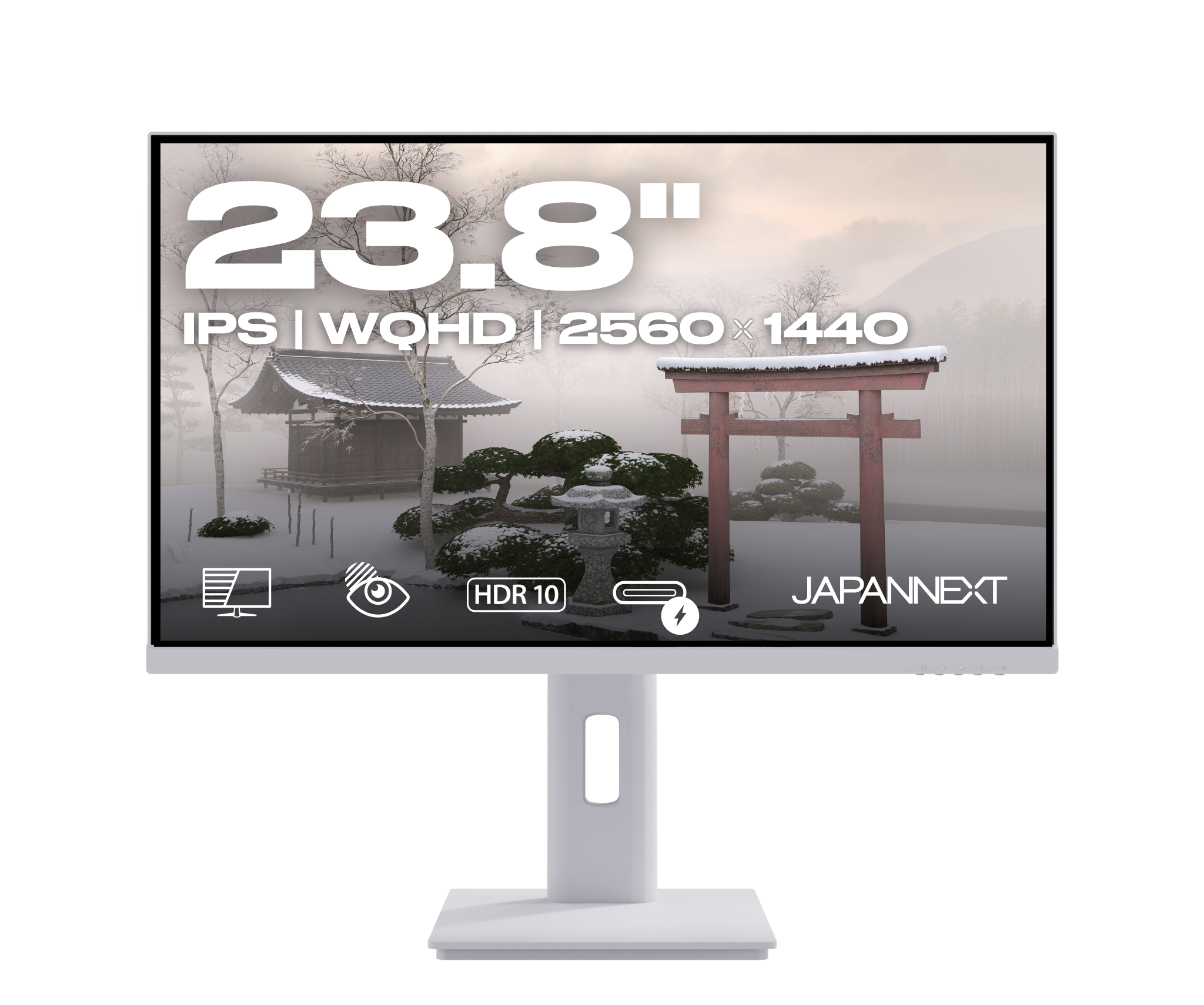
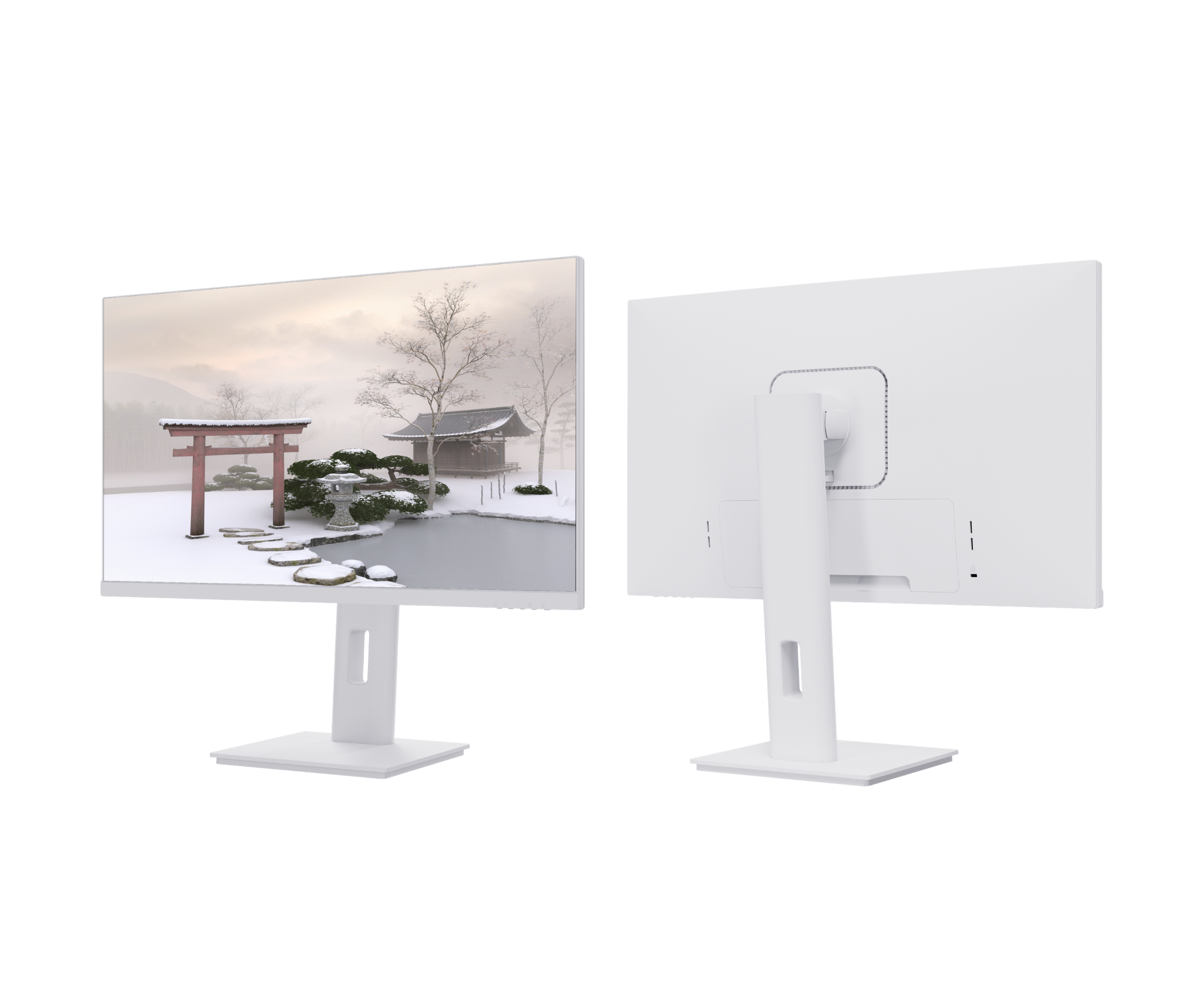
This 23.8-inch desktop monitor with a white finish combines WQHD (2560x1440) resolution and a sleek design to provide a comfortable and professional display. Featuring USB-C connectivity with up to 65W charging, an integrated USB hub, KVM functionality, and numerous adjustment options, it perfectly adapts to modern work environments while adding an aesthetic touch.
-
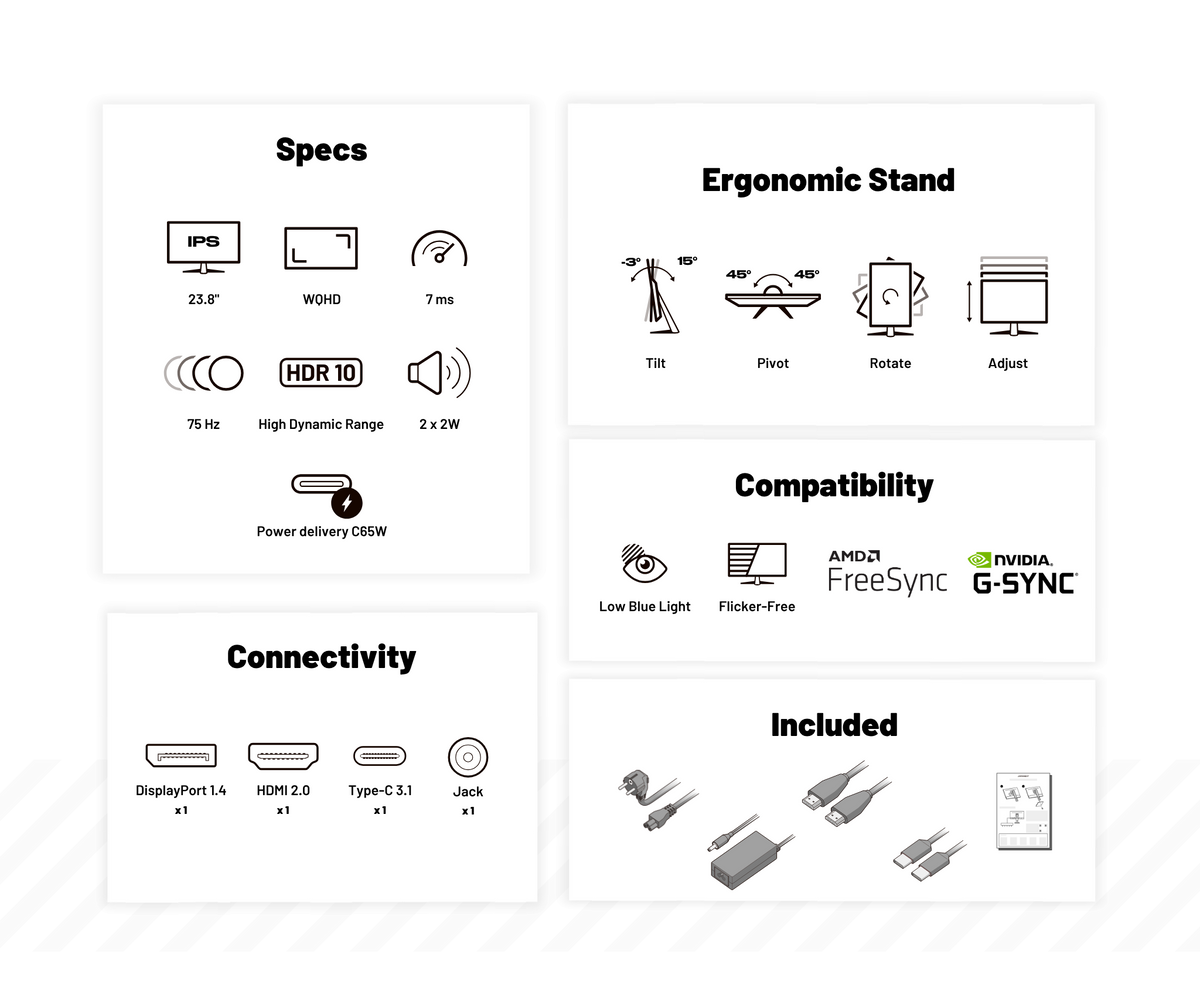
WQHD (2560x1440) Resolution: superior image quality for multitasking and demanding applications
-
Matte IPS Panel: color accuracy and wide viewing angles
-
75Hz Refresh Rate: smoother than the standard 60Hz
-
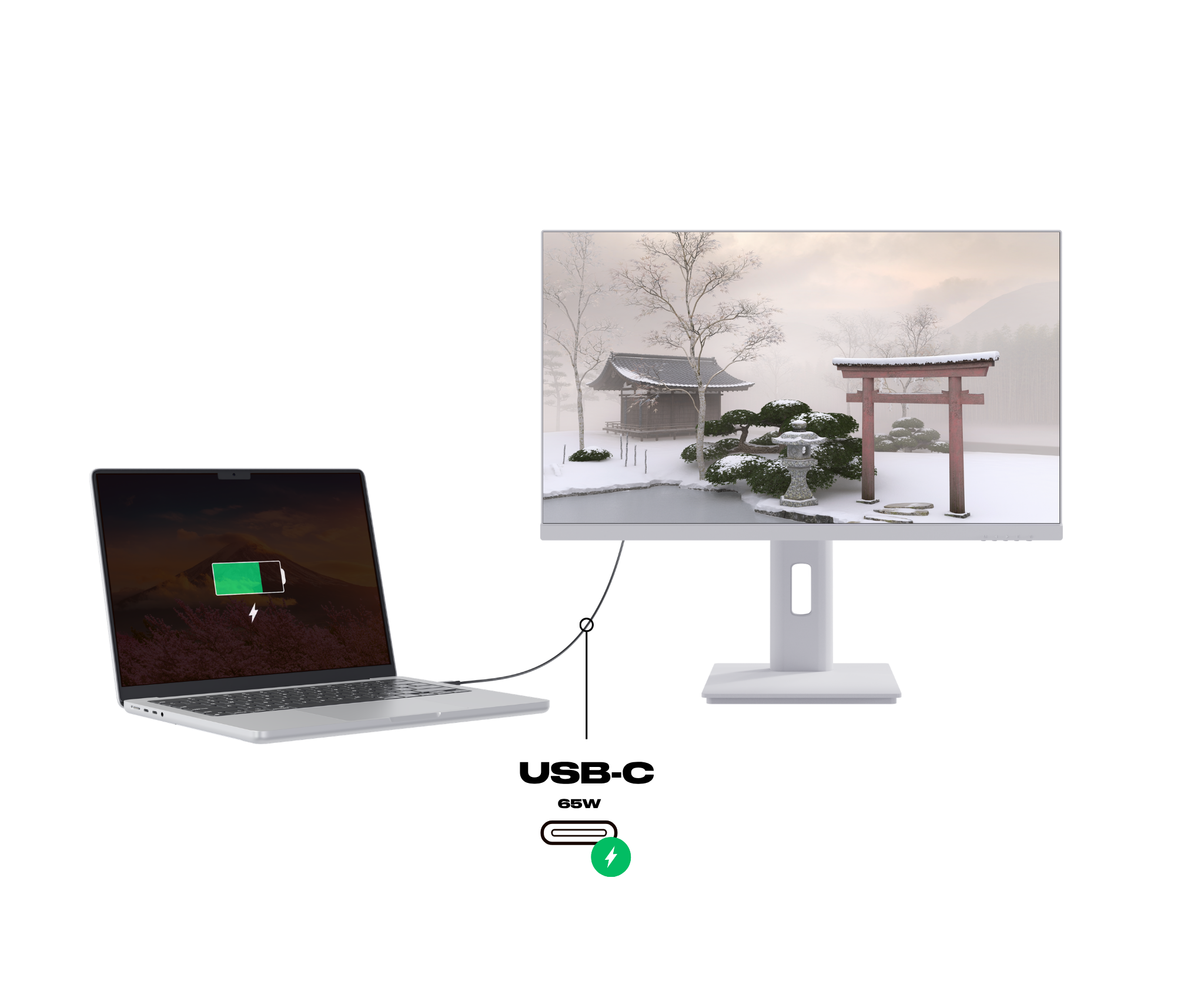
USB-C Power Delivery 65W: charging and data transfer via a single cable
-
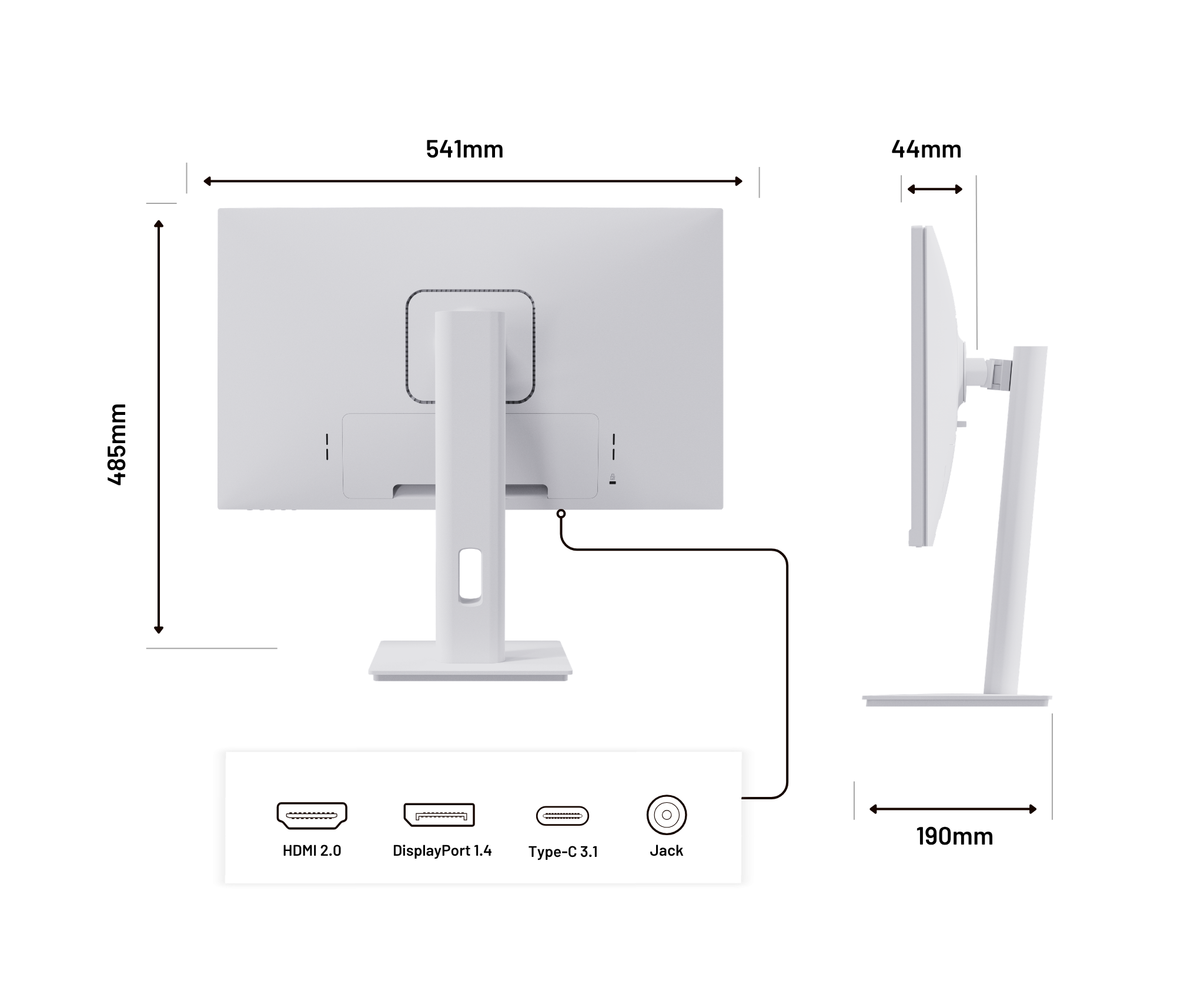
Comprehensive Connectivity: HDMI | DisplayPort | USB-C | audio output
-
16.7 million colors | HDR mode | sRGB
-
Advanced Features: FreeSync, FlickerFree, blue light filter
-
VESA 100x100 mounting – supports arm or wall installations
An elegant and versatile monitor, designed for users seeking visual performance, modern connectivity, and a refined aesthetic.
- Regular price
-
175 € - Regular price
-
- Sale price
-
175 €
 Energy Label
Couldn't load pickup availability


 HDMI
HDMI
 DisplayPort
 USB-C
USB-C


Features
Features

Low Blue Light
WQHD: A one-off experience
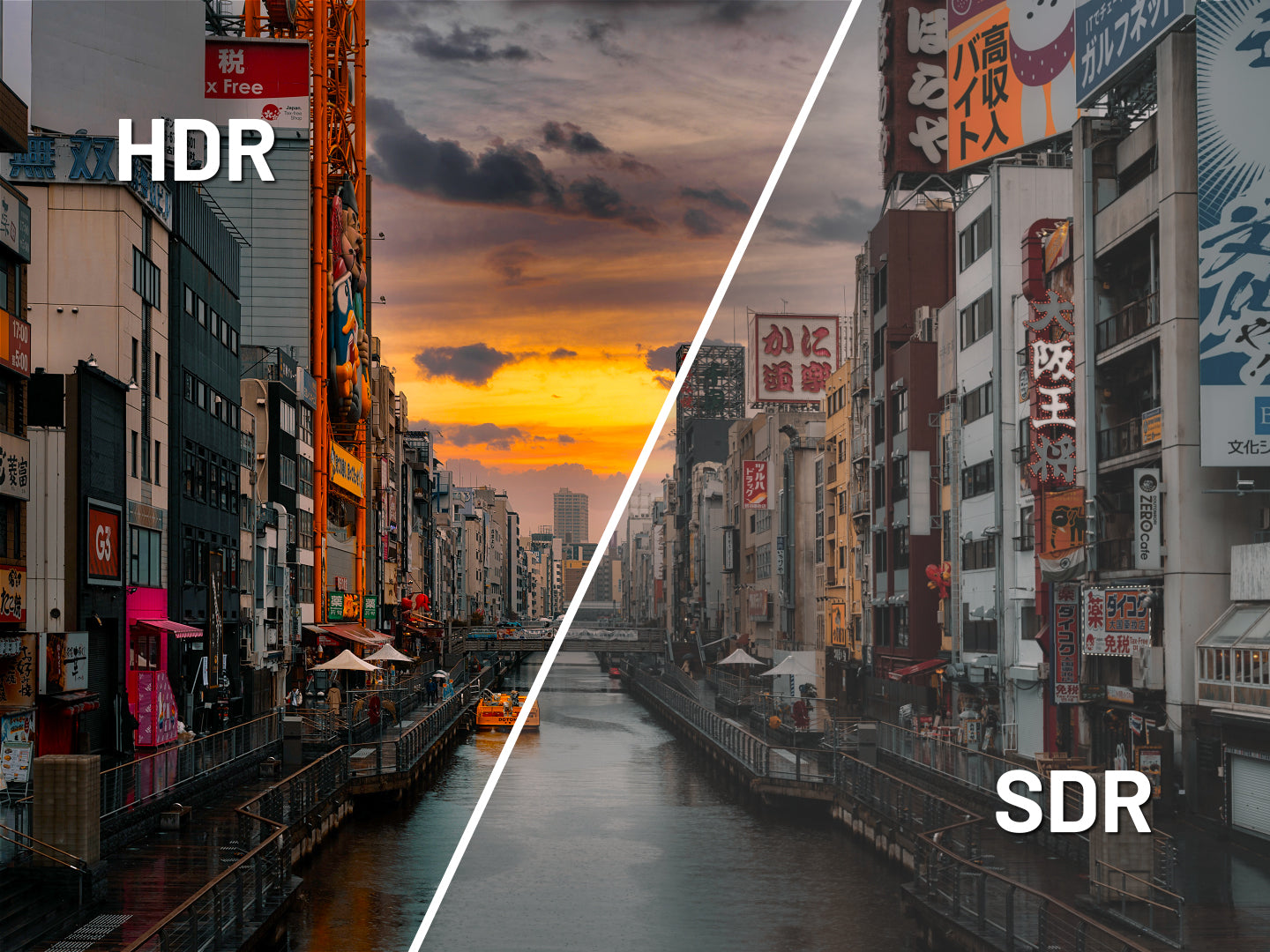
HDR: Immersive experience

FlickerFree
A monitor in motion!
-

Tilt
-

Rotation
-

Drehpunkt
-

Adjust


HDR: Realistic colors and contrasts

Low Blue Light: improved visual comfort

Flicker-Free: a clear display without flickering


Technical assets
Technical assets
Delivered with
-

Quick Start Guide
-

Adapter
-

Power cable
-

HDMI cable
-

USB-C cable


Reviews
J'hésitez avec une autre marque, très content


Nous avons opté pour 3 écrans pour notre start-up, l'objectof était d'avoir des produits de qualités, le côté Japonais nous a convaincu, entreprise à Bordeaux, c'est rassurant.
White monitor with a nice design. Fast delivery. Thx
Livraison rapide. Bon produit jusqu'à présent
L'écran est parfait pour travailler de chez moi. Il donne la possibilité de recharger mon pc sans le chargeur ce qui est hyper pratique. Je joue également à des jeux avec même si ce n'est pas un gaming mais il fait l'affaire (je joue pas à des fps)
Achat pour mon activité freelance, taille très adaptée
Rare de trouver un écran blanc, livraison express dans les temps
-

A question?
We are here to help -

Find your user manual
Download


-

FREE Express Delivery
No need to wait to enjoy your screen, JAPANNEXT offers express delivery within 48 hours .
-

Dedicated customer service
Rest assured, our team is available to advice you and support you in your purchase.
-

Payment in 3x without fees
With our partner Klarna, pay for your screen in 3 monthly installments and all free of charge.