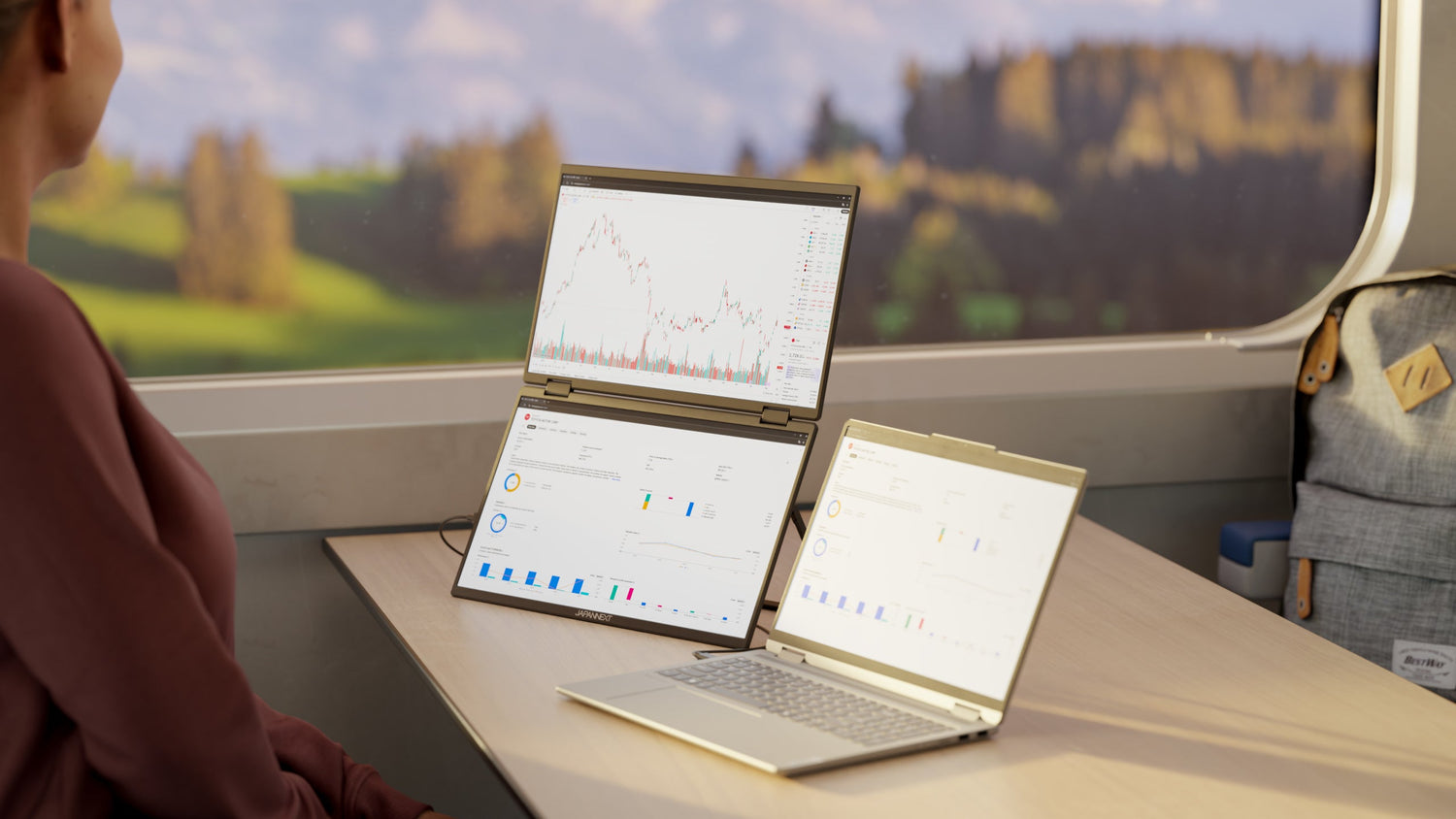
When one screen is all you need: 6K for professions that don't tolerate compromise
There are professions where the monitor isn't just another tool—it's the workstation itself. The trader monitoring real-time data flows. The architect navigating a BIM model for hours. The CAD engineer manipulating assemblies of thousands of parts. For these professionals, the traditional solution was to stack screens: three monitors lined up on the trader's desk, two plus a laptop for the architect—a setup that impresses but, in practice, multiplies irritations as much as pixels. 6K offers an alternative that seemed impossible a few years ago: concentrating the workspace of a triple-screen setup onto a single 32-inch panel.
The true cost of multi-screen
On paper, the multi-monitor setup seems like a good deal. Three 27-inch 4K monitors represent an investment of €1,200 to €2,400 depending on the quality chosen. That's affordable. But the reality is much more complex. The articulating arms to support three monitors cost between €200 and €400. The USB hub or multi-output graphics card adds to the expense. Cables accumulate behind the desk. Power consumption triples. The overall footprint reaches 180 cm in width—you need a huge desk to accommodate everything.
And then there are the invisible costs, the ones we don't count but experience every day. The bezels between the panels that fragment the information. The screens that don't calibrate exactly the same way—a slightly pinkish white on the left, a bit yellow on the right. Windows that migrate to the wrong monitor after going into sleep mode. The display settings that need to be reconfigured after every system update. These minor frustrations, repeated thousands of times a year, take their toll in time and mental energy.
The problem that no one dares to quantify: fatigue
The human eye's comfortable field of vision covers approximately 60 degrees. Beyond that, eye movements become head rotations. Three 27-inch screens aligned in a line far exceed this area—easily reaching 110 degrees of amplitude. The trader's gaze constantly sweeps from left to right, the head pivots to follow, and the neck muscles work tirelessly.
Over a 10-hour workday, this constant mental exertion produces a fatigue that professionals know all too well: neck tension, headaches at the end of the day, dry and irritated eyes. We get used to it, to the point of considering it normal. It isn't. It's simply the price to pay for a setup that was never designed for ergonomics, but for the quantity of pixels displayed.
21 megapixels in the natural field of view
A 32-inch 6K monitor displays 6144 x 3456 pixels on an 81 cm diagonal. At a distance of 70 cm—a normal working distance—the screen occupies approximately 55 degrees of the field of vision. This is within the comfort zone, where the gaze moves naturally without head rotation. The 21.2 megapixels can be viewed with simple eye movements.
To put things in perspective: a triple 4K 27-inch setup displays 24.9 megapixels, barely 17% more than 6K. But these extra pixels are spread across 180 cm wide instead of 75 cm. 6K concentrates the essential information where the eyes can easily reach it.
Configuration: Triple 4K 27"
Total pixels: 24.9 MP
Setup width: ~180 cm
Field of vision at 70 cm: ~110° (outside the comfort zone)
Configuration: Dual 4K 27"
Total pixels: 16.6 MP
Setup width: ~120 cm
Field of vision at 70 cm: ~75° (limit)
Configuration: 6K 32"
Total pixels: 21.2 MP
Setup width: ~75 cm
Field of vision at 70 cm: ~55° (optimal)
There's also the issue of visual consistency. On a multi-monitor setup, users end up mentally assigning areas to their applications: the terminal on the left, the code in the center, the preview on the right. This screen organization creates silos. Changing contexts means turning your gaze to another area, searching for the window, and mentally reorienting yourself.
On a 6K monitor, all applications share the same screen. The display is organized into zones on a continuous surface. The eye moves only a few centimeters, not tens. Context remains accessible in peripheral vision. Information forms a cohesive whole, not a collection of fragments.
Finance and trading: when the millisecond makes all the difference
The trader's workstation is one of the most demanding in terms of monitor. It requires simultaneous monitoring of real-time asset prices, order books with their market depth, technical charts across multiple timeframes, economic and political news feeds, internal messaging, and order execution tools. Each source of information can trigger a decision. Missing a signal—or seeing it with a fraction of a second's delay—costs money.
Multi-monitor setups provide the space to display these feeds, but they introduce a cognitive delay. The time it takes to locate the information on the correct screen, turn your gaze, and refocus—these fractions of a second add up. On a 6K monitor, the feeds are presented on a continuous surface. The eye captures the variations in peripheral vision without losing focus. When an alert appears in a corner of the screen, the trader perceives it instantly, not after turning their head.
This difference in perceptual latency is difficult to measure in a lab, but traders who switch from multi-monitor setups to 6K feel it immediately. They describe a sensation of "fluidity," a more direct connection with the data flow. In a profession where margins are measured in milliseconds, this fluidity has real value.
Architecture and BIM: see the whole plan, not fragments
Architectural plans in the execution phase are complex documents. Hundreds of annotations, dimensions, and cross-references. Overlapping layers: structure, partitions, networks. On a 4K monitor, the architect must choose: either display the entire plan at a scale where the annotations become illegible, or zoom in to read the details and lose the overall view.
This constant switching between scales is exhausting and prone to errors. An architect working on a detail sometimes forgets the context—the dimension they modify has an impact three meters further along the plan, but that area is no longer visible. 6K allows for the display of an A1 plan with enough resolution to read the dimensions while maintaining an overall view of the document. Navigation is streamlined. The context remains accessible.
Building Information Modeling (BIM) adds another dimension to the problem. The BIM model overlays multiple layers: structure, fluids, electrical, HVAC, and annotations. The software interface—Revit, ArchiCAD, Allplan—itself requires space: project tree, element properties, tool palettes, view browser, and quantity takeoff spreadsheet. On a 4K display, either the 3D viewport is reduced to a small window, or the control panels overlap.
6K resolution provides the space to deploy the BIM interface without sacrificing the viewport. The 3D model remains legible while properties are being adjusted. Coordination between different trades—that critical moment when versions are compared and conflicts are detected—becomes smoother. Two views can be displayed side-by-side without compression.
CAD engineering: pixel-perfect precision
CAD software—CATIA, SolidWorks, Creo, AutoCAD—shares a common challenge: displaying complex 3D models composed of hundreds or thousands of parts while still providing access to manipulation tools. The assembly tree is on the left, component properties on the right, constraint tools in a corner, and the 3D viewport in the center. On a 4K monitor, the viewport shrinks as soon as the side panels are opened.
The CAD engineer spends a significant portion of their time resizing these areas depending on the task at hand: enlarging the viewport for modeling, reducing it to access the tree view, and enlarging it again to check a constraint. These manipulations have become so automatic that they are countless. Nevertheless, they remain a waste of time and an interruption of the workflow.
6K offers a generous 3D viewport even with the side panels open. Manipulating dense assemblies becomes more comfortable—in a cluttered area with many parts, the high resolution allows for more precise selection. The engineer works on their model, not on managing their windows.
2D drawings and technical documentation also benefit from the additional space. Detailed drawings, with their tolerances, surface finishes, and standardized annotations, are displayed with a clarity that allows for visual validation. "Check printouts" become less necessary—the screen shows what will be printed.
Total cost of ownership: an honest comparison
The budget issue deserves a thorough analysis, not just a simple comparison of list prices. Over a period of 5 years—a reasonable lifespan for a professional monitor—the costs accumulate surprisingly quickly.
Cost item:
Triple 4K 27"
Monitor(s): 1,200 - 2,400 EUR
Articulated supports/arms: 200 - 400 EUR
Cabling and hub: 100 - 200 EUR
Electricity consumption over 5 years: ~450 EUR
IT support (configuration, incidents): ~300 EUR
Total TCO: 2,250 - 3,750 EUR
6K 32"
Monitor(s): 1,800 - 2,500 EUR
Articulated supports/arms: 50 - 150 EUR
Cabling and hub: 50 EUR (1 cable)
Electricity consumption over 5 years: ~180 EUR
IT support (configuration, incidents): ~100 EUR
Total TCO: 2,180 - 2,980 EUR
At a comparable total cost—sometimes even lower—6K frees up 100 cm of desk space, reduces power consumption by 60%, and eliminates multi-monitor setup problems. The economic argument aligns with the ergonomic one.
There's also the opportunity cost to consider. A 5% productivity gain on a workstation billed at €600/day represents €7,500 of value generated annually. This figure isn't a marketing promise—it's a conservative estimate of the time recovered by eliminating the micro-interruptions of multi-screen use. For high-value-added jobs, the screen isn't a cost, it's a performance driver.
Integrating 6K into enterprise infrastructure
The deployment of 6K in a professional environment raises legitimate questions. Compatibility is the first: 6K at 60 Hz requires a capable video output—Thunderbolt 4, USB-C DisplayPort, or HDMI 2.1. Workstations less than three years old generally support these standards. Older machines may require a compatible graphics card, a modest investment compared to the rest.
Standardization is key. Deploying a single model across a fleet of monitors significantly simplifies IT management. Same drivers, same display settings, same troubleshooting procedures. Professional monitors typically come with a 3-year warranty and on-site service options. Technical support can then focus on real problems, not multi-monitor setups.
Adoption is finally here. The transition to 6K requires a short adjustment period: learning how to organize windows across the extended screen, finding the optimal scaling level, and mastering window management shortcuts. A 30-minute training session accelerates this transition and maximizes ROI from day one.
Key takeaways
Multi-monitor setups were a pragmatic solution to a real problem of limited space. But they created their own set of problems: eye strain, technical complexity, and hidden costs. 6K solves the initial problem—having enough pixels to work efficiently—without creating new ones. More usable screen space, less clutter, less fatigue, and less maintenance. For professions where information is critical, where responsiveness makes all the difference, and where precision is non-negotiable, 6K becomes the obvious choice. One screen. Zero compromises.