On a workstation equipped with three 27-inch monitors installed 70 cm apart, the side screen occupies the area between 23 and 52 degrees from the eye's axis. Comfortable reading, which only requires eye movement, falls within a zone of approximately 30 degrees on either side of this axis.
The third screen therefore starts at the edge of this zone and extends well beyond it. Its outer half cannot be read without turning one's head.
This observation does not condemn the triple-screen setup: it indicates that the third monitor does not fulfill the same function as the first two. Treating it as a continuous work surface leads to disappointment, whereas treating it as a consultation area makes it useful.
What the eye actually covers in front of a three-screen workstation
The calculation is reproducible. A 16:9 27-inch diagonal display measures 59.8 cm wide. Three adjacent displays therefore form a surface of 179.4 cm. At a distance of 70 cm, this assembly subtends a total angle of 104 degrees.
Here's what the most common configurations provide, measured from the axis of vision.
Diagonal: 24 inches
Panel width: 53.1 cm
Distance: 70 cm
Total workstation angle: 97 degrees
Side screen position: from 21 to 49 degrees
Diagonal: 27 inches
Panel width: 59.8 cm
Distance: 70 cm
Total workstation angle: 104 degrees
Side screen position: from 23 to 52 degrees
Diagonal: 32 inches
Panel width: 70.8 cm
Distance: 70 cm
Total workstation angle: 113 degrees
Side screen position: from 27 to 57 degrees
Diagonal: 27 inches
Panel width: 59.8 cm
Distance: 60 cm
Total workstation angle: 112 degrees
Side screen position: from 26 to 56 degrees
The reading is simple: regardless of the diagonal chosen, the side screen of a triple workstation starts around 20 to 27 degrees and ends between 49 and 57 degrees. It therefore straddles the comfortable reading zone, with most of its surface lying beyond it.
The third screen doesn't disappear, it changes its role
Content placed 45 degrees from the axis of vision remains perfectly visible. What changes is the cost of the action: reading it requires a head rotation, not just an eye movement. This rotation is negligible if it occurs a few times per hour, but painful if it occurs several times per minute.
This distinction dictates the distribution of content. The two central screens display continuously viewed content: the document being edited, the source being copied, or the development environment. The third screen displays content viewed intermittently: messaging, calendar, supervision dashboard, reference documentation.
The classic mistake is to distribute content by order of opening rather than by frequency of consultation. The main document then ends up on a side panel, and the configuration becomes tiring without the cause being identified.
The viewing distance matters more than the diagonal
Comparing the lines in the table leads to a counter-intuitive result. Going from 24 to 32 inches on three panels adds 16 degrees to the total angle. Moving back from 60 to 80 cm on 27-inch panels loses 15 degrees.
In other words, the viewing distance almost entirely compensates for the increase in diagonal. This is the most effective lever for making a triple workstation comfortable, and the only one that costs nothing, provided the desk depth allows it.
The practical constraint then shifts to readability: the further back you sit, the larger the characters must be, meaning the display resolution must be higher to maintain the same amount of information displayed.
Arranging the three displays flat or in an arc
A strictly flat arrangement places the side screens in an oblique plane relative to the gaze. The usable surface is reduced, as the display is viewed at an angle, and the viewing angles of the technology used become crucial.
An arched arrangement, where the side displays are pivoted towards the user, brings their surface facing the gaze. It does not change the angle at which they are located, calculated above, but it eliminates the distortion associated with oblique vision.
This is also why displays with wide viewing angles are better suited for this type of setup: on an IPS display advertised at 178 degrees, oblique viewing degrades colors less than on a more directional technology.
Three monitors or one very wide one
The geometry presented above raises the question differently: since the truly usable area without head rotation is limited, are three displays necessary to cover it?
A single, very wide display covers the same central area without the two bezels that cut the image of a triple setup, and without the calibration difference between displays, always present even on identical models. It also simplifies connection, with only one cable needed.
What the wide format does not do: it does not allow physically separating content with bezels, which some users explicitly seek, nor does it allow placing a screen in portrait orientation.
In the JAPANNEXT catalog, this area is covered by the 34-inch IPS UWQHD Curved PC Monitor, the 37.5-inch IPS UWQHD+ Curved PC Monitor, the 39.7-inch IPS WUHD Curved PC Monitor, and the 49-inch DWQHD Wide PC Monitor. The curvature of these displays precisely addresses the angle problem described above: it brings the ends of the image closer to the gaze. The range is grouped in the curved screens collection.
Desktop triple monitor vs. mobile triple monitor
Two very different objects share the same name, and confusion is common when purchasing.
A desktop triple screen setup refers to three independent monitors, each with its own power supply and video cable, placed side-by-side. This is the configuration described in this article.
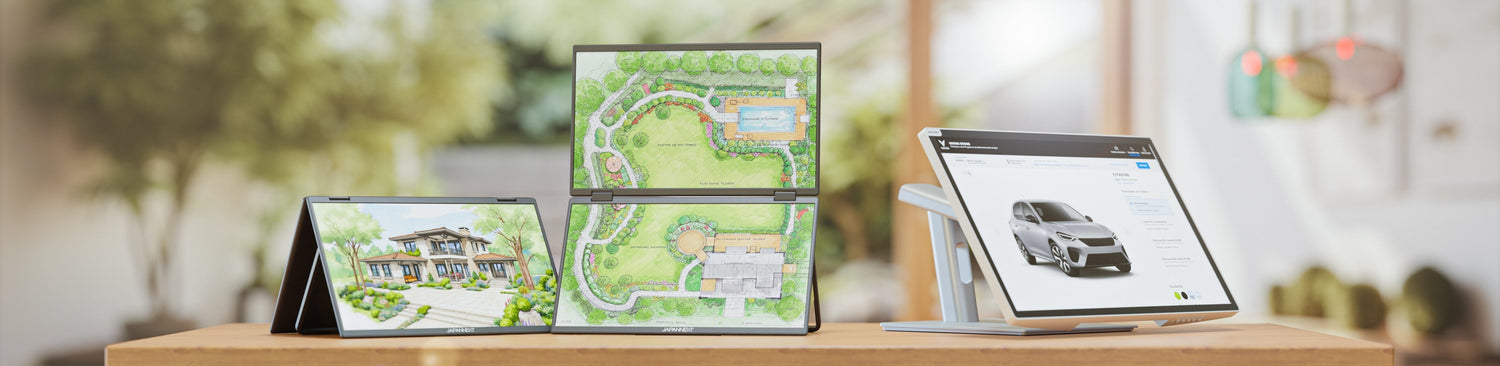
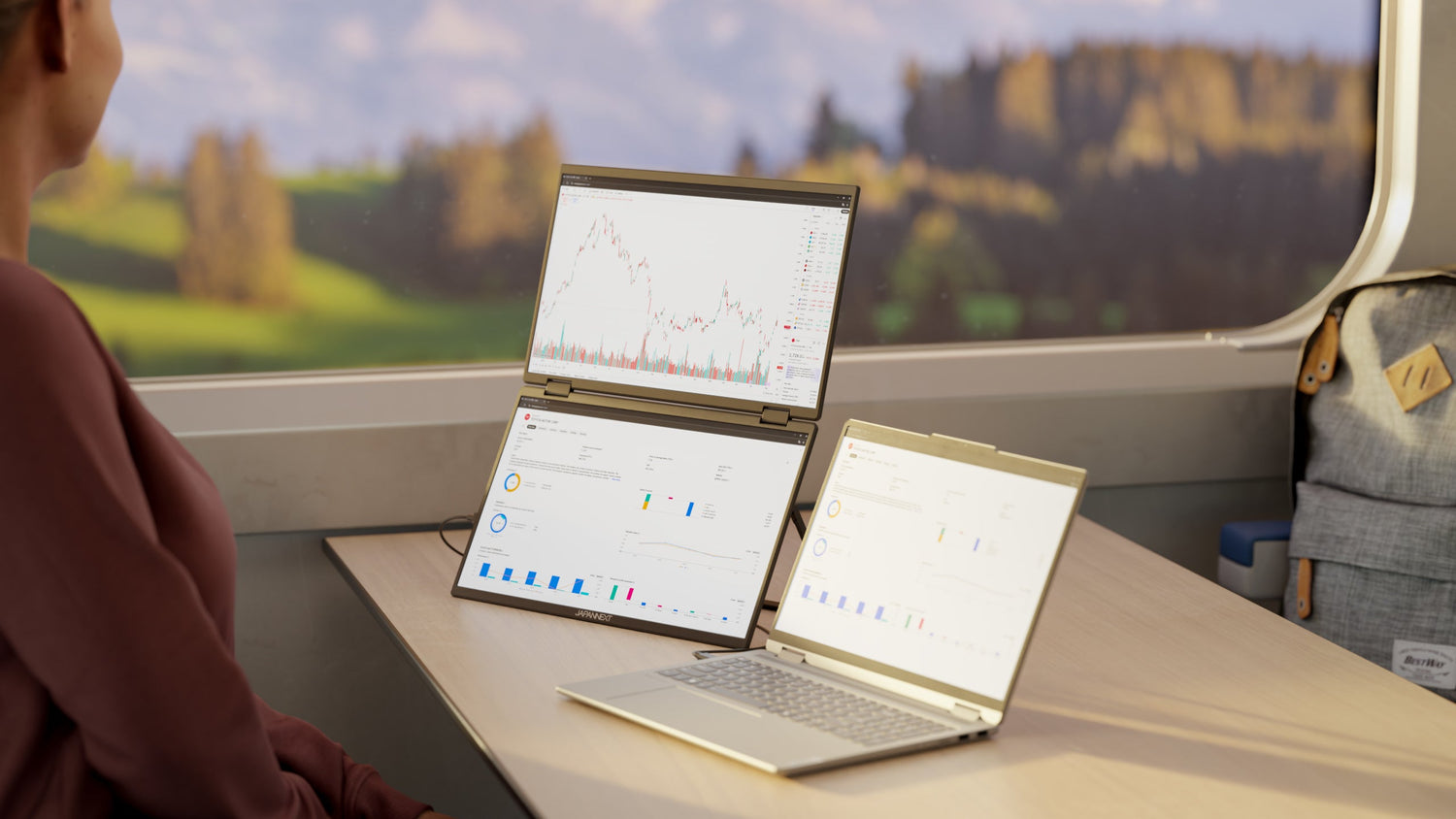
A portable triple screen refers to an accessory with integrated displays, ranging from 14 to 17 inches, that unfolds on either side of a laptop screen and connects via a single cable. The constraints are entirely different: the surface area is much smaller, the subtended angle much narrower, and the purpose is mobility rather than a fixed workstation.
What the machine must be able to drive
A three-screen setup assumes that the machine can drive three simultaneously. This capability depends not on the number of available ports but on the graphics processor, and it varies greatly from one model to another, especially on laptops.
Verification can be done on the machine's technical specifications, under the mention of the number of supported simultaneous displays. A docking station does not bypass this limit: it multiplies the ports, not the graphics processor's capacity.
A second point to check is the maximum resolution supported per output. Driving three high-definition displays requires more bandwidth than three Full HD displays, and some configurations may then require reducing the resolution or refresh rate.
To go further: wide formats and curvature
- The advantages of wide and ultra-wide monitord: the single-panel alternative to a triple-screen setup, in terms of productivity.
- The advantages of a curved monitor: why curvature brings the ends of the image closer to the eye.
- Are curved desktop monitors suitable for work: the format applied to professional use.
- Understanding different monitor panels: what announced viewing angles are worth, crucial for side screens.
FAQ: Three-screen workstation
How many monitors can a computer drive?
This depends on the graphics processor and not on the number of available ports. The capacity is listed in the machine's technical specifications, under the mention of the number of supported simultaneous displays. A docking station adds ports but does not change this limit.
Do you need three identical monitors?
It's not mandatory, but panels with different diagonals or resolutions result in unequal display sizes and a color rendering discrepancy. In a triple setup, the difference is even more noticeable the closer the panels are.
What viewing distance for a three-monitor setup?
The greater the distance, the smaller the total angle: on 27-inch panels, moving from 60 to 80 cm reduces the workstation angle from 112 to 97 degrees. The trade-off is readability, which then requires sufficient resolution to maintain comfortable character sizes.
Does an ultra-wide monitor replace two or three monitors?
It replaces the central area, the one the eye covers without head rotation, and eliminates the bezels and calibration differences between panels. It does not allow physically separating content with bezels or switching a screen to portrait orientation.
Is a mobile triple monitor the same thing?
No. It's an accessory with integrated 14-to-17-inch panels, connected by a single cable and designed for mobile work. The surface area and angles have nothing in common with a fixed three-monitor workstation.