A day in a hide or a week of travel brings back several hundred images, sometimes several thousand. In the evening, two questions arise for each one: what animal is it, and is the image sharp? A laptop's built-in monitor answers both poorly, because it shows too few pixels at a time.
A 23.8-inch 4K portable monitor displays 8.3 million pixels, four times as many as a Full HD monitor, on a panel 52.7 centimetres wide. That is enough to read the detail that separates two species without enlarging every image, and to judge sharpness at a glance.
The rest of the work falls to two pieces of software published by CYME, a JAPANNEXT partner: Specio, which suggests the name of the species, and Peakto, which finds the image again years later. The monitor is there to confirm what the former suggests. CYME, for its part, explains how it uses these monitors in the field and at trade shows in its article dedicated to wildlife photographers.
How many of a photo's pixels a monitor really shows
A 24-megapixel sensor produces an image of 6000 by 4000 pixels. No standard monitor displays them all. What matters when sorting is the share you see when the image fills the whole monitor.
|
Monitor |
3:2 image displayed in full |
Photo pixels per monitor pixel |
|
Full HD, 1920 x 1080 |
1620 x 1080, i.e. 1.7 million pixels |
about 14 |
|
4K UHD, 3840 x 2160 |
3240 x 2160, i.e. 7 million pixels |
about 3.4 |
On a Full HD monitor, each displayed dot sums up nearly fourteen pixels of the photo. A bird that takes up a tenth of the frame's width then fits into 160 monitor dots: the silhouette is there, the plumage no longer is. On a 4K monitor, the same bird spreads over 320 dots, and each one sums up only three or four sensor pixels.
The size of the panel does the rest. A 14-inch laptop is 31 centimetres wide. The 23.8-inch 4K portable monitor measures 52.7, with a density of 185 pixels per inch: the image is both larger and finer. A 23.8-inch Full HD model has the same surface area, but only 93 pixels per inch.

The software suggests a species, the eye confirms it
Specio is species identification software designed for nature photographers. It goes through a folder or a catalogue, spots each animal in the image, suggests a name and indicates its degree of certainty. Its publisher claims more than 450,000 recognised species and processing that reaches twenty photos per second. Everything happens on the computer, under macOS or Windows: the images are not sent online.
The software does not decide on its own. It displays its suggestion, and it is the photographer who confirms it, with a click, before the name is written into the image's keywords. When the file carries GPS coordinates, Specio uses them to decide between two similar-looking species, and indicates with a color dot whether the animal actually lives in the region where the shot was taken.
It is at the moment of confirmation that the monitor matters. A suggestion given with medium certainty calls for a visual check: the color of a leg, a pale eyebrow, the pattern of a wing. These features occupy a handful of pixels on the sensor. On a Full HD panel, you have to enlarge the image, move it around, go back, and start again with the next one. On a 23.8-inch 4K panel, the feature can often be read on the whole image.
The gain shows over a series. Specio can confirm a burst or an entire selection in a single step: but you still need to have seen that all thirty images show the same individual. A grid of larger, finer thumbnails makes this possible without opening each file.
Checking sharpness without zooming in twenty times
A wildlife photo hinges on the subject's eye. Sharp, the image is kept. Blurred, it goes, even if the framing is the best in the series. This check is done at 100%, when one pixel of the photo occupies one pixel of the monitor.
At this scale, a Full HD monitor shows a window of 1920 by 1080 pixels, i.e. a third of the width of a 24-megapixel image and a quarter of its height. A 4K monitor shows 3840 by 2160: nearly two thirds of the width and more than half of the height. The subject and its immediate surroundings fit in the same view, and it becomes possible to compare two images from a burst side by side without losing sight of the animal's eye.

Three checks are best done in this order, because each one eliminates images before the next:
1. sharpness of the eye, at 100%;
2. noise in the dark areas of the plumage or fur, also at 100%;
3. framing and background, with the whole image.
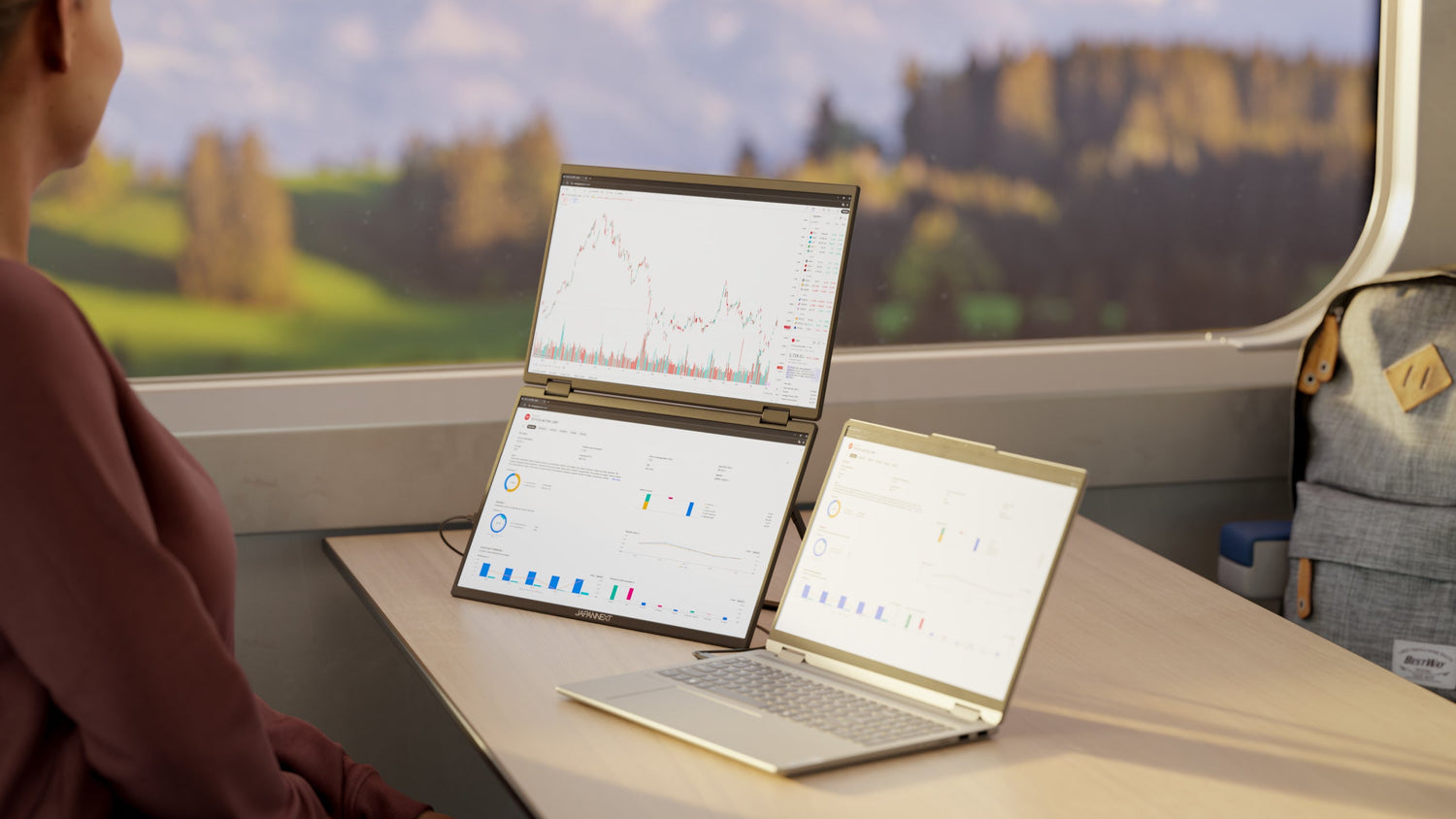
The evening workstation: a second screen that packs away
Sorting rarely happens at the office. It happens in a holiday cottage, a hotel room or a vehicle, that same evening, while the outing is still fresh in the mind. A portable monitor sits next to the computer: the catalogue stays on the laptop's monitor, the image is displayed large on the second one. This evening session also helps prepare the next outing: a branch that cuts across the subject in one image out of three, an overly busy background or a shutter speed that is too tight are easier to see across a whole series than in a single image, and can be corrected in the hide the very next day.
The 23.8-inch 4K model uses an IPS panel, whose colors remain stable when the monitor is viewed from an angle. This matters when there are two of you: the travel companion sitting alongside sees the same image as the person holding the mouse. The monitor also supports HDR content.
The monitor (JN-MD-IPS238U-C6) weighs 2.5 kilograms and is 16 millimetres thick. It receives the image via an HDMI port or via one of its two USB-C ports, which support Power Delivery up to 65 W. Its panel covers 99% of the DCI-P3 colour space, with a brightness of 250 cd/m² and a contrast of 1300:1. A VESA 100 x 100 mount means it can be fitted to an arm.
This is also the model the CYME team chose for its trade shows: they unfold it on a table, plug in the computer, and use it both to show photos in large format and to demonstrate Specio.
One thing to check before setting off: the computer's USB-C port must carry video. Not all of them do, particularly on entry-level laptops. DisplayPort Alt Mode or a Thunderbolt port, often indicated by a small logo next to the port, guarantees display over a single cable. If not, the monitor's HDMI port takes over.
Two other monitors in the range suit different bags. The 15.6-inch 4K OLED portable monitor (JN-MD-OLED156UHDR) weighs 0.7 kilograms and connects via one of its two USB-C ports or its mini HDMI port. Its OLED panel covers 100% of the DCI-P3 colour space and 94% of Adobe RGB, with a density of 282 pixels per inch: it is the choice for air travel, when every kilogram counts. Conversely, for those looking above all for a large surface at home, the 23.8-inch Full HD portable monitor keeps the same diagonal with a quarter of the resolution.
Adjusting colors before judging a shade
Identifying a species calls for accurate shades rather than flattering ones. An over-saturated russet or a grey shifted towards blue is enough to cause hesitation between two similar birds. Two simple settings limit this risk straight out of the box: choose the standard picture mode rather than a vivid mode, and set the monitor's brightness to match the room, not to maximum.
For work intended for printing or for selling images, these settings are no substitute for a calibration probe. The method is described step by step in the article on monitor color calibration, and it applies to a portable monitor just as it does to a desktop monitor.
One last point concerns the setting. A room lit by a yellow lamp distorts perception more surely than the monitor itself. Sorting with your back to the light, or with the lamp switched off, makes your judgement more consistent from one evening to the next.
Showing your images: workshops, exhibitions, trade shows
The same monitor comes in handy once sorting is done, when it comes to showing the images to others. Three situations lend themselves particularly well to it.
In a workshop or on a photography course, the instructor and the group look at the same image in large format. You can discuss framing, focus or the choice between two images from a burst by pointing at the detail, without passing a computer from hand to hand. The IPS panel keeps colors stable for those sitting at an angle.
At an exhibition, the monitor placed next to the prints tells what the print does not show: the burst the image came from, a close-up of the eye or plumage, or the development of a project followed over several seasons. Mounted on a stand thanks to its VESA mount, it becomes part of the hanging.
At a trade show or on a stand, it switches from a looping slideshow to a live demonstration in a few seconds. This is how CYME uses it to present Specio to the public.
Finding the image across ten years of catalogues
A named species is only valuable if the image can be found again. The keywords written by Specio are read by the software that manages the photo library: Lightroom Classic, Apple Photos, DxO PhotoLab, or Peakto.
Peakto is a media manager for Mac. It brings together in a single library images scattered across several drives, a NAS and old catalogues, without moving the files. Searches are made by keyword or by describing the scene in your own words. A photographer looking for all their kingfishers, whatever the trip and whatever software was used that year, gets them on a single screen.
The complete chain then comes down to three steps: the monitor shows the detail, Specio names the species once confirmed, Peakto finds it again.