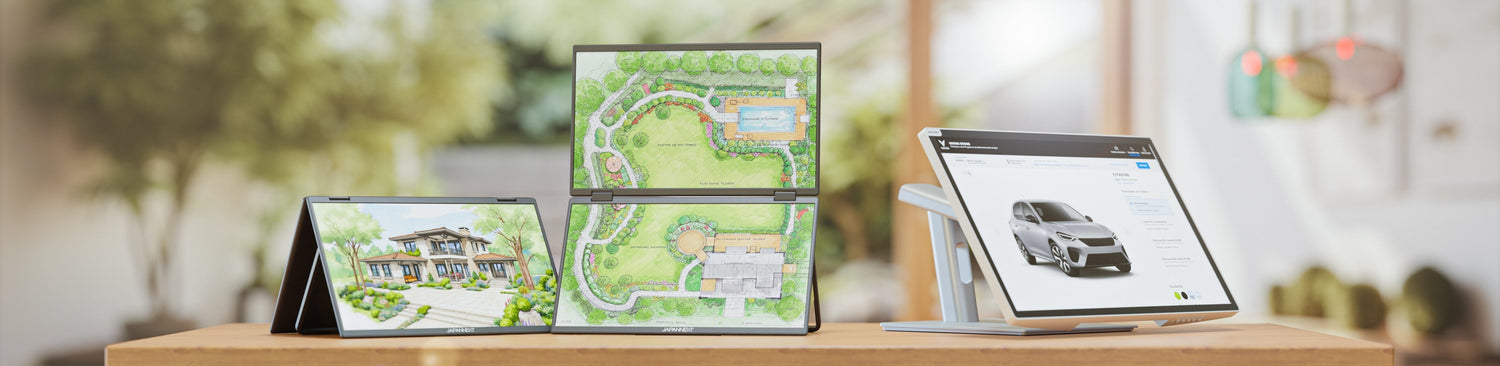
A 23.8-inch mobile monitor is not a carry-bag screen. At this diagonal, the display surface is comparable to that of a classic desktop monitor, and the object is no longer designed for daily commute.
What it offers is elsewhere: it stores away. Where a stand-alone monitor permanently occupies space on a table, the portable format folds up and slips into a drawer or behind furniture once the day is over. For those working at the dining room table, this difference matters more than portability.
Two resolutions exist for this diagonal in the JAPANNEXT catalog, Full HD and 4K UHD, and this is the only real choice to make before buying.
23.8 inches and 15.6 inches are not for the same use
The mobile range covers from 13.3 to 23.8 inches, but these formats do not meet the same need, and confusing them leads to a bad purchase.
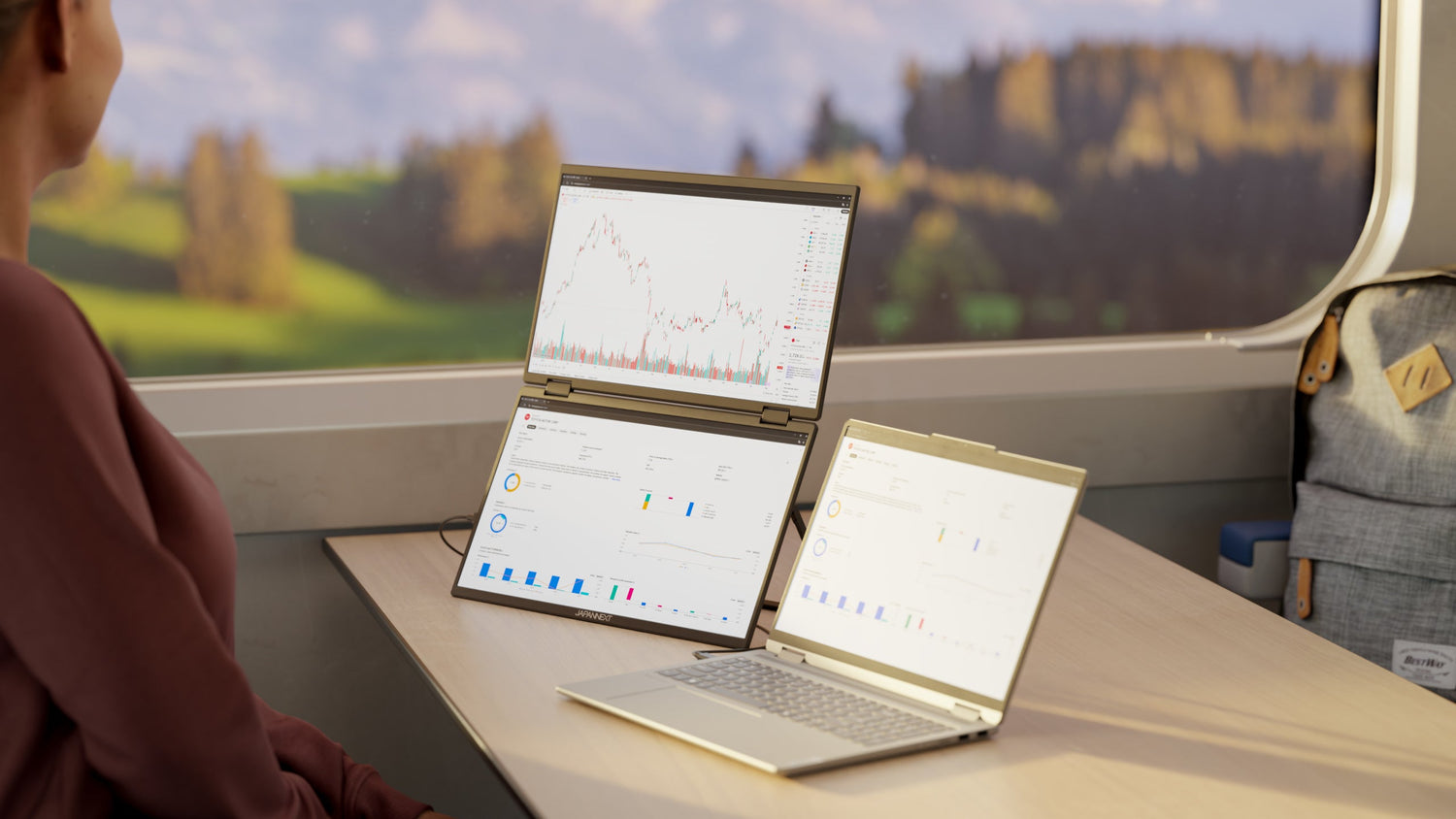
The 15.6-inch goes with you every day. It slips into a bag next to the laptop, connects on a train or in a hotel room, and its diagonal matches most laptops, providing two comparable-sized windows.
The 23.8-inch moves, it's not transported daily. It changes rooms, goes on a trip in a car trunk, settles for the week in a rental. Its diagonal is not compared to a laptop but to a desktop monitor.
The question to ask before choosing is therefore not the desired surface, but the frequency of travel. A screen that moves every day should be chosen small, a screen that moves once a week can be chosen large.
Full HD or 4K on 23.8 inches: what density changes
The two references of this diagonal only differ by their resolution, and the gap is not insignificant. Full HD displays 1920 x 1080 pixels, or a little over 2 million points. 4K UHD displays 3840 x 2160 pixels, or four times more.
On a 23.8-inch diagonal, this difference results in a significantly higher display density in 4K: characters are drawn with many more points, so their outlines are sharper, especially on small text sizes.
The trade-off comes in two points. 4K demands more from the machine and connectivity, which is not negligible on an older laptop. And it generally requires a system scaling setting to keep the interface readable, otherwise elements appear very small.
The practical benchmark: for office work and browsing, Full HD remains comfortable on this diagonal. For working on dense documents, small text or images, 4K changes the reading experience.
The home workstation that disappears after use
The primary use of this format is teleworking without a dedicated office. The dining room table, kitchen countertop, or an entrance console become a workstation in the morning and revert to their original purpose in the evening.
A classic desktop monitor makes this transition impossible: its stand occupies a permanent footprint, and disassembling it daily is not realistic. A 23.8-inch portable monitor is set up, connected with a single cable, and stored away at the end of the day without any unscrewing.
The interest is therefore less about mobility than reversibility. This is what distinguishes this use from that of a fixed second screen, and explains why such a large format finds its place in a portable range.
The display for stays and converted vehicles
The second use highlighted by the manufacturer concerns stays and converted vehicles. The logic is the same, with an even stronger space constraint.
In a holiday rental, the screen allows you to work for a few days without having to rely on a laptop screen, then stores away as soon as the day is over.
In a converted vehicle, it sits on a countertop for a session, before serving as a viewing screen in the evening.
This dual function is made possible by the connectivity: 23.8-inch models have an HDMI input in addition to USB-C, which makes them compatible with video sources other than computers.
What the machine must provide
As with any portable display, the condition to check is the machine's USB-C port's ability to output a video signal. A port that does not support the DisplayPort alternate mode defined by VESA will not display anything, even if charging works.
The fallback here is more comfortable than on smaller formats: both 23.8-inch references have a standard-sized HDMI input, allowing for a classic connection when USB-C is not usable.
On the 4K version, an additional point deserves attention: displaying 3840 x 2160 pixels requires bandwidth that not all older video outputs provide, which can limit the refresh rate or the actually achieved resolution.
JAPANNEXT 23.8-inch portable monitors
- 23.8-inch IPS Full HD HDR Mobile Monitor, reference JN-MD-IPS238F-C6: IPS panel, 1920 x 1080, HDR10, 178-degree viewing angles, USB-C and HDMI connectivity, matte screen with protective cover acting as a stand.
- 23.8-inch IPS 4K UHD HDR Mobile Monitor, reference JN-MD-IPS238U-C6: same format and connectivity, 4K UHD resolution 3840 x 2160.
The format also exists in a dual display, with the 2 x 23.8-inch IPS Full HD Dual Mobile Monitor, reference JN-DMD-IPS238F-C4. A refurbished version of the 4K model is also offered. The entire range is grouped in the portable monitors collection.
To go further: format, definition and connection
- 4K monitor, choosing the right size: the relationship between resolution and diagonal, which dictates the trade-off between Full HD and 4K on 23.8 inches.
- Laptop monitor connectivity: what each port carries, and how to check if a port will output an image.
- How to choose your mobile monitor: size, resolution, panel and connectivity, the general framework for selection.
FAQ: 23.8-inch portable monitor
Is a 23.8-inch portable monitor truly portable?
It is more moved than transported. At this diagonal, the object is designed to change rooms, go on a trip, or be temporarily installed, not to be carried daily in a bag. For daily mobile use, 15.6 inches is the appropriate size.
Should I choose Full HD or 4K at this size?
4K displays four times more pixels than Full HD on the same diagonal, making characters significantly sharper, especially at small sizes. Full HD remains comfortable for office work and demands less from the machine. The choice depends on the density of text handled daily.
Does a portable monitor replace a desktop monitor?
In terms of display area, a 23.8-inch portable monitor is equivalent to a desktop monitor of the same diagonal. What distinguishes them is ergonomics: a stand-alone monitor offers height and tilt adjustments that a portable monitor placed on its cover does not replicate.
Can it be connected to a console or video player?
Both 23.8-inch references have an HDMI input in addition to USB-C, allowing them to be connected to a video source that is not a computer. This enables their use as a viewing screen.
Is a separate power supply required?
The specifications for these models indicate USB-C and HDMI connectivity, with no mention of an integrated battery. Power therefore comes from the machine connected via USB-C, or from a charger, especially when the image is transmitted via HDMI.